
Digital Skills Academy Website Clone for Seniors for WordPress
Everyday technology, explained kindly. 19 courses, 126 lessons and 378 quiz questions, ready on day one.
Give a parent or grandparent the confidence to use their phone, video call the family, shop and bank safely and spot scams, or launch your own online academy selling digital skills courses to older learners. Printable cheat sheets, a plain-English glossary, a help and FAQ page and 7 learning paths are all included.
Large print · Stripe memberships · Nothing else to install
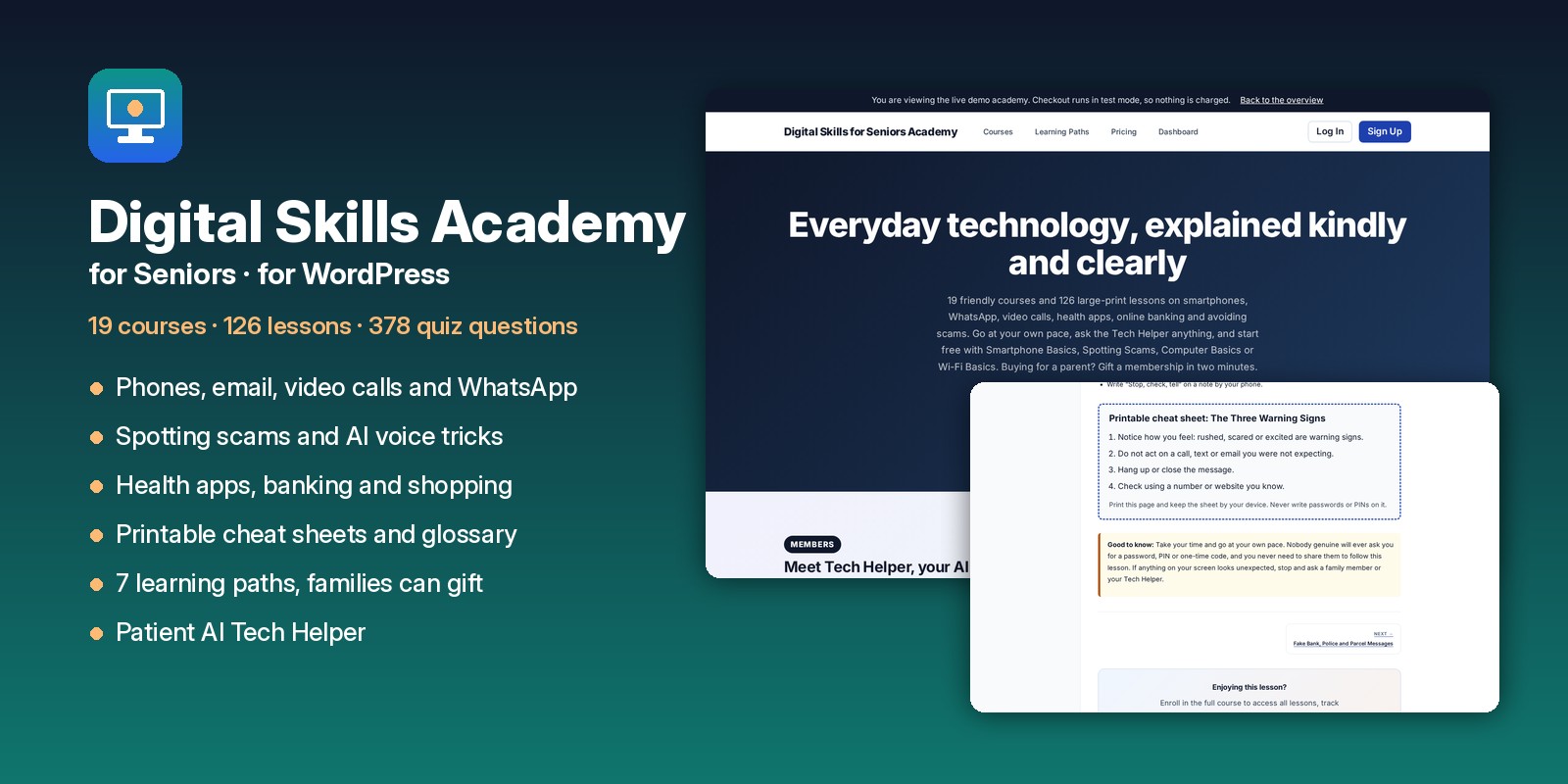
Made for families and for course sellers
Set it up for Mom, Dad, Grandma or Grandpa. They learn at their own pace with big text, printable cheat sheets and a patient Tech Helper, and you get fewer “how do I…” phone calls. Gift memberships let you pay with your own card.
Millions of older adults want to learn smartphones, video calls and scam safety. Launch a digital skills academy with a full catalog on day one and sell courses, learning paths and memberships to seniors, families, libraries and senior centers.
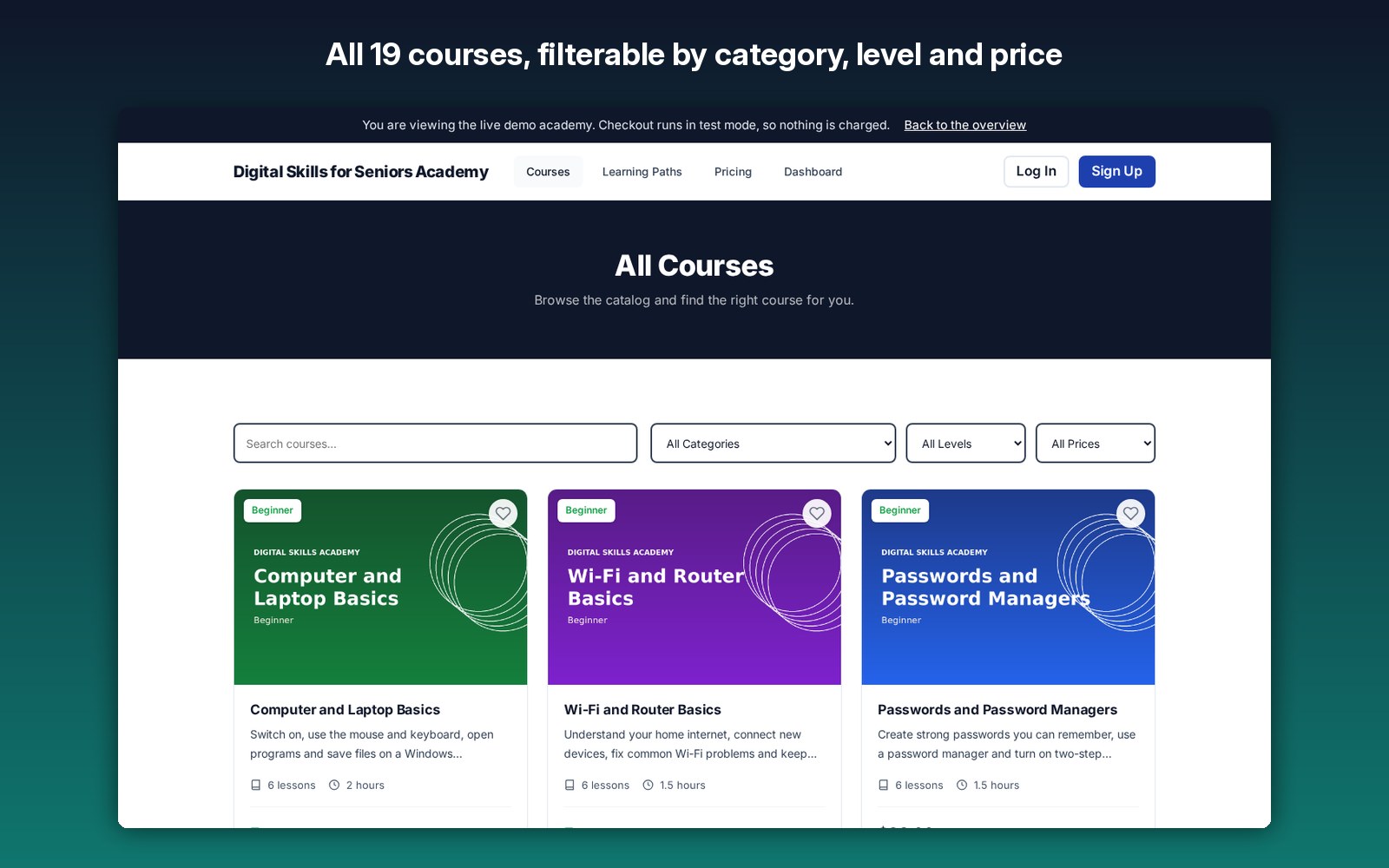
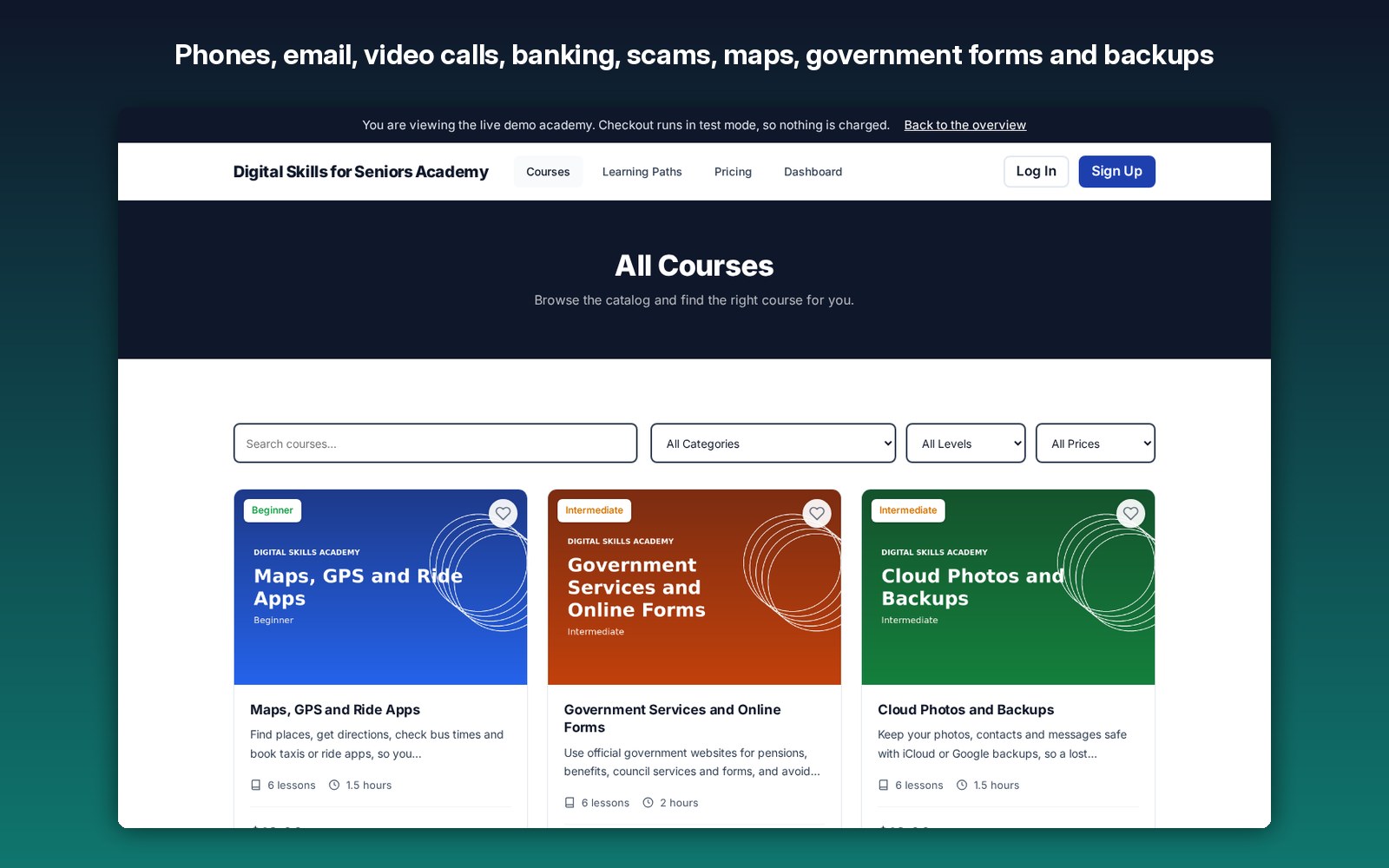
All 19 courses included
126 lessons and 378 quiz questions in total. Four courses are free to start with.
- Smartphone and Tablet Basics Free
- Computer and Laptop Basics Free
- Wi-Fi and Router Basics Free
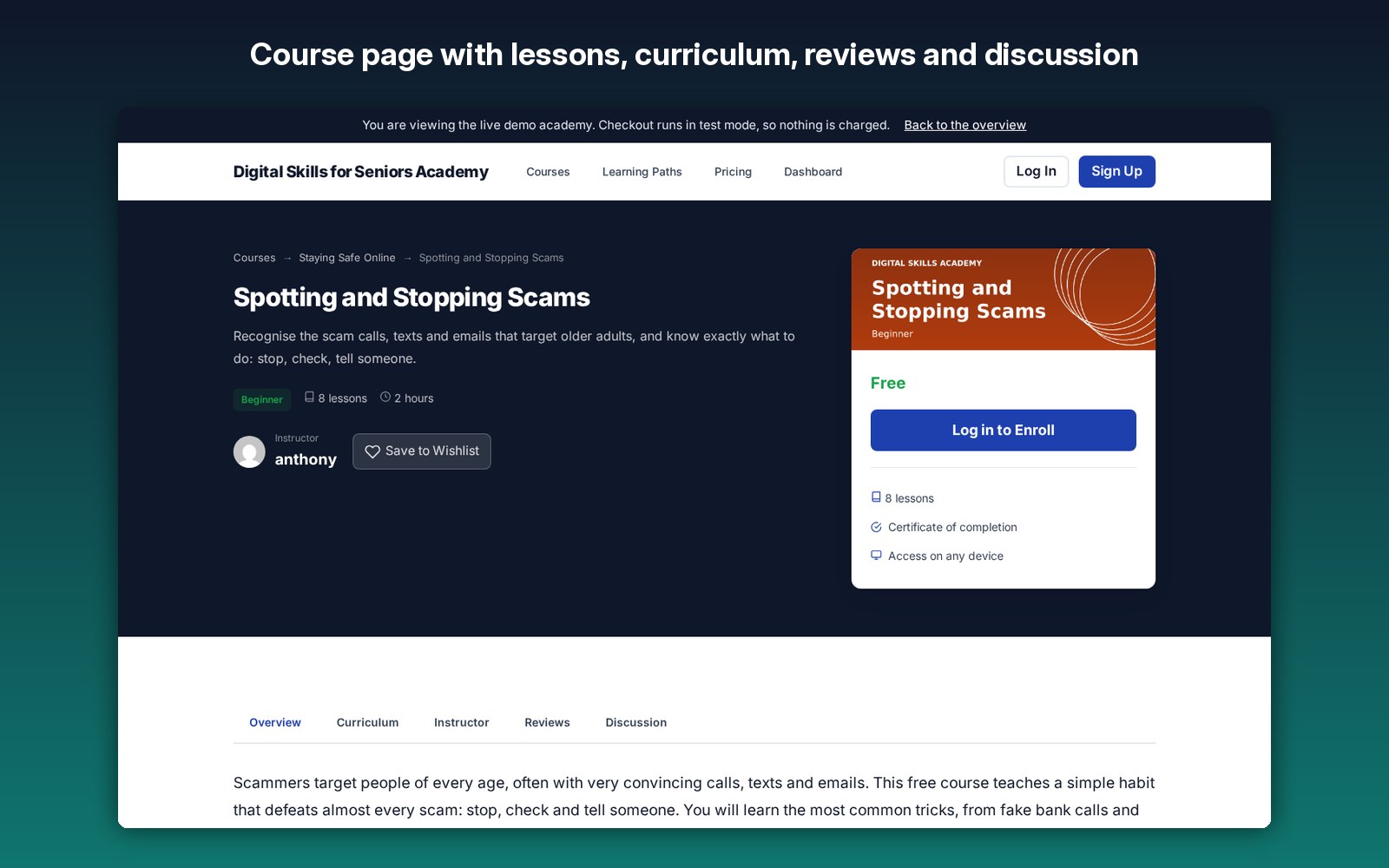
- Spotting and Stopping Scams Free
- AI Voice and Deepfake Scams
- Passwords and Password Managers
- Online Banking and Shopping Safely
- Email Made Easy
- Video Calls with Family
- Photos, Texts and Staying in Touch
- WhatsApp and Messaging Apps
- Facebook for Family
- Cloud Photos and Backups
- Health Apps and Telehealth
- Online Shopping and Delivery
- Government Services and Online Forms
- Maps, GPS and Ride Apps
- YouTube and Streaming TV
- Smart Speakers and Voice Assistants
Browse all 19 courses on the live demo
7 learning paths
Phone basics, video calls and sharing photos, so a parent can see and talk to the family.
Scams, passwords, AI voice tricks, email and banking: everything a parent needs to stay safe.
Health apps, video appointments and online deliveries, so care and essentials come to you.
WhatsApp, Facebook, maps, ride apps and streaming: the apps families use every day.
Wi-Fi, smart speakers and streaming TV, explained kindly.
Government services, online forms, shopping, delivery and maps for daily life.
All 19 courses in one recommended order, from the first tap to staying safe, healthy and connected.
See the learning paths on the live demo
Everything you need to run a digital skills academy
From switching on a phone to spotting AI voice scams, every course is written for older learners and ready on day one.
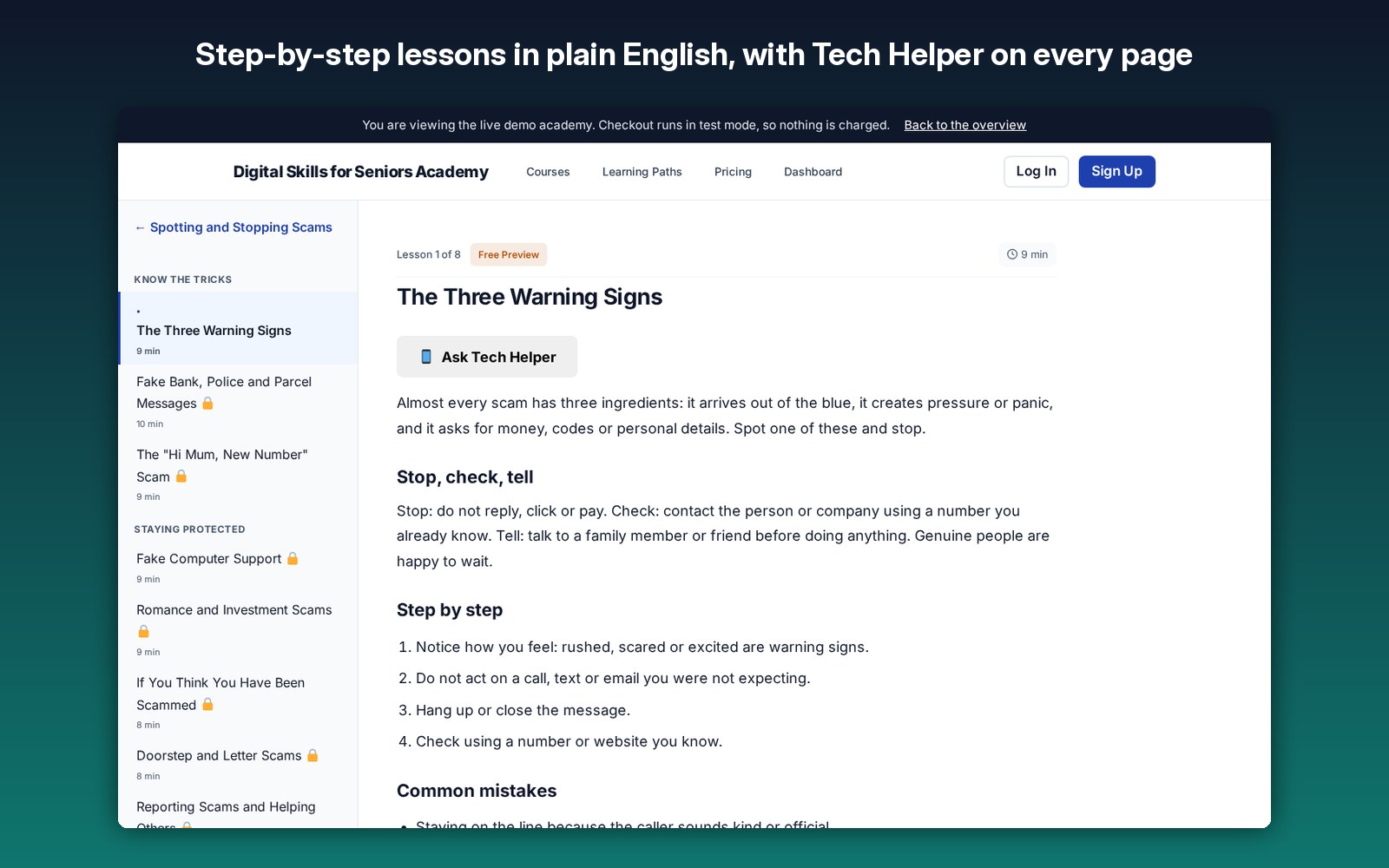
Short, step-by-step lessons for iPhone, iPad, Android and Windows, with no jargon.
Gentle quizzes after each lesson so learners can check what they remember.
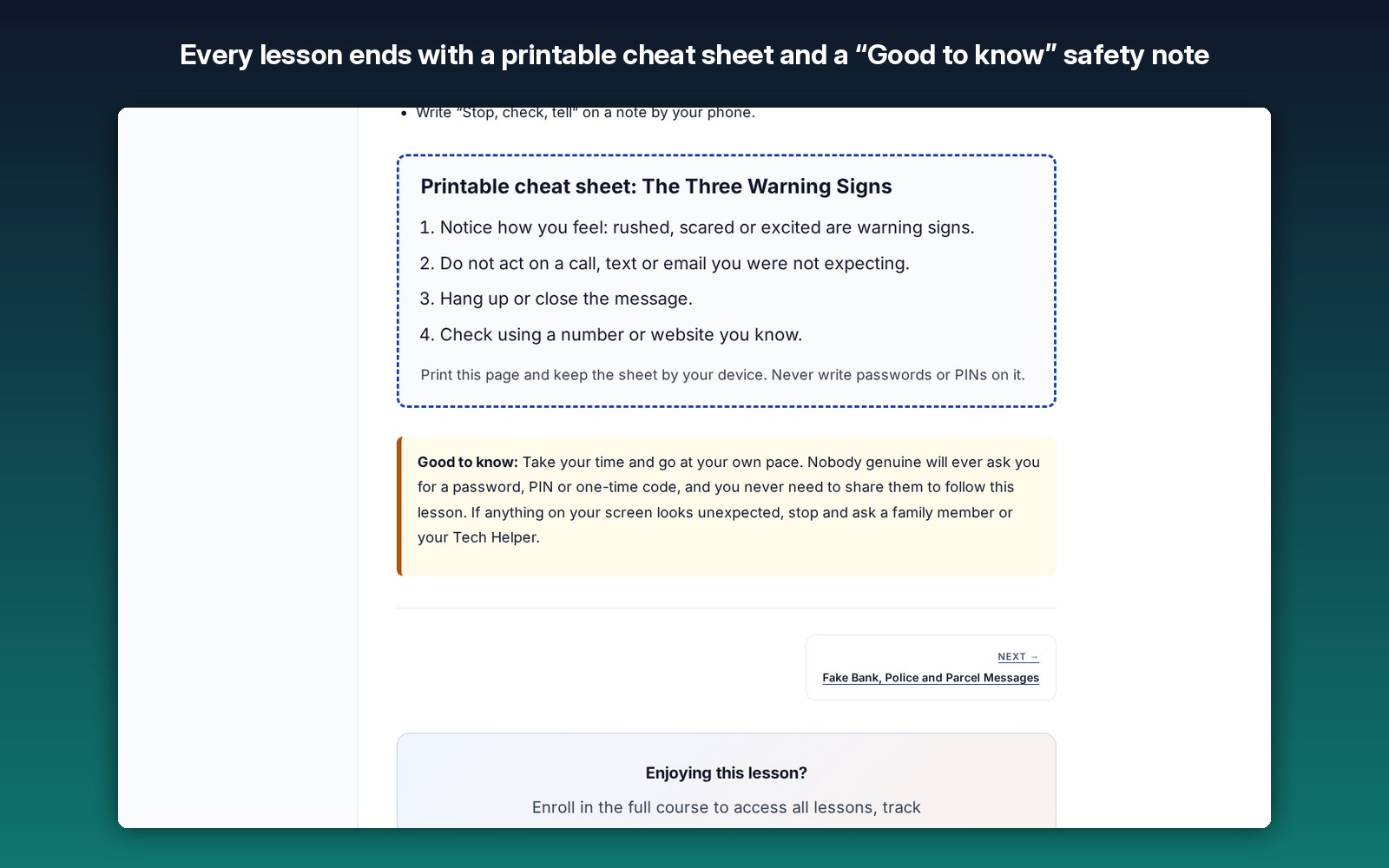
Every lesson ends with a printable cheat sheet to keep next to the phone or computer.
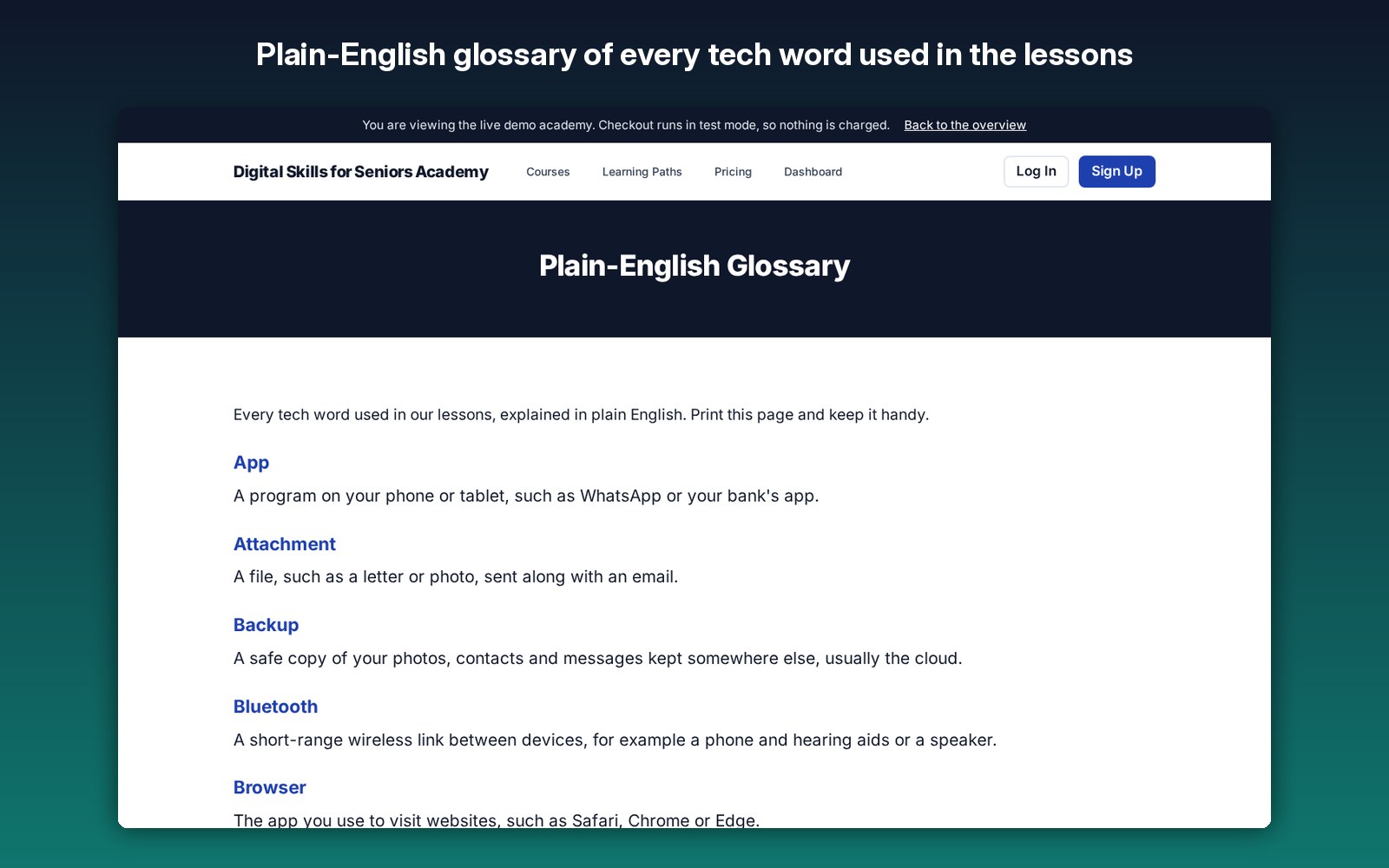
Every tech word used in the lessons, explained simply on one printable page.
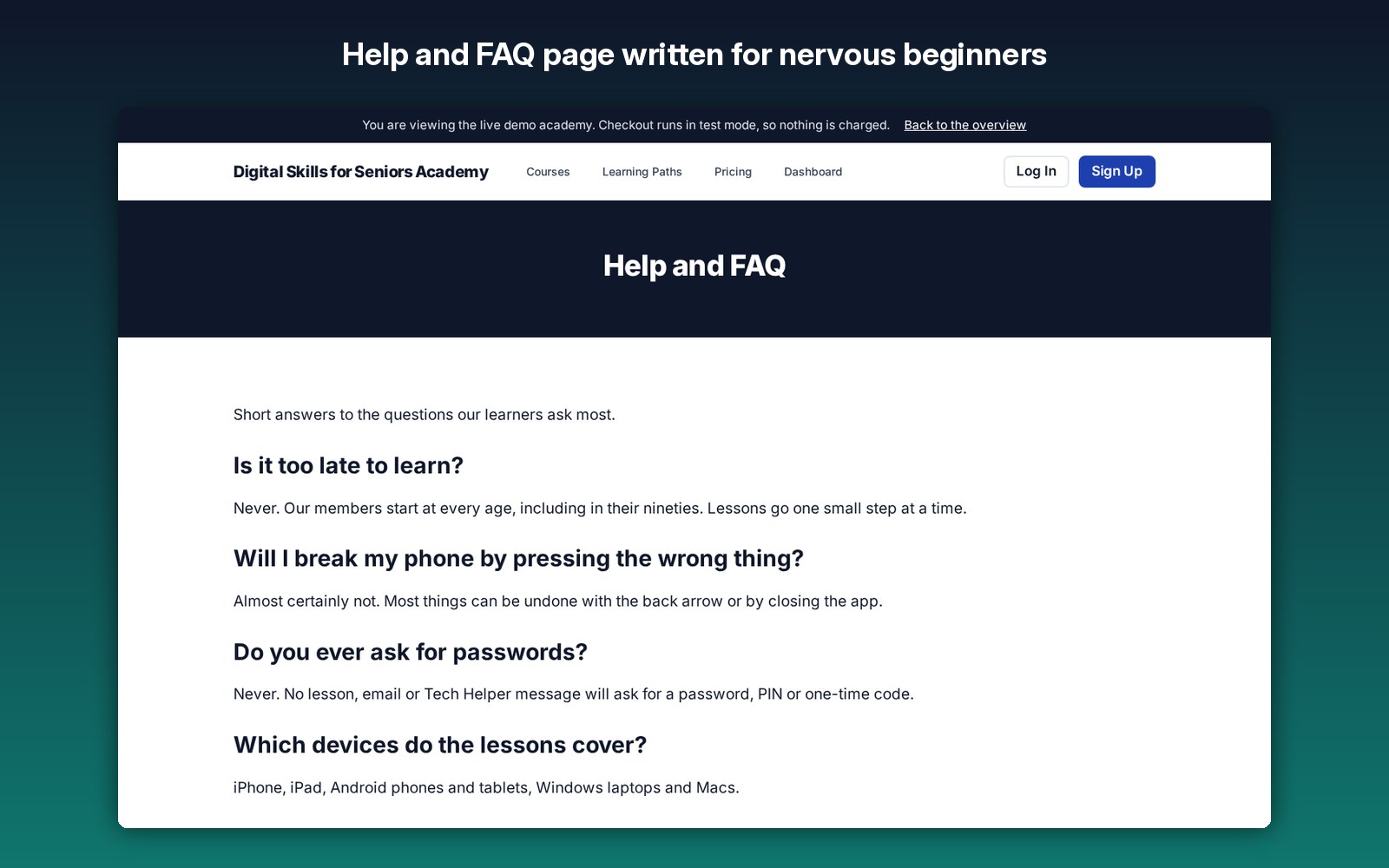
Answers to the questions nervous beginners ask most, ready to edit.
Courses grouped in a recommended order, from Connected Family to Complete Digital Confidence.
A son, daughter or grandchild sets up the account with the parent’s email and pays with their own card.
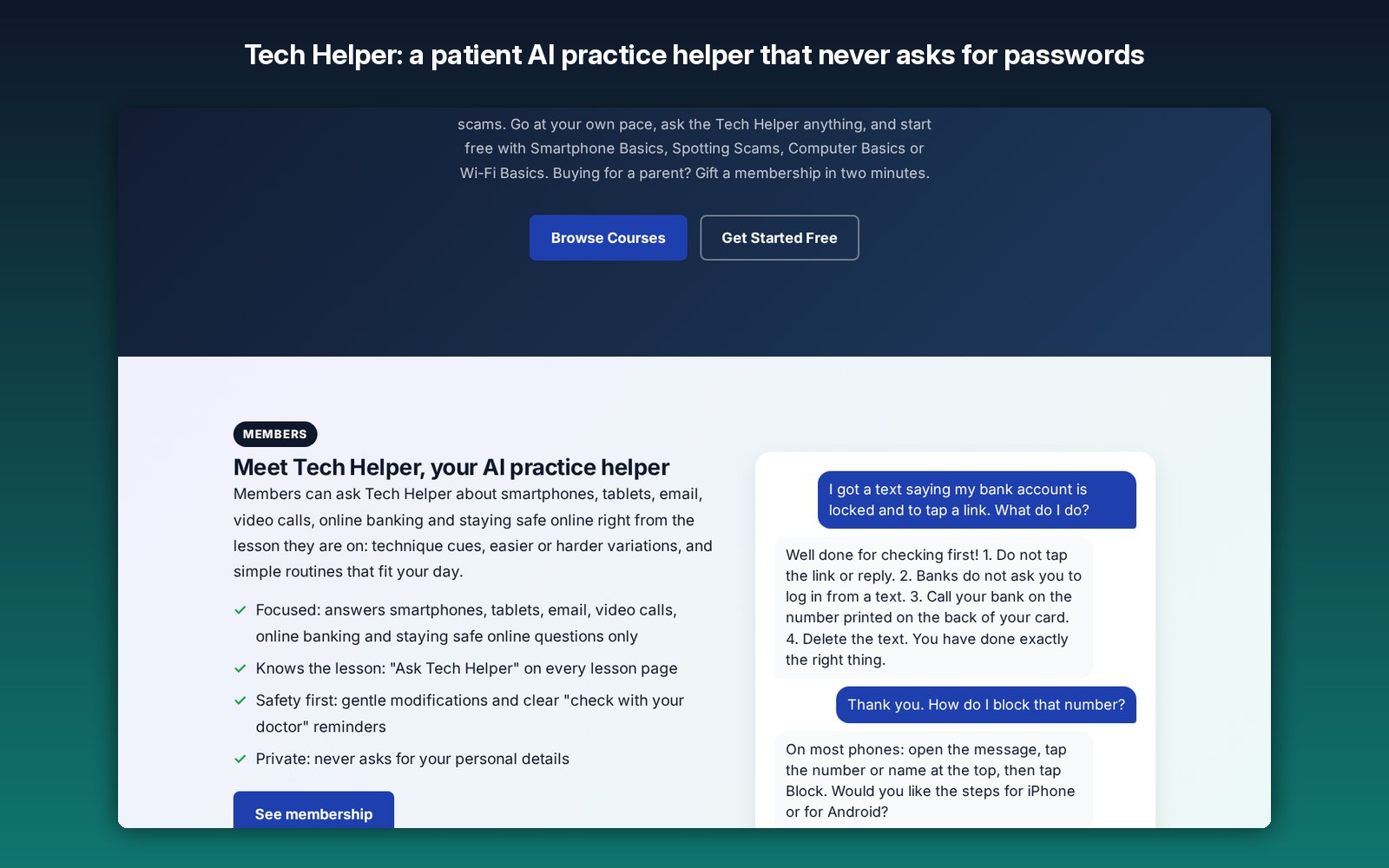
A patient AI helper on every lesson that answers questions and never asks for passwords or codes. Bring your own API key.
Big text, big buttons and calm colors designed for older eyes and hands.
Learners see their progress and earn a certificate when they finish a course.
Free courses, single courses, learning paths and monthly or yearly memberships through Stripe Checkout.
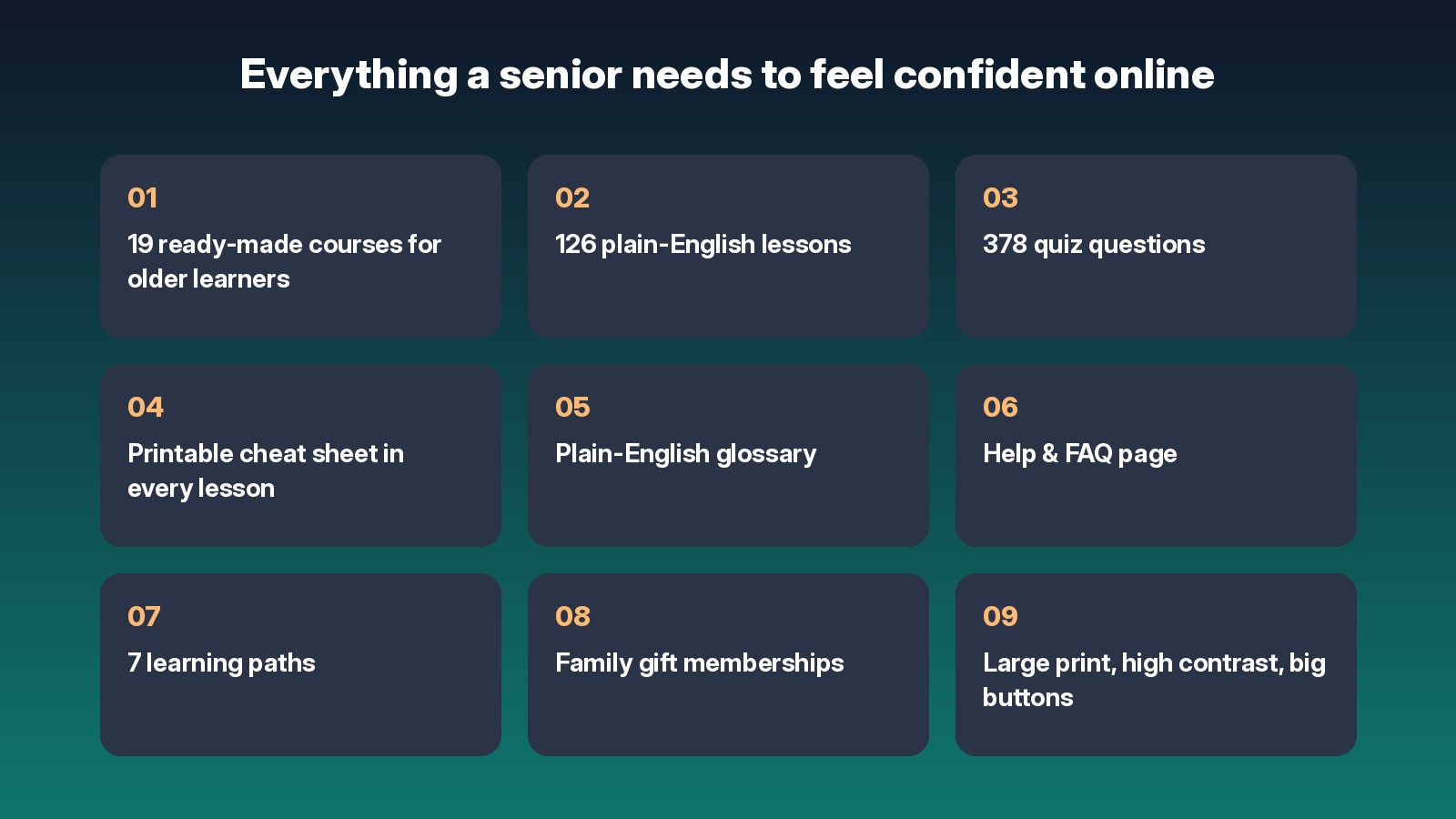
Printable cheat sheets, glossary and help
Every one of the 126 lessons ends with a printable cheat sheet and a “Good to know” note reminding learners never to share passwords or codes. The plain-English glossary explains every tech word, and the help and FAQ page answers the questions beginners ask most.
💰 Ways to make money
Ideas for earning from your digital skills academy.
Sell monthly or yearly memberships that adult children give a parent or grandparent.
Sell each course on its own, or group them into learning paths at a better price.
Four free starter courses build trust, then learners move on to paid courses.
Offer group access to community centers, retirement communities and care providers.
Let others share your courses with a link and earn a share of each sale, built in.
Invite instructors to add courses on new topics and grow your catalog.
An academy with learners, courses and members is an asset you can sell later.
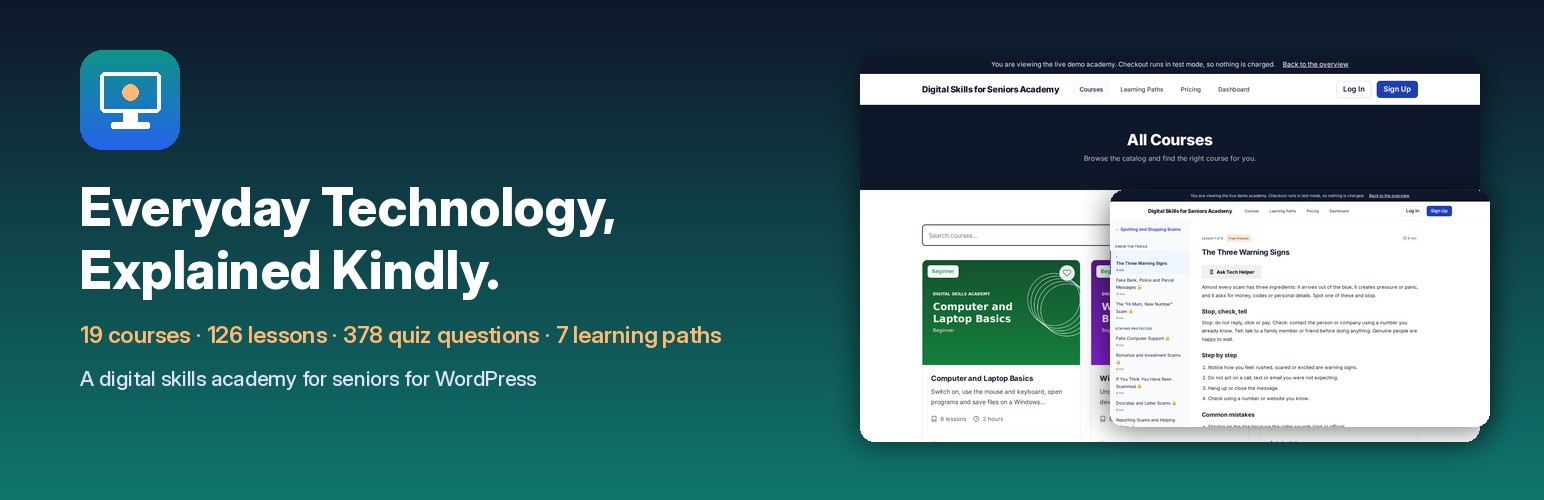
How it works
- Upload the theme in Appearance > Themes and turn it on.
- Run the demo import to add all 19 courses, 126 lessons, 378 quiz questions, 7 learning paths, the glossary and the help and FAQ page.
- Add your Stripe key and currency, and set your own course, path and membership prices.
- Families and learners sign up, start with the free courses and keep going.
- Watch progress, members and sales from the admin.
Screenshots
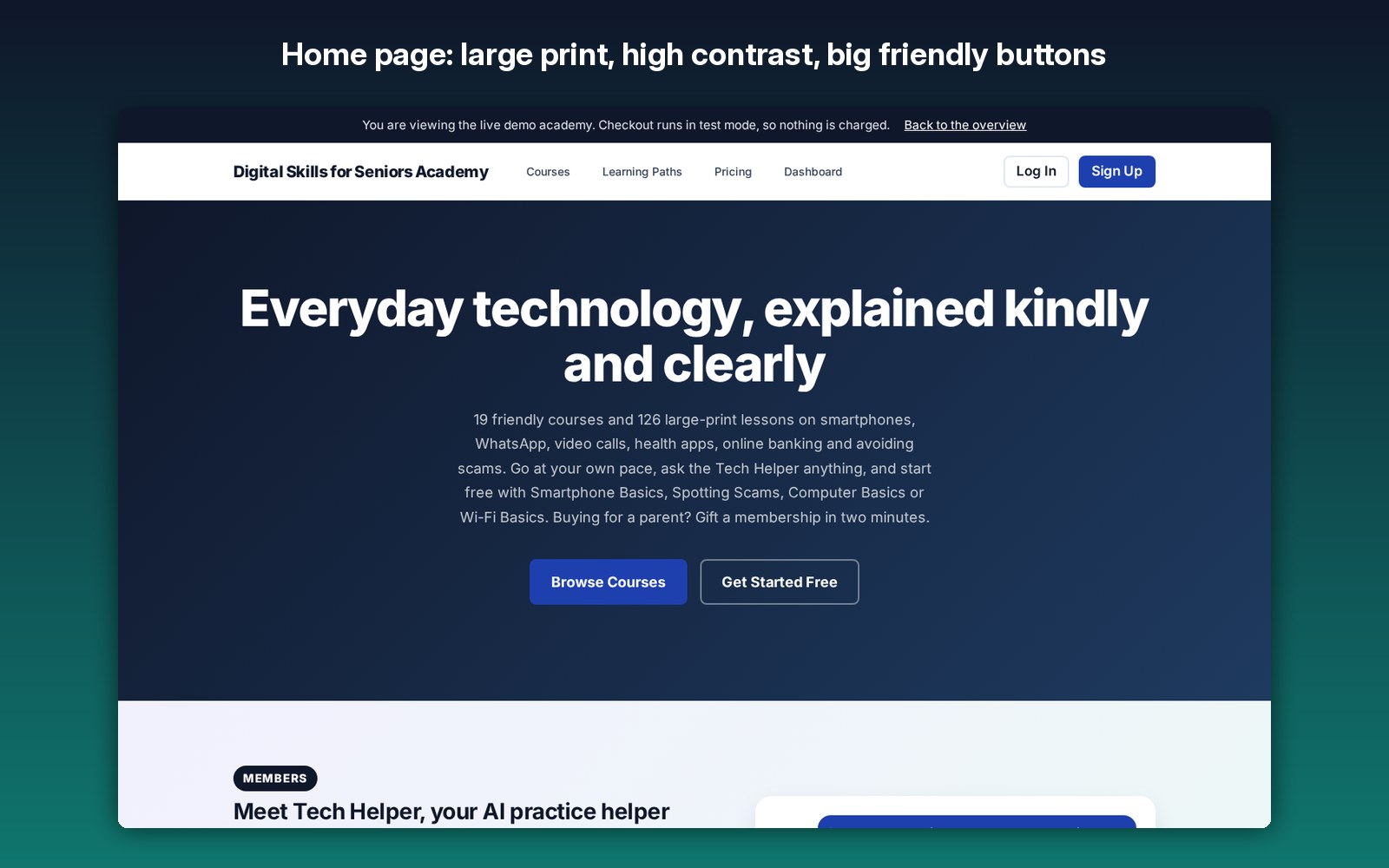
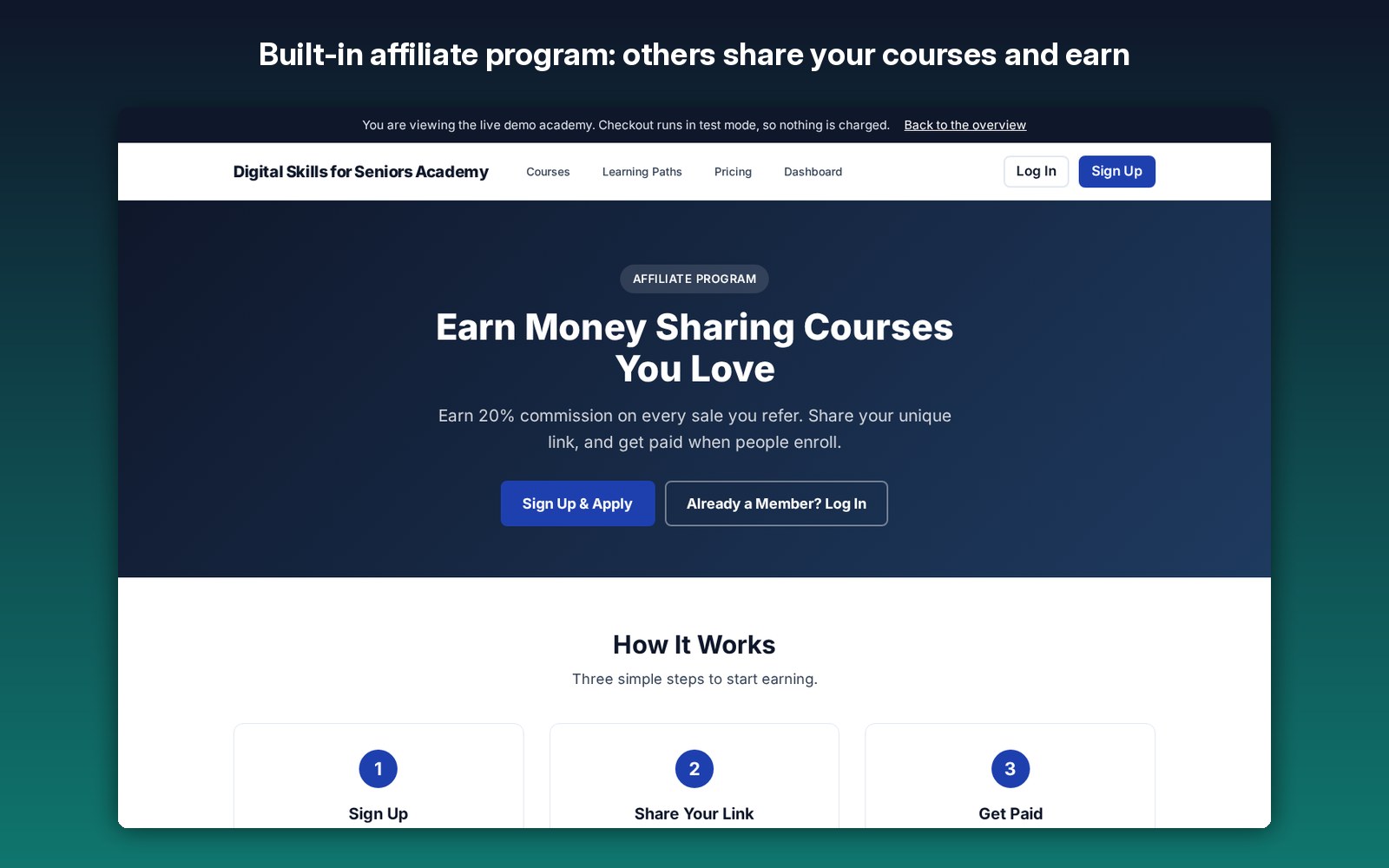
See it live
Open the live demo academy, browse all 19 courses, try a free lesson with its printable cheat sheet or read the glossary.
FAQ
No. Courses, lessons, quizzes, memberships and payments are all in the one theme upload. You only need your own free Stripe account to take payments, and an AI API key if you want the Tech Helper.
Families who want a parent or grandparent to feel confident with technology, and site owners who want to sell digital skills courses to older learners.
All 19 courses listed above, with 126 lessons, 378 quiz questions, a printable cheat sheet for every lesson, a plain-English glossary, a help and FAQ page and 7 learning paths.
Yes. All lesson text is original and yours to edit, add to or remove.
Yes. A relative creates the account with the parent’s email address and pays with their own card.
Yes. Every lesson ends with a printable cheat sheet, and the glossary prints on its own too.
No. It is an independent WordPress theme built around free and friendly technology lessons.
Everyday technology, explained kindly.
19 courses, 126 lessons, 378 quiz questions, printable cheat sheets, a glossary, a help and FAQ page and 7 learning paths, ready for a parent, a grandparent or a whole academy of learners. Use it on your own sites.
Independent theme, not affiliated with any other learning website or brand.