$25.00
Member Dashboard Plugin for Paid Memberships Pro: Account Portal, Content and Billing Tabs
A real member dashboard for Paid Memberships Pro.
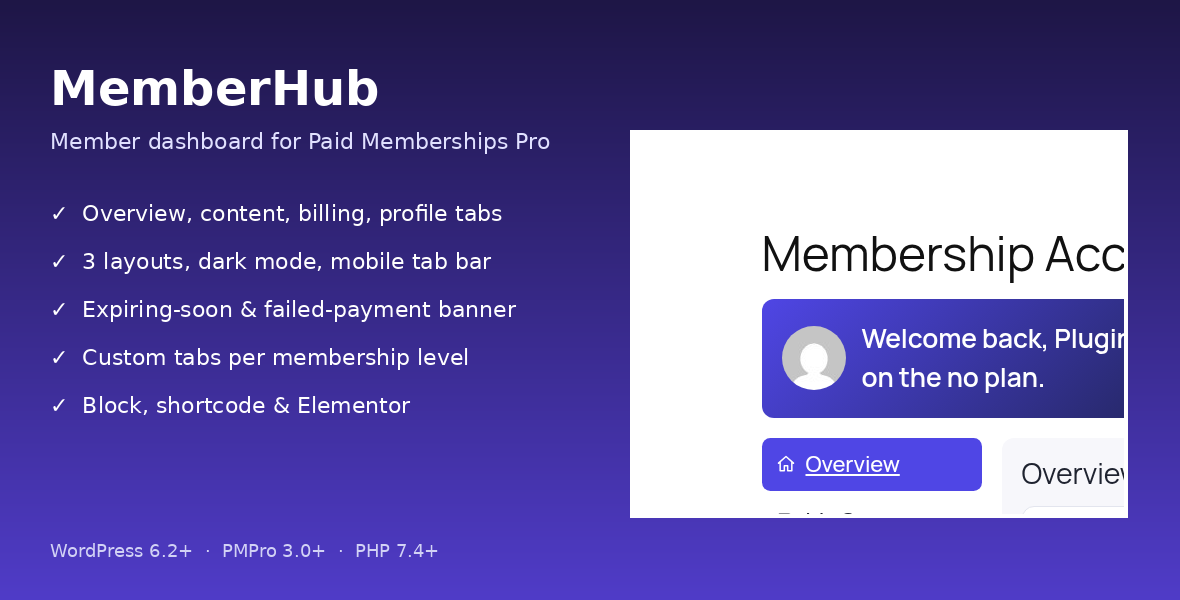
The stock PMPro Membership Account page is a plain list of links. MemberHub replaces it with a tabbed, mobile-friendly portal where members see their plan, open the content they paid for, check invoices and edit their profile. It reads PMPro’s own data and never handles payments.
Fully licensed · Works with PMPro 3.0+ · Mobile-friendly · Version 1.0.4
What MemberHub does
✔ Overview
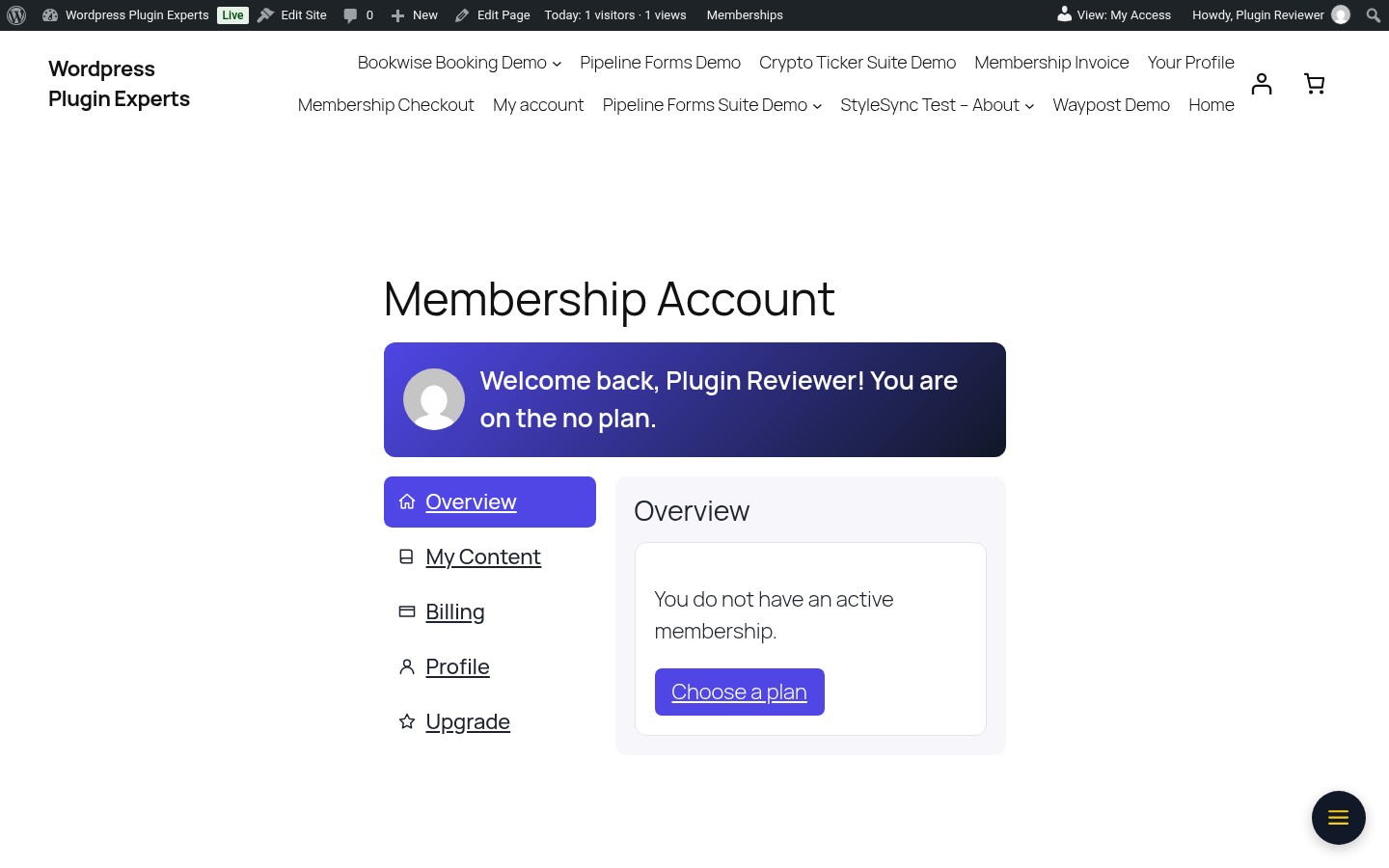
A card per level with status, next payment, expiry date, days left and Upgrade, Update billing and Cancel buttons.
A card per level with status, next payment, expiry date, days left and Upgrade, Update billing and Cancel buttons.
✔ My Content
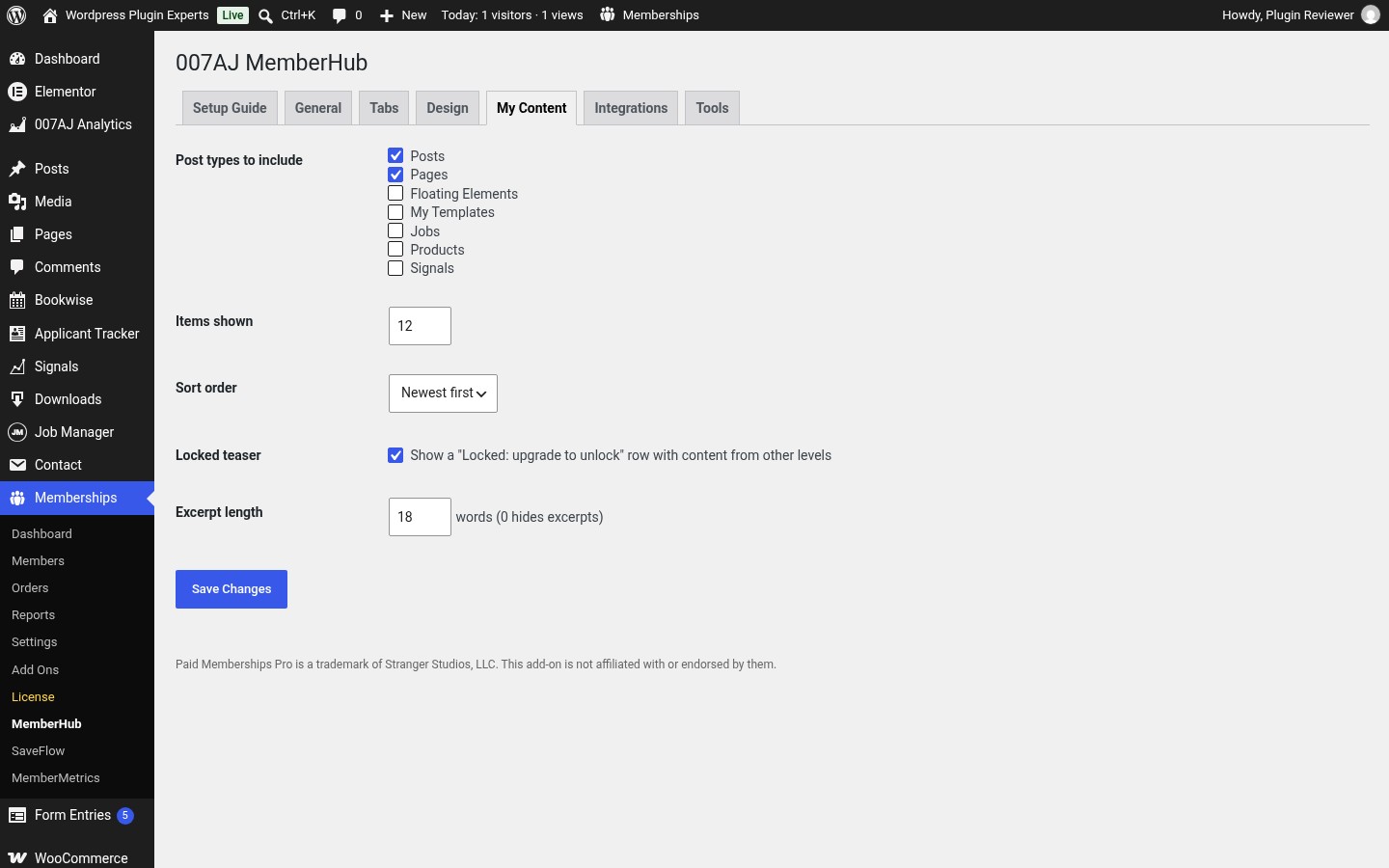
Posts and pages their level unlocks, “New since your last visit” badges and locked teaser rows that link to checkout.
Posts and pages their level unlocks, “New since your last visit” badges and locked teaser rows that link to checkout.
✔ Billing
Members’ own orders with status and a printable invoice view.
Members’ own orders with status and a printable invoice view.
✔ Profile
Name, email, PMPro User Fields, profile picture and password change.
Name, email, PMPro User Fields, profile picture and password change.
✔ Upgrade
A compact level comparison with the current plan highlighted.
A compact level comparison with the current plan highlighted.
✔ Custom tabs
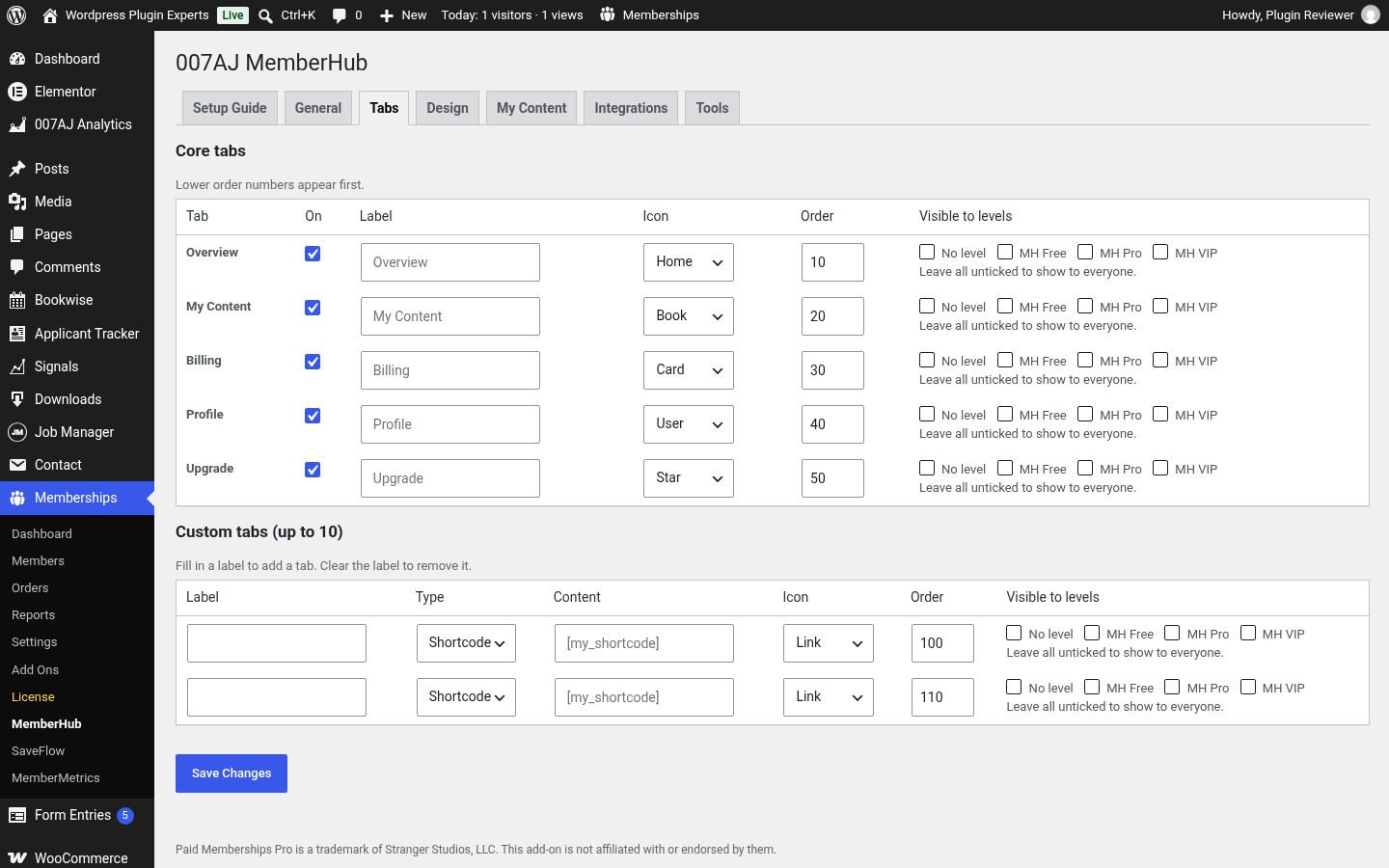
Up to 10 tabs showing a shortcode, page or link, visible only to the levels you pick.
Up to 10 tabs showing a shortcode, page or link, visible only to the levels you pick.
✔ Expiring-soon banner
Shown a set number of days before a membership ends, or after a failed renewal.
Shown a set number of days before a membership ends, or after a failed renewal.
✔ Mobile tab bar
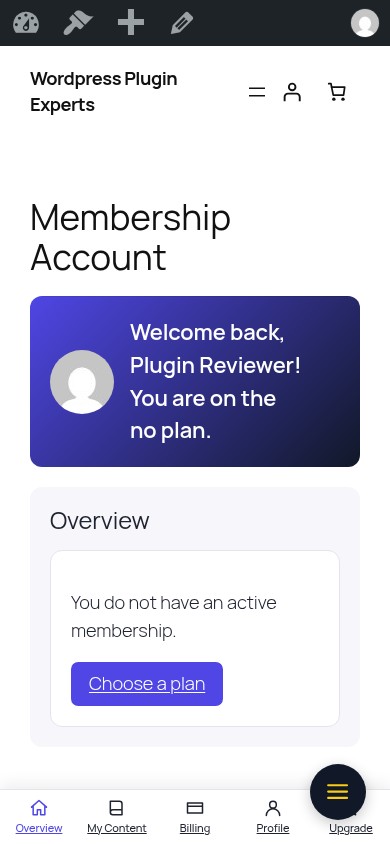
A bottom tab bar on phones under 768px.
A bottom tab bar on phones under 768px.
✔ Layouts and design
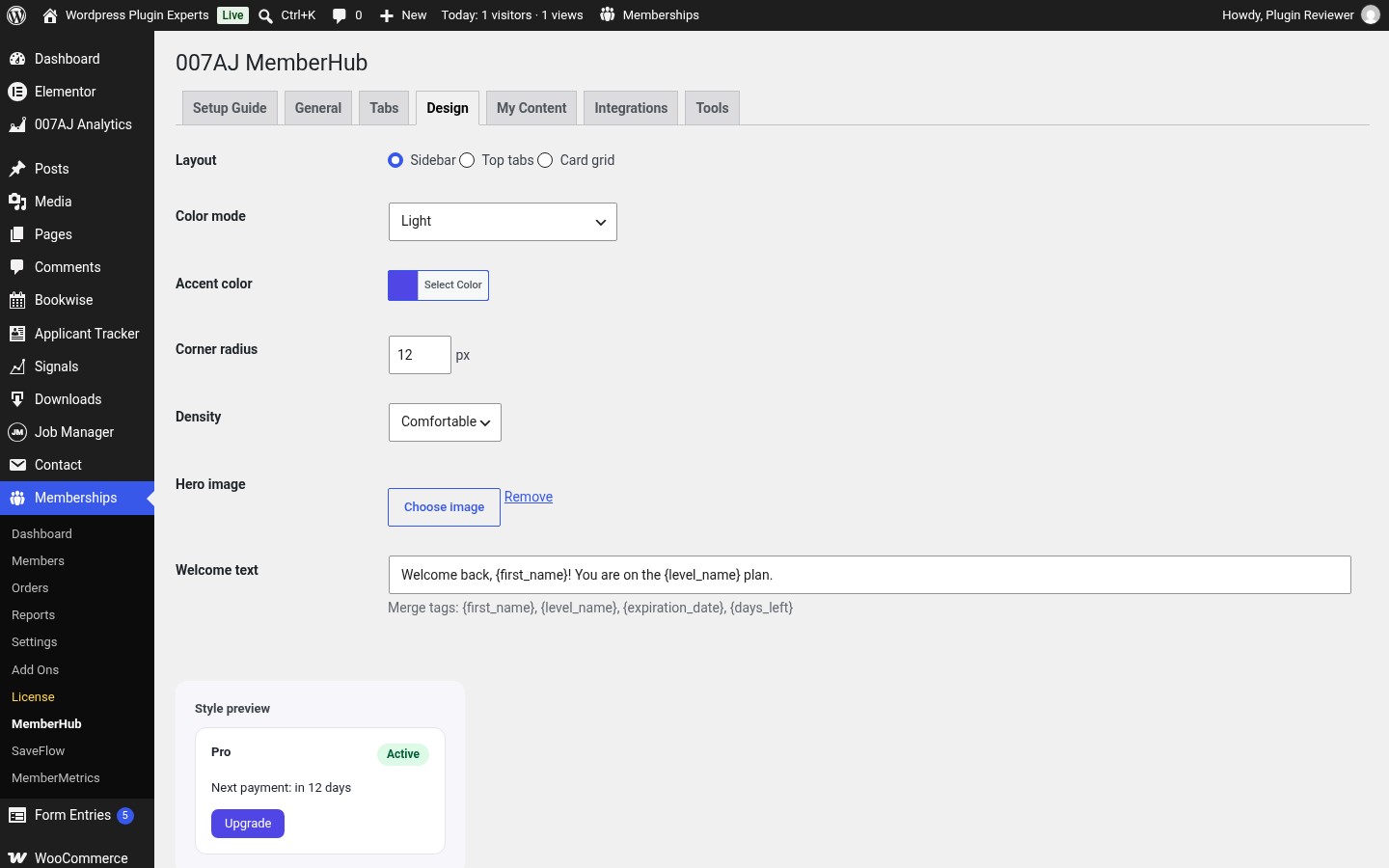
Sidebar, top tabs or card grid; light, dark or auto; accent colour, radius, density and hero image.
Sidebar, top tabs or card grid; light, dark or auto; accent colour, radius, density and hero image.
✔ Welcome text
Merge tags {first_name}, {level_name}, {expiration_date} and {days_left}.
Merge tags {first_name}, {level_name}, {expiration_date} and {days_left}.
✔ Add-on integrations
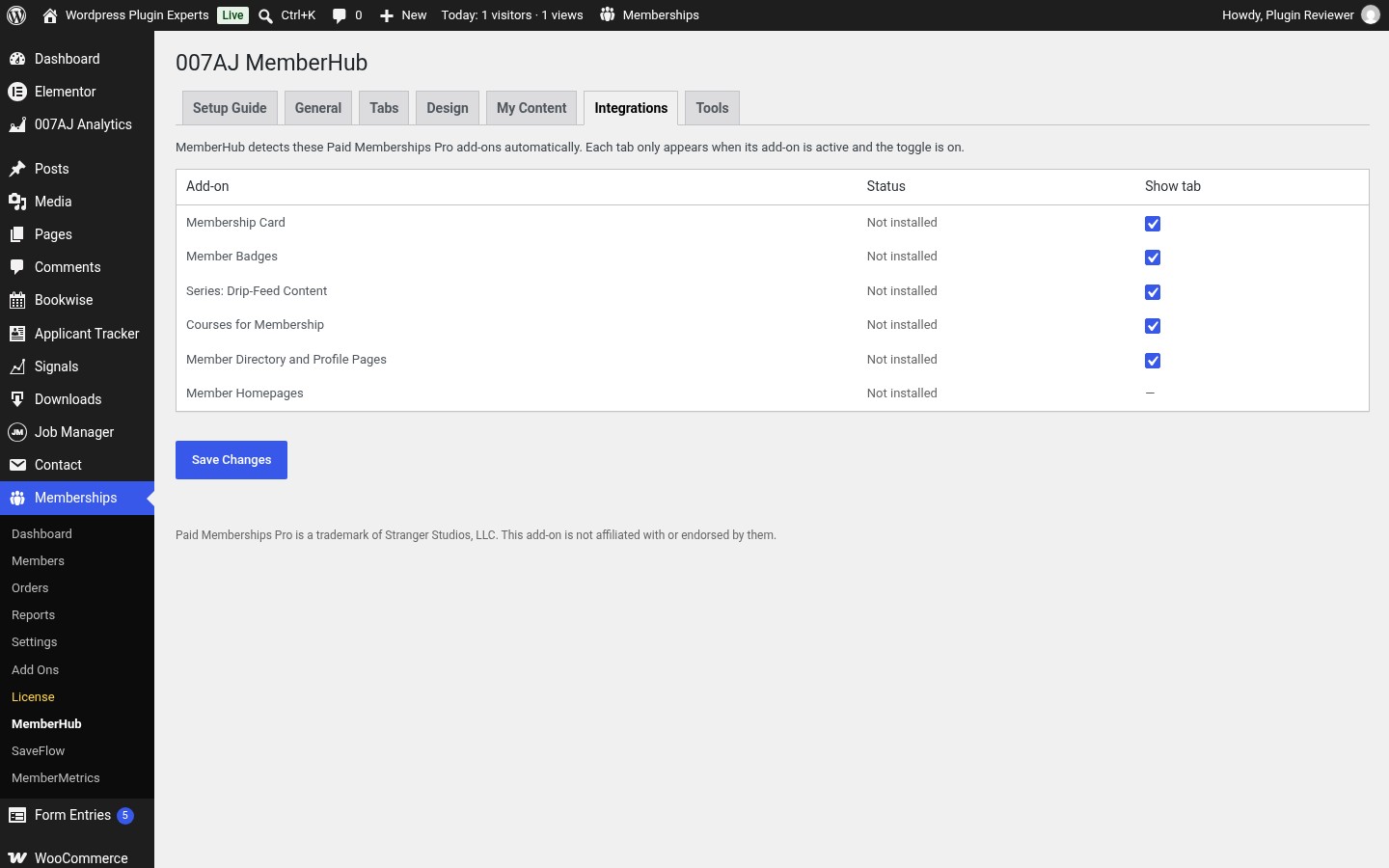
Membership Card, Member Badges, Series, Courses and Member Directory, detected automatically.
Membership Card, Member Badges, Series, Courses and Member Directory, detected automatically.
✔ Place it anywhere
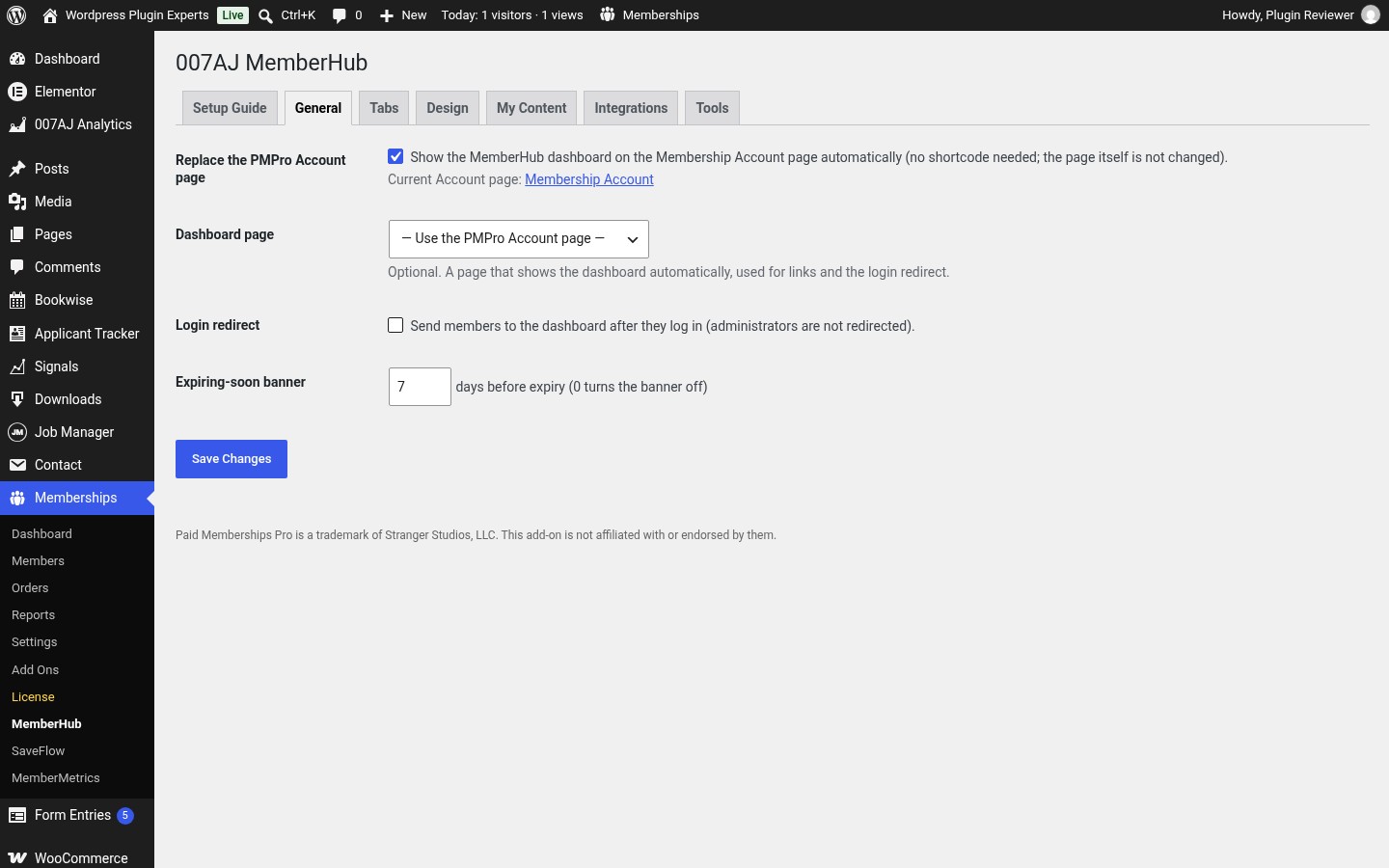
Automatic on the Account page, or the [ajmh_dashboard] shortcode, a block or an Elementor widget.
Automatic on the Account page, or the [ajmh_dashboard] shortcode, a block or an Elementor widget.
How it works
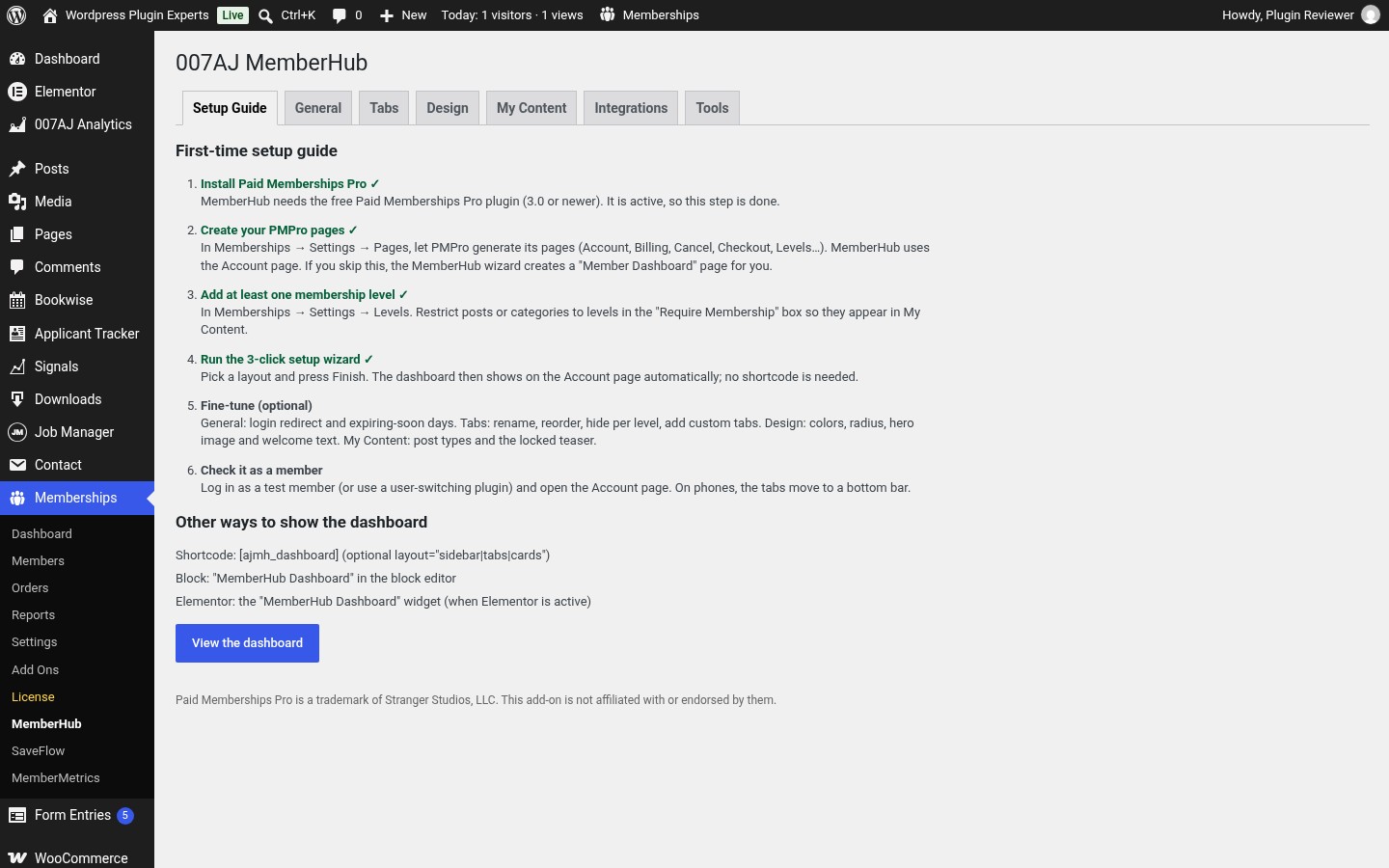
- Install and activate Paid Memberships Pro 3.0 or newer.
- Upload the MemberHub zip under Plugins > Add New > Upload Plugin and activate it.
- Follow the setup wizard to pick a layout.
- Your PMPro Account page becomes the dashboard automatically.
- Add custom tabs and set the welcome text under Tabs and Design.
Screenshots
Requirements
- WordPress 6.0 or newer and PHP 7.4 or newer.
- The free Paid Memberships Pro plugin, version 3.0 or newer.
- Translation-ready with RTL support.
FAQ
What licence do I get?
Fully licensed version, use on your own sites.
Fully licensed version, use on your own sites.
Does it handle payments?
No. Billing changes and cancellations still go through Paid Memberships Pro’s own pages.
No. Billing changes and cancellations still go through Paid Memberships Pro’s own pages.
Can I go back to the stock Account page?
Yes. Turn off “Replace the Account page” and the stock page returns.
Yes. Turn off “Replace the Account page” and the stock page returns.
Is it affiliated with Paid Memberships Pro?
No. Paid Memberships Pro is a trademark of Stranger Studios, LLC. This add-on is not affiliated with or endorsed by them.
No. Paid Memberships Pro is a trademark of Stranger Studios, LLC. This add-on is not affiliated with or endorsed by them.
Documentation and support
Read the full MemberHub documentation. For support email admin@007aj.com with your WordPress and PHP versions and the steps to repeat the problem. Never send passwords or API keys.
MemberHub
A real member dashboard for Paid Memberships Pro. Fully licensed version — use on your own sites. $25 one-time.
$25.00