

SEO & Security Tools WordPress Theme | Sell Monthly Memberships
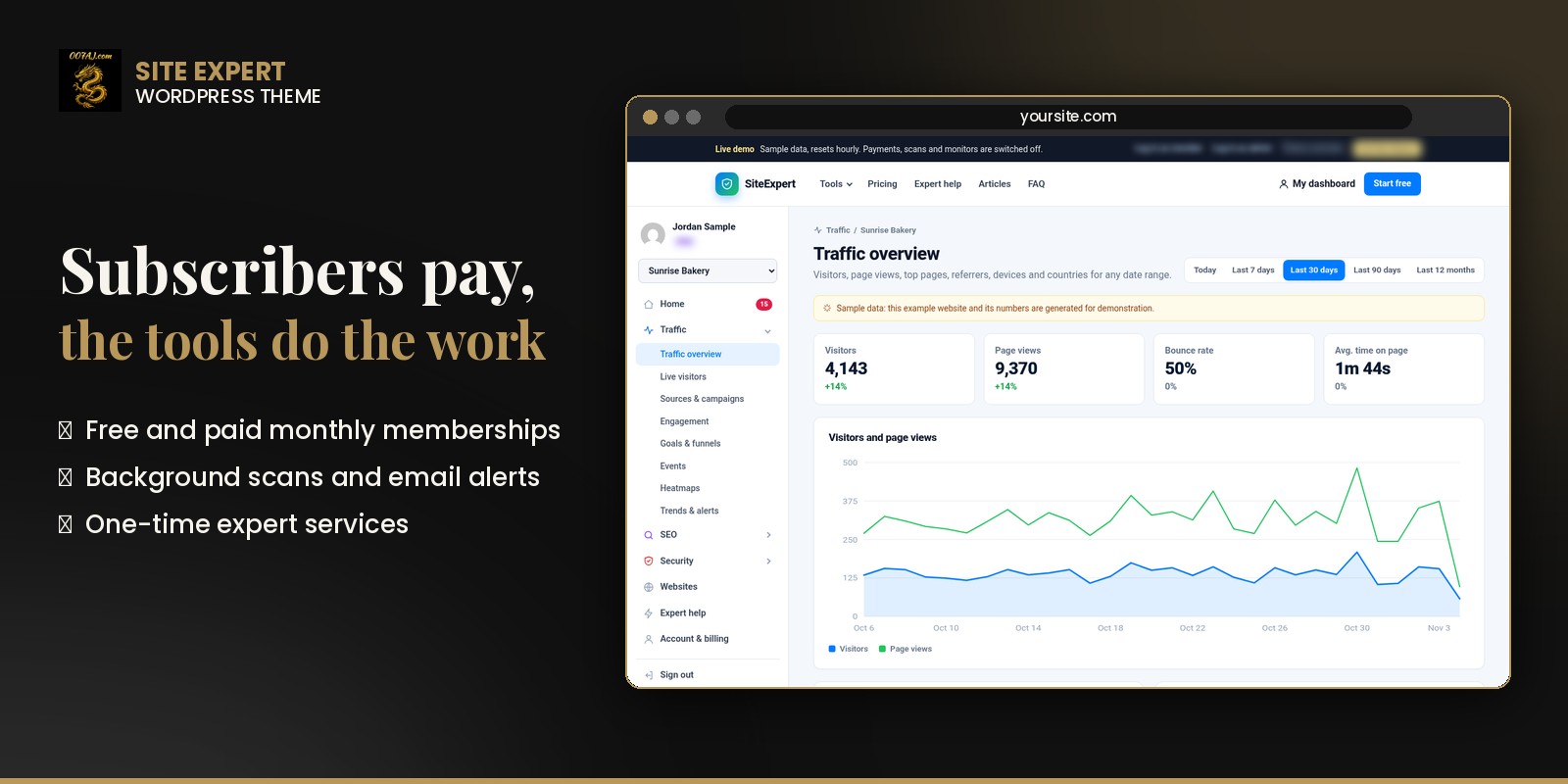
Run your own website tools business on WordPress. Website owners sign up free, then pay you monthly for 20 traffic, SEO and security tools in one subscriber dashboard. Stripe and PayPal are built in, and there’s nothing else to install.

20 tools in three groups
Every paid plan includes all 20
Traffic (8 tools)
Traffic overview (always free), live visitors, sources and campaigns, engagement, goals and funnels, events, click and scroll heatmaps, and trends with spike and drop alerts.
SEO (5 tools)
SEO audit that crawls pages in the background, content grader for a keyword, broken links, image check, and a rank tracker that reads the subscriber’s own Google Search Console.
Security (8 tools)
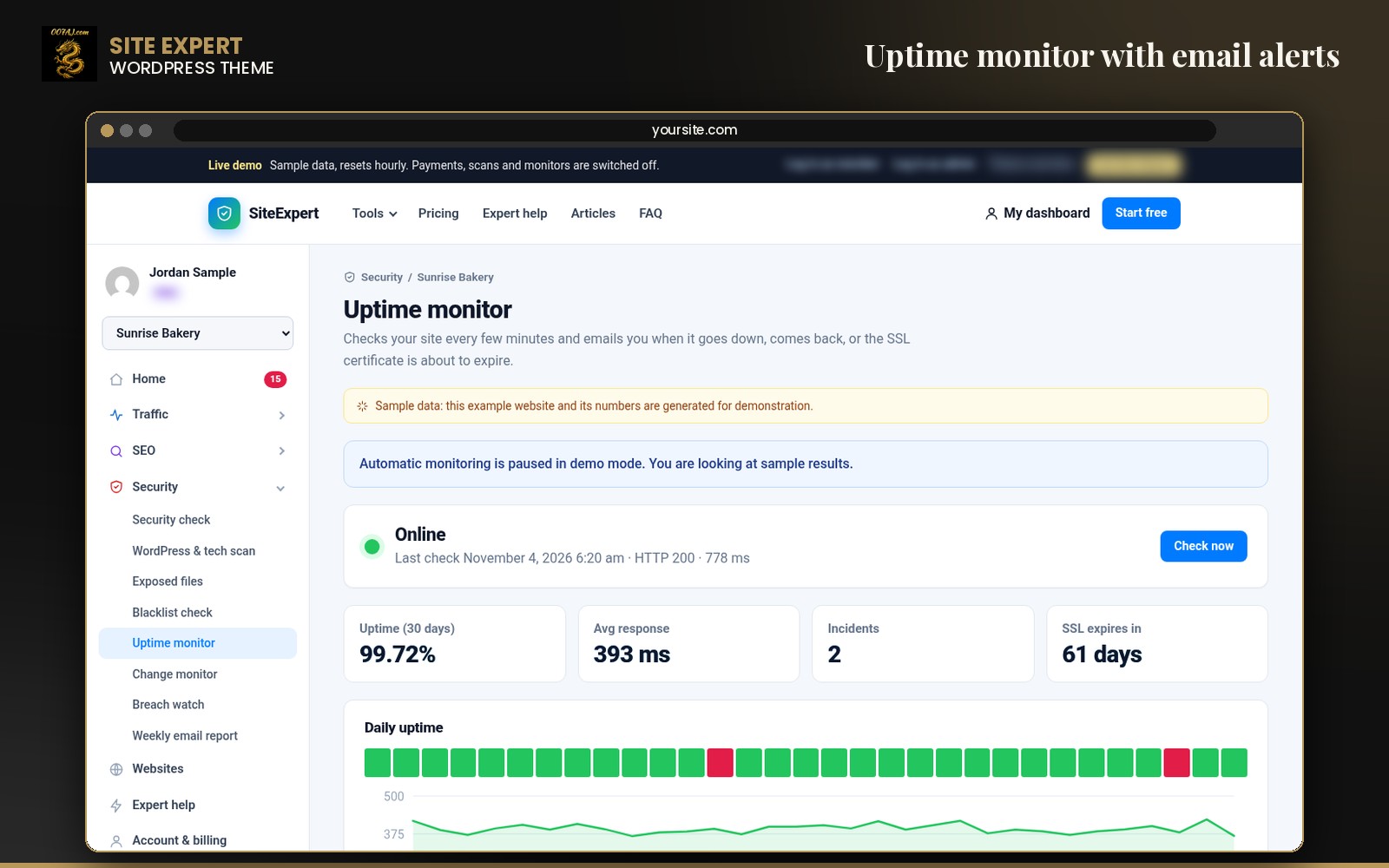
Security check (SSL, HTTPS redirect, headers), WordPress and tech scan, exposed files, blacklist check, uptime monitor every 5 minutes, change monitor, breach watch and a weekly email report.

Everything you need to run it
Three ready plans
A free plan and two paid monthly memberships, each with a yearly option and its own website limit. Names, prices, limits and feature lines are all editable.
Stripe and PayPal
Monthly and yearly subscriptions with verified webhooks. Both start in test mode, and the theme creates the products and plans on the first checkout.
Subscriber dashboard
Each subscriber adds a website, pastes one line of tracking code (or verifies with a meta tag, file or DNS record) and gets every tool in one place.
Background monitors and email alerts
Uptime checks every 5 minutes, daily change monitor and breach watch, and long scans that run in small batches so they never time out.
Privacy-friendly analytics
The tracking script sets no cookies and stores no IP addresses.
Owner control panel
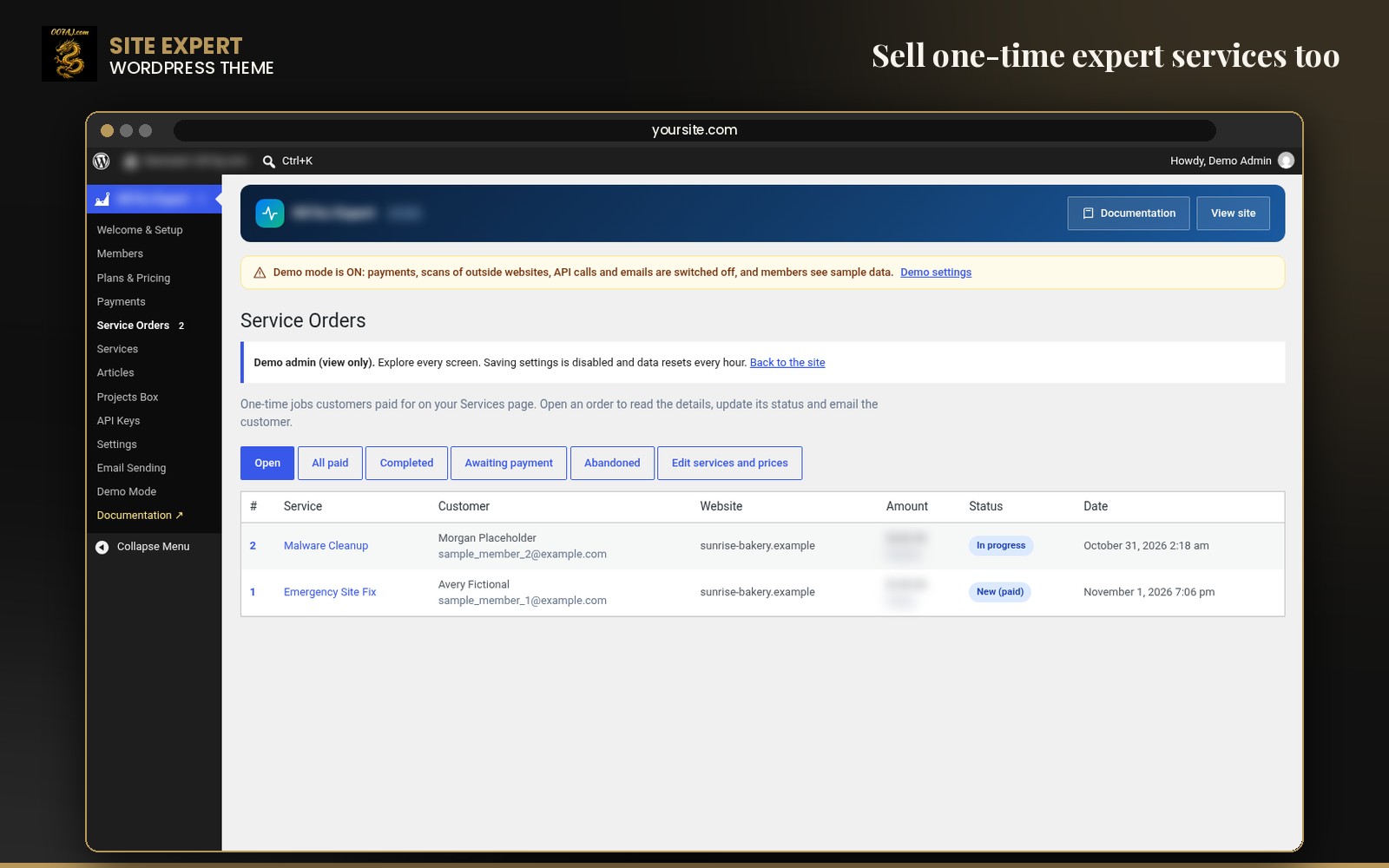
One admin menu with a setup checklist, subscribers, plans, payments, service orders, AI articles, API keys, settings and email sending.
One-time expert services
An Expert help page sells fixed-price services such as an emergency site fix or malware clean-up, with order tracking and status emails.
AI blog articles
Optional OpenAI, Claude or xAI writing saves articles as drafts for you to review.
Sales home page and live demo
The front page shows a “How you make money” section with an earnings calculator, and a demo mode with sample data and one-click demo logins.
Ways to make money
Website owners pay you every month
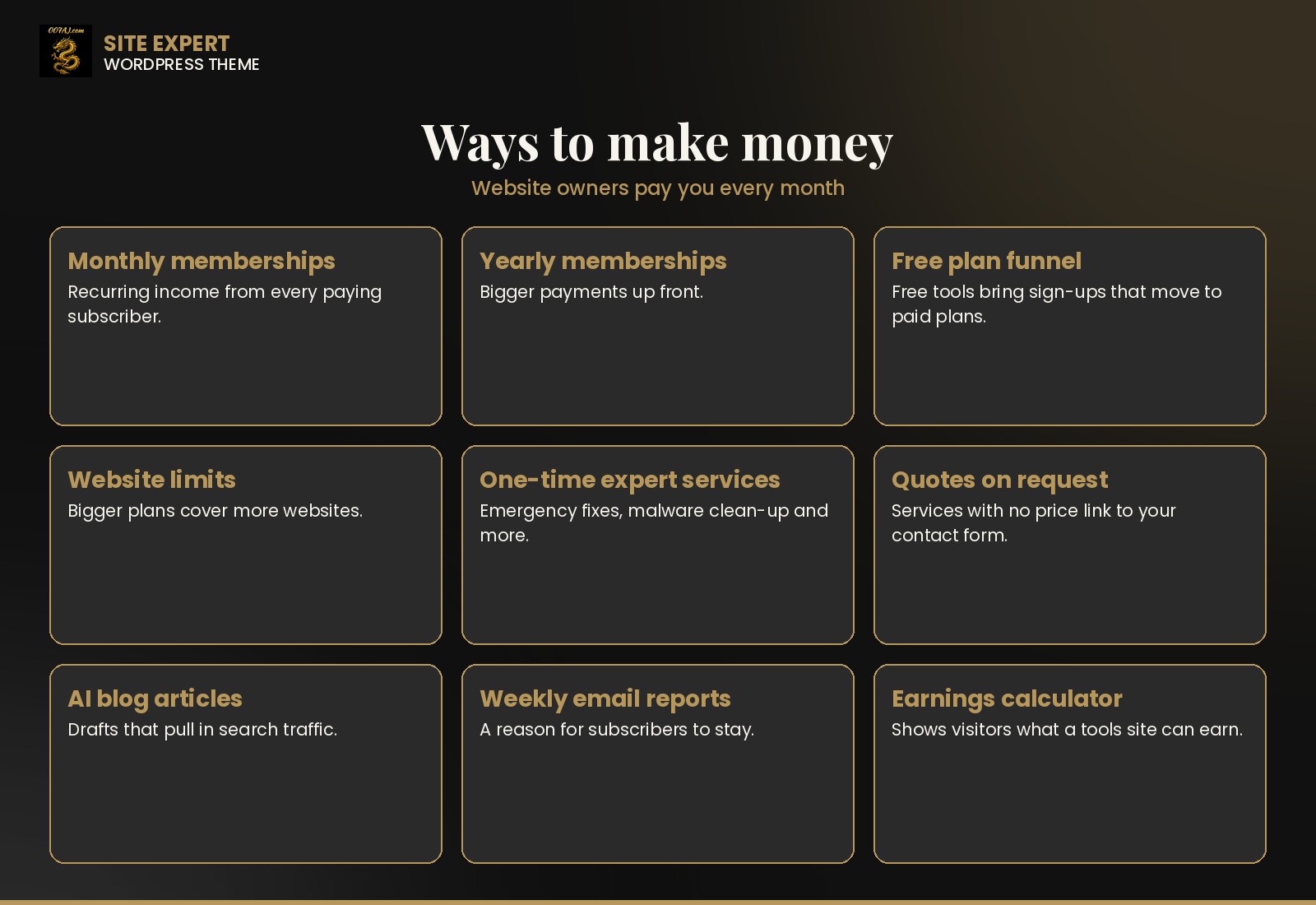
Monthly memberships
Subscribers pay every month for all 20 tools on more websites.
Yearly memberships
A yearly option brings in a full year up front, with the saving shown automatically.
Free plan that feeds paid plans
The free plan covers one website, the traffic overview and the free tools you pick, so sign-ups see the value before they pay.
Website limits
Bigger plans cover more websites, which gives agencies and busy owners a reason to move up.
One-time expert services
Sell emergency fixes, malware clean-up, backups and more from the Expert help page. Services with no price show “Ask for a quote”.
Search traffic from AI articles
Turn a topic list into draft blog articles that bring visitors to the tools.
Weekly email reports
A weekly traffic, uptime and security summary keeps paying subscribers coming back.
See every screen
Captured from the live demo with sample data




Set up in minutes
- Upload the theme zip under Appearance › Themes › Add New › Upload Theme and switch it on.
- Set Settings › Permalinks to “Post name”.
- Open the Welcome & Setup checklist and follow each Set up button.
- Paste your Stripe and PayPal keys in test mode, run a test checkout, then go live.
- Add the server cron line shown under System status.
- Turn off demo mode when you’re ready for real subscribers.
Questions
Is there anything else I need to install or buy?
No. Everything is built into the theme and no add-ons are needed. An SMTP mailer for reliable email is bundled and installs with one click. API keys are optional: Google Safe Browsing or Web Risk for the blacklist check, Google Search Console for the rank tracker, and an AI key only if you want AI articles.
Do the tools need outside services?
Traffic analytics, SEO checks, uptime, change monitoring, exposed files and the tech scan run on your own server. Tools that need a missing key say so instead of failing.
Can I test payments first?
Yes. Stripe and PayPal start in test mode, so you can run a test checkout before going live.
How do monitors run?
They use WP-Cron, and the setup screen shows the exact server cron line for reliable 5-minute checks.
What does the demo show?
The live demo uses labeled sample data. A bar at the top offers one-click logins to the subscriber dashboard and the owner control panel. Saving, payments, scans and emails are switched off there.
Where do I get help?
Email admin@007aj.com.
Support: admin@007aj.com · Not affiliated with Stripe, PayPal or Google.