
Entries Manager for Contact Form 7 by 007AJ
Never lose another enquiry, booking or sale from your Contact Form 7 forms.
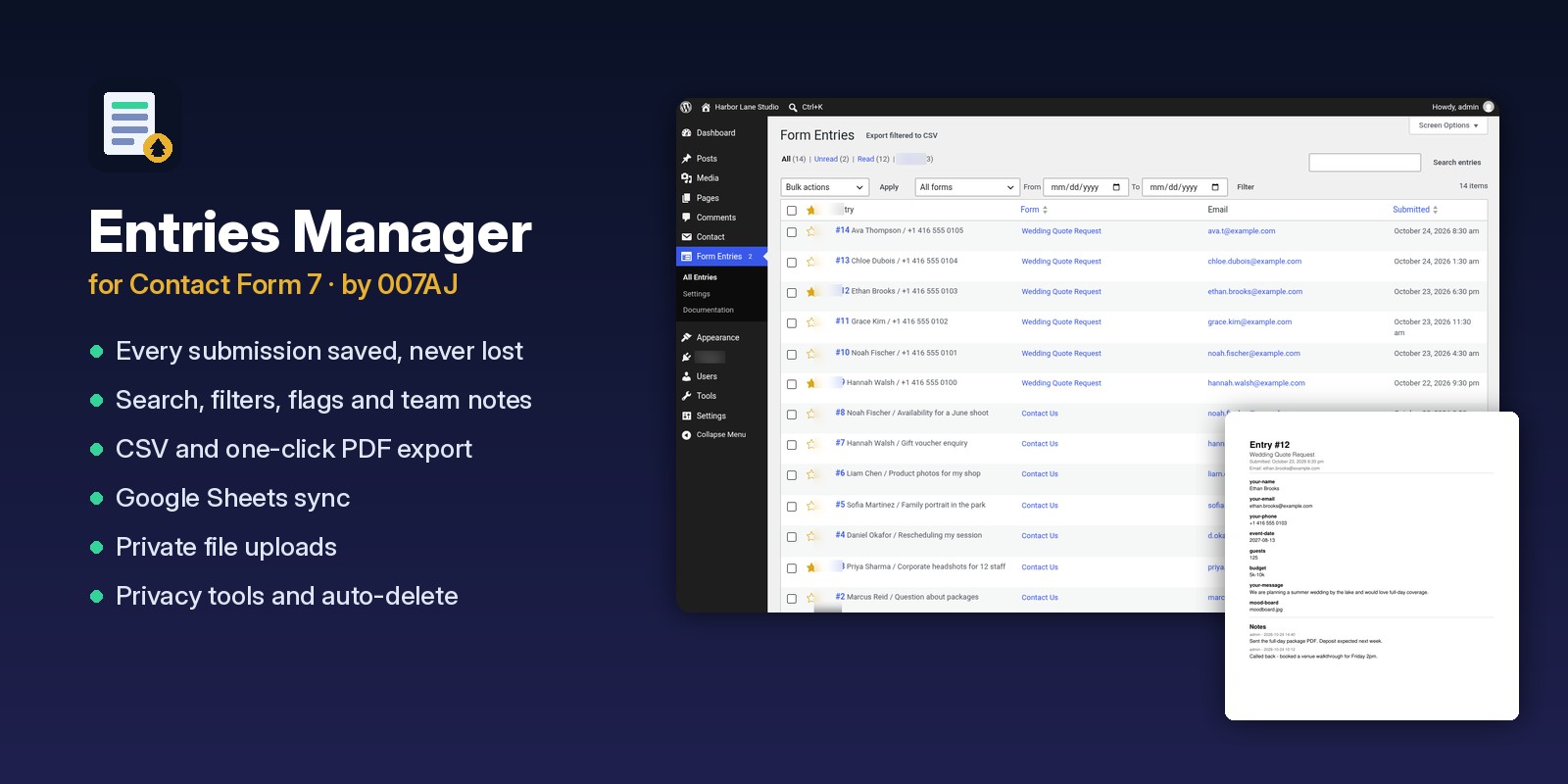
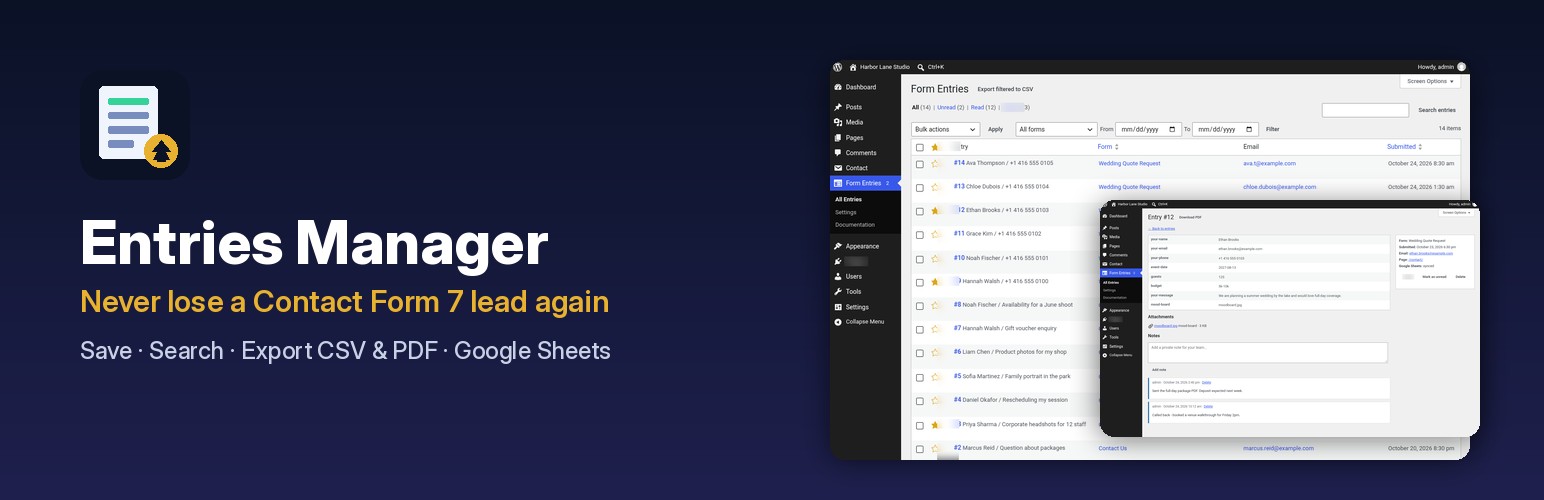
Every Contact Form 7 submission is saved on your own site, searchable, flaggable and exportable to CSV, PDF and Google Sheets, with private file uploads and privacy tools built in. Every enquiry is money, and now none of them disappear with a lost email. One payment, no yearly subscription.
Special limited-time price · One-click install · Exclusive online support · Lifetime access to all future updates
💰 Ways to make money and save money
Every form submission is a potential customer. Here is how Entries Manager helps you turn more of them into paid work and keeps money in your pocket:
Never lose a paying lead again
Contact Form 7 only sends an email. If that email lands in spam or never arrives, the enquiry is gone. Every submission is now saved on your own site, even when the email fails, so no booking, quote or sale slips away.
Reply faster and win more jobs
Unread counts, search and filters put every new enquiry in front of you. The first business to reply usually gets the work.
Flag the hot leads
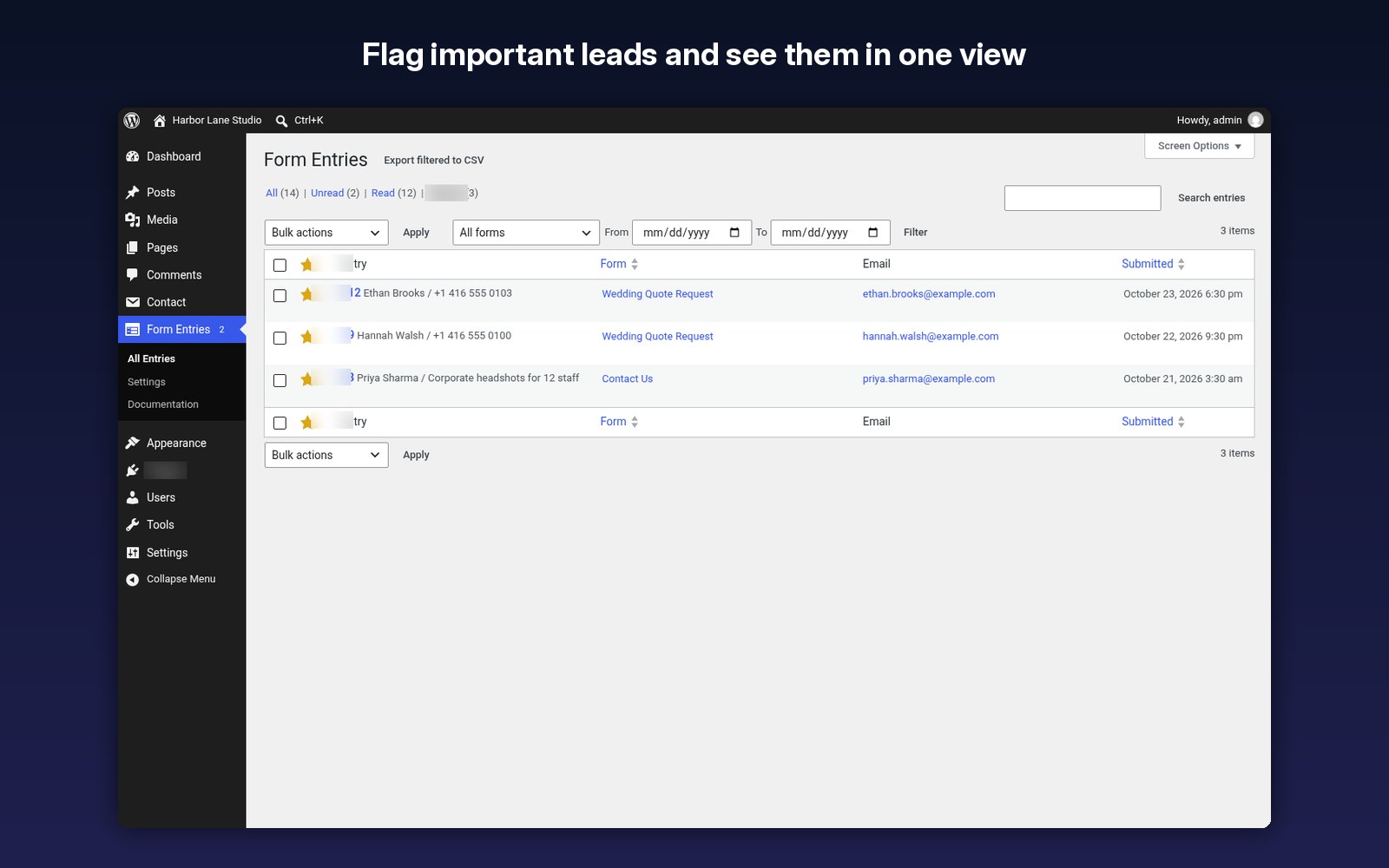
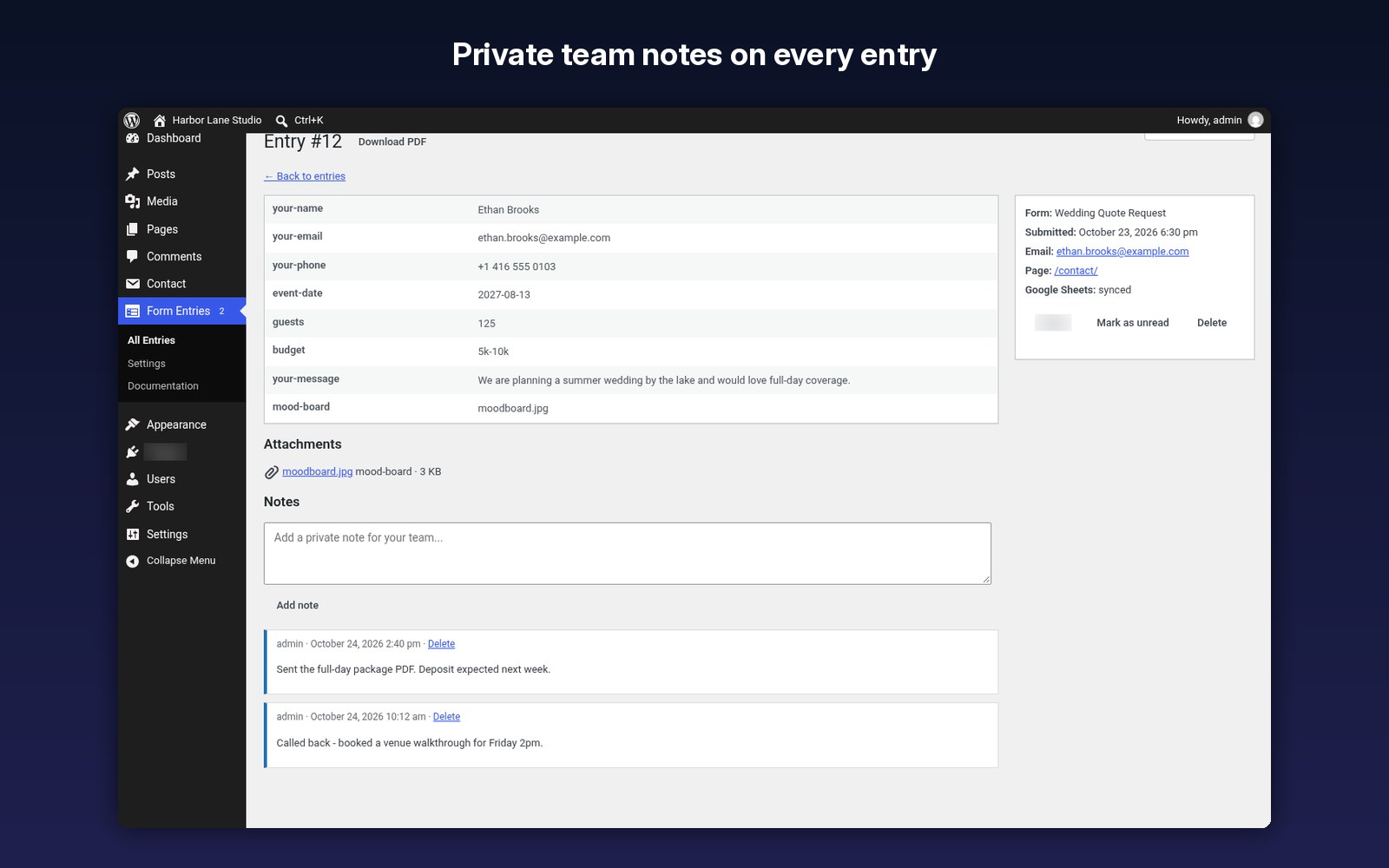
Mark important enquiries so your best prospects never get buried, and keep private team notes on each one so follow-ups close.
Turn submissions into a sales pipeline
Google Sheets sync drops every lead into a spreadsheet your team, accountant or CRM can work from, automatically.
Look professional with PDFs and CSV
Send a clean PDF of any enquiry to a colleague or client, or export a filtered CSV for mailing lists and reports.
Sell it as a service to clients
Agencies and freelancers can add lead tracking to client sites that already use Contact Form 7, and charge for setup and care plans.
Save on yearly add-on fees
Replace yearly subscriptions and separate add-ons for entries, exports, PDFs and Sheets with one tool and one payment.
Stay on the right side of privacy rules
Built-in personal data export and erase, plus auto-delete after a set number of days, help you meet GDPR-style requests without extra tools.
Everything you need to manage Contact Form 7 entries
Every valid, non-spam Contact Form 7 submission is stored, even when the email fails.
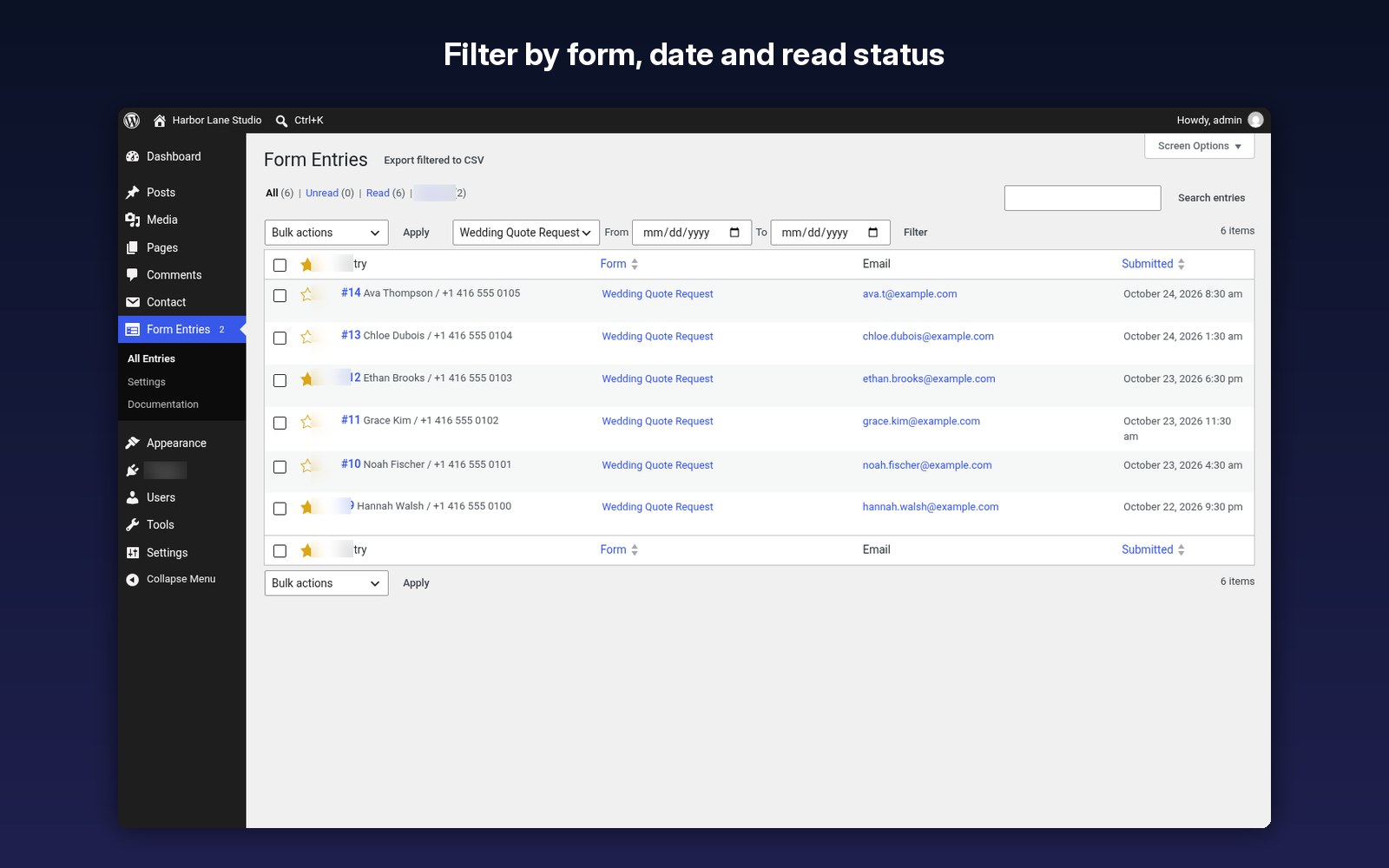
Search, filter by form and date, Unread and Read views, and bulk actions.
Mark important leads and see them together in their own view.
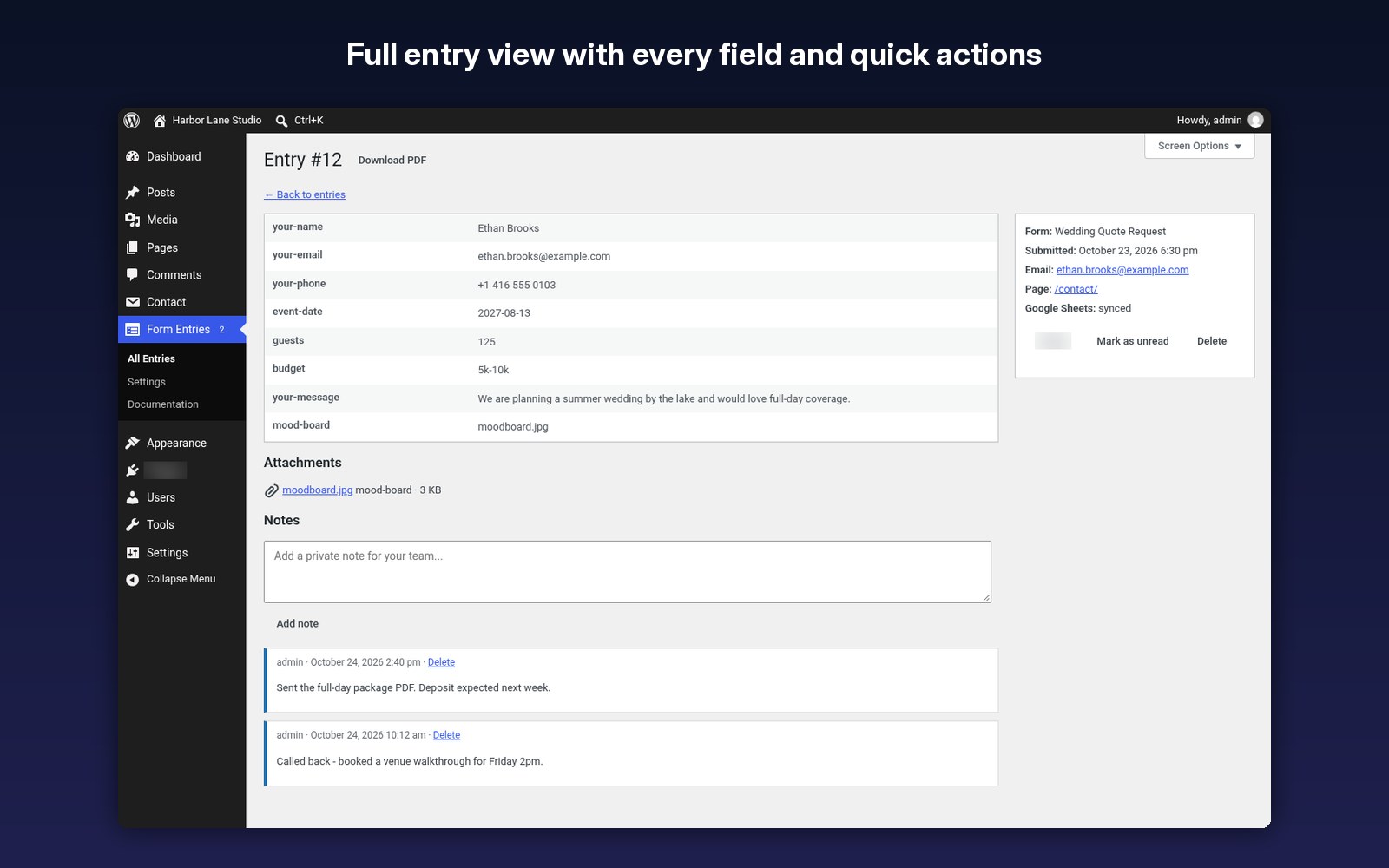
Add notes to any entry so your team knows what happened next.
Export everything, a filtered view or selected entries, streamed for large sites and protected against spreadsheet formula tricks.
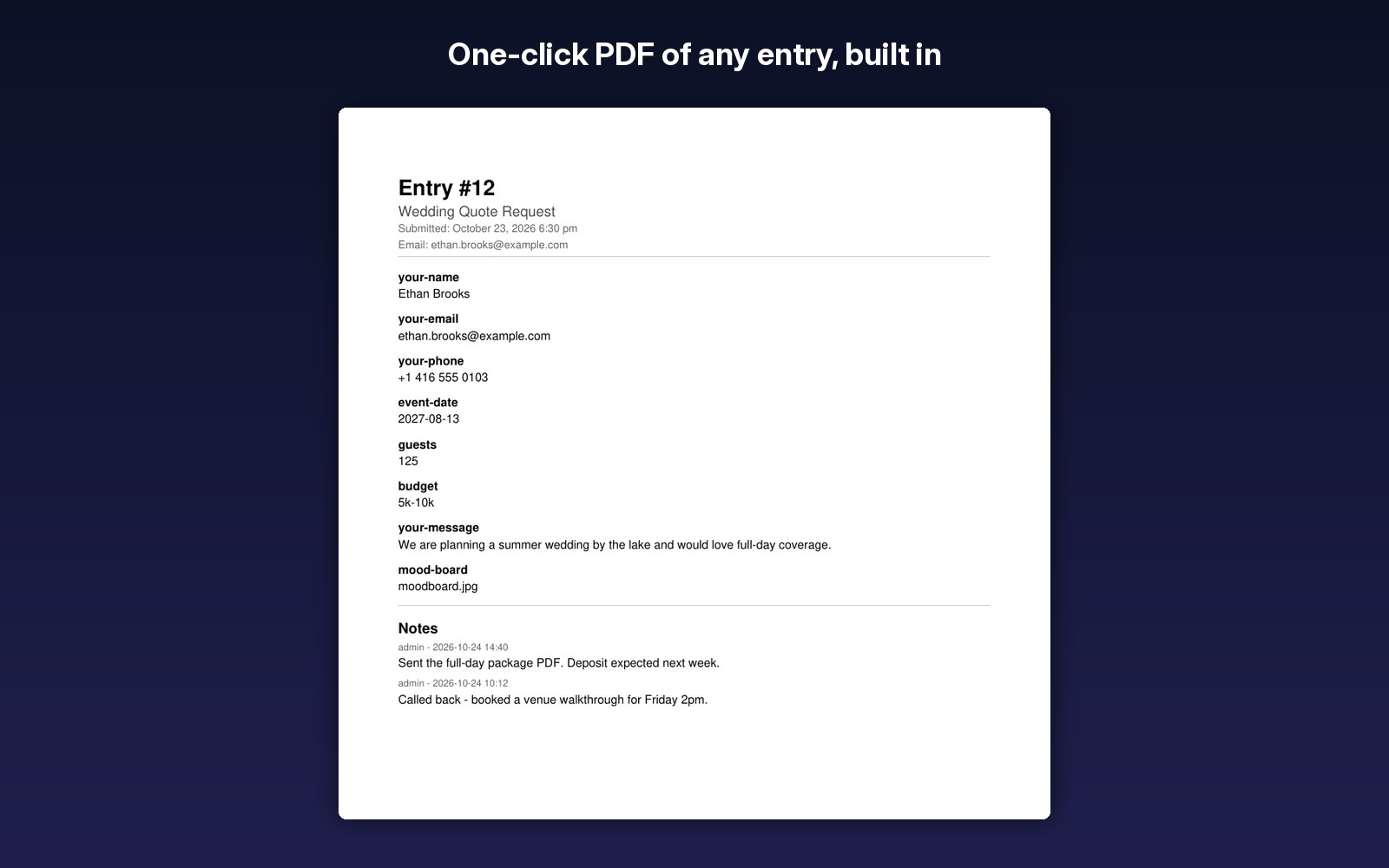
Download any entry as a PDF, built in with no outside service.
Send entries to your own Google Sheet in the background, with automatic retries and a sync status on each entry.
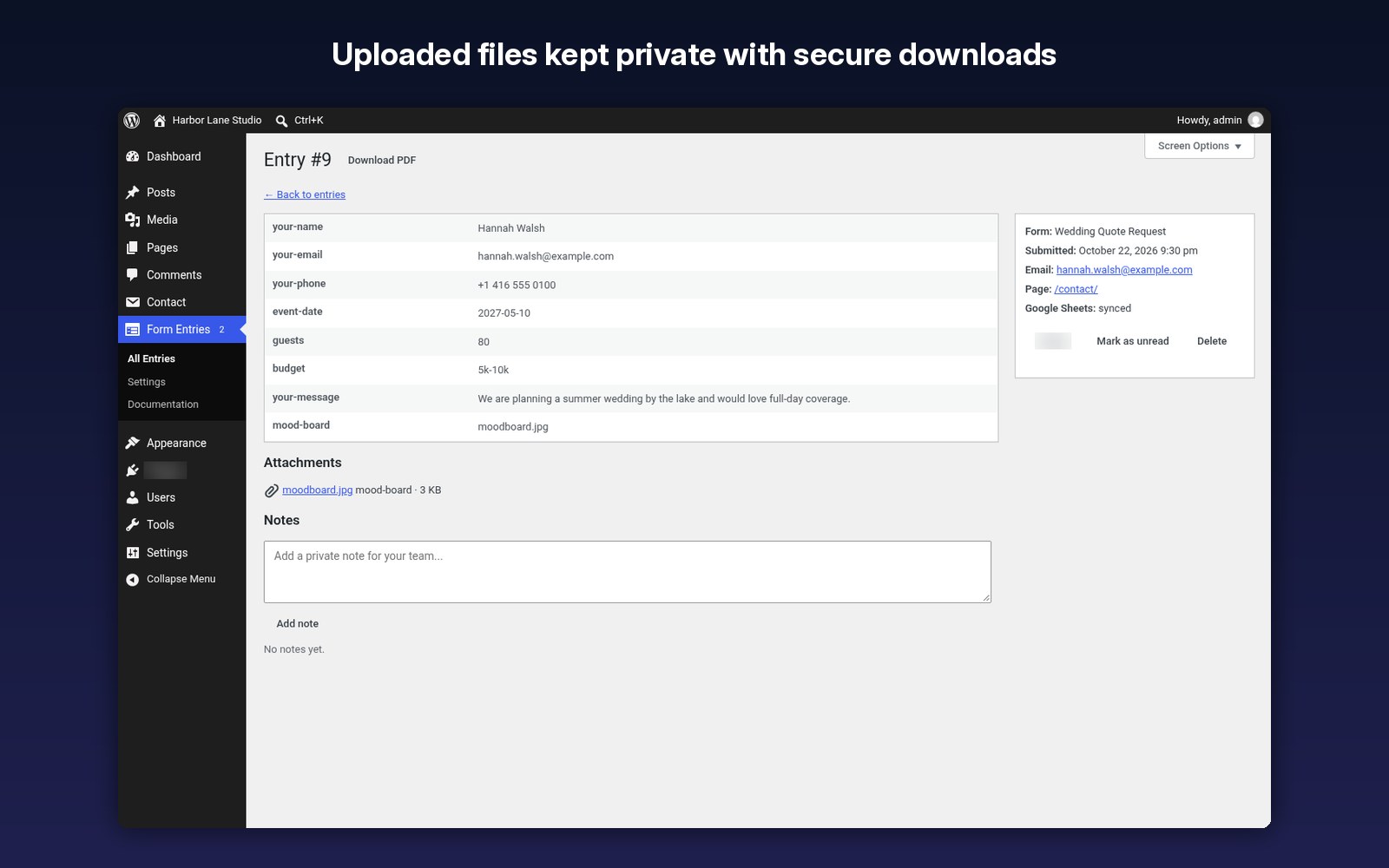
Uploaded files are stored privately, outside the web root where possible, with secure downloads and a Site Health check.
Double-clicks and repeat submissions are not saved twice.
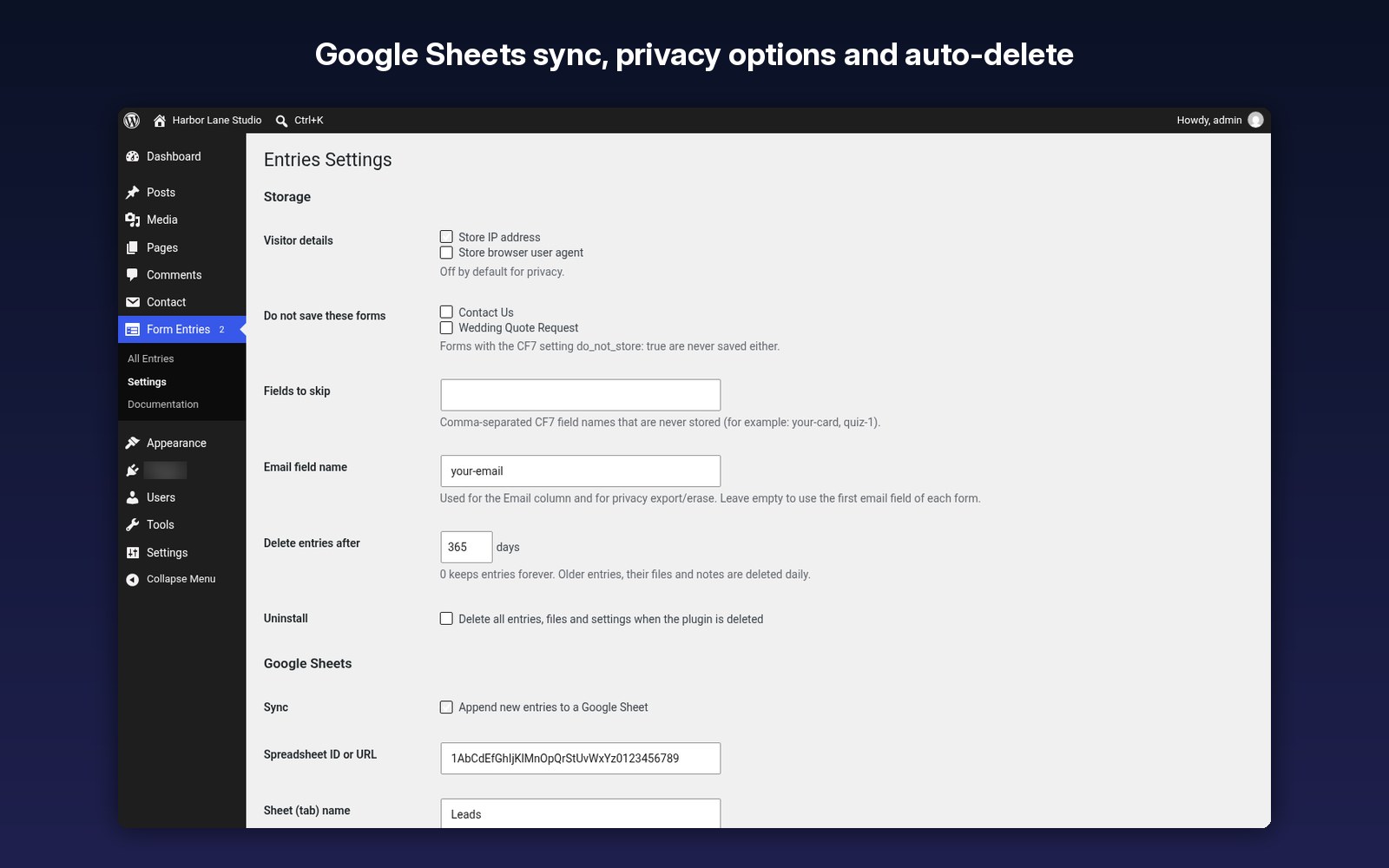
Optional IP and browser storage, personal data export and erase, and auto-delete after any number of days.
A dashboard widget with new entries, role-based access, and multisite support.
Step-by-step docs right inside your dashboard, and a clean opt-in uninstall.
Screenshots
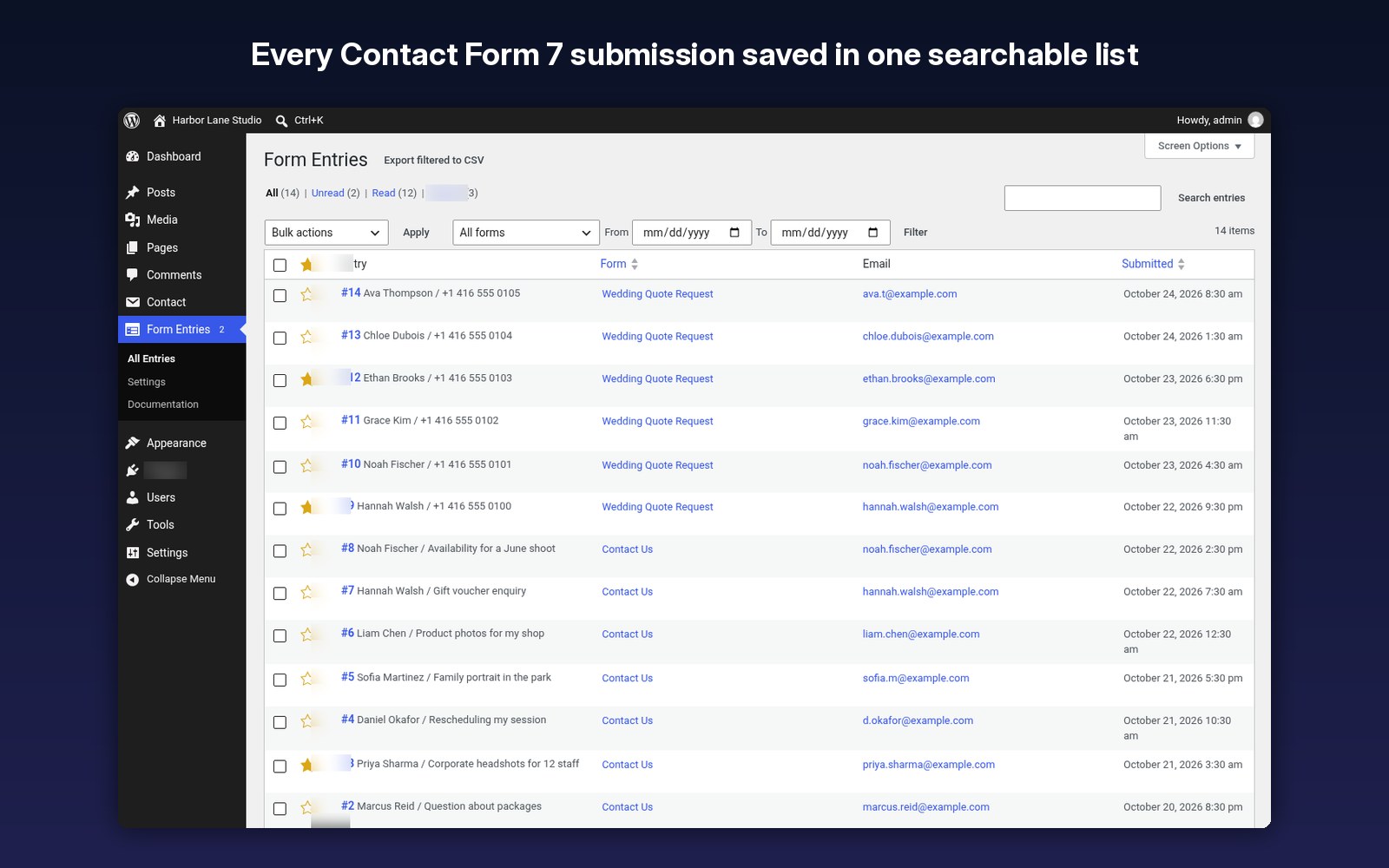
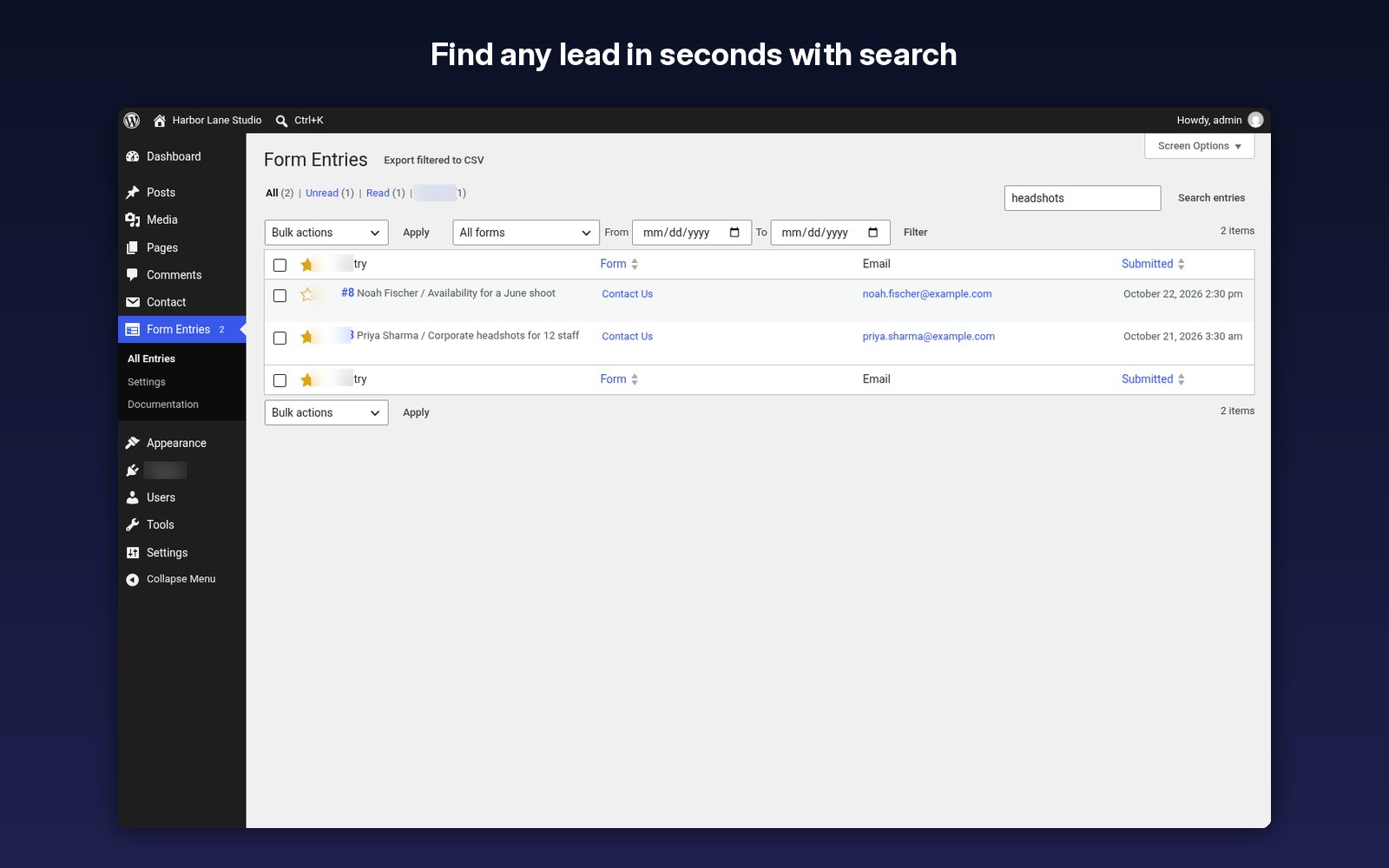
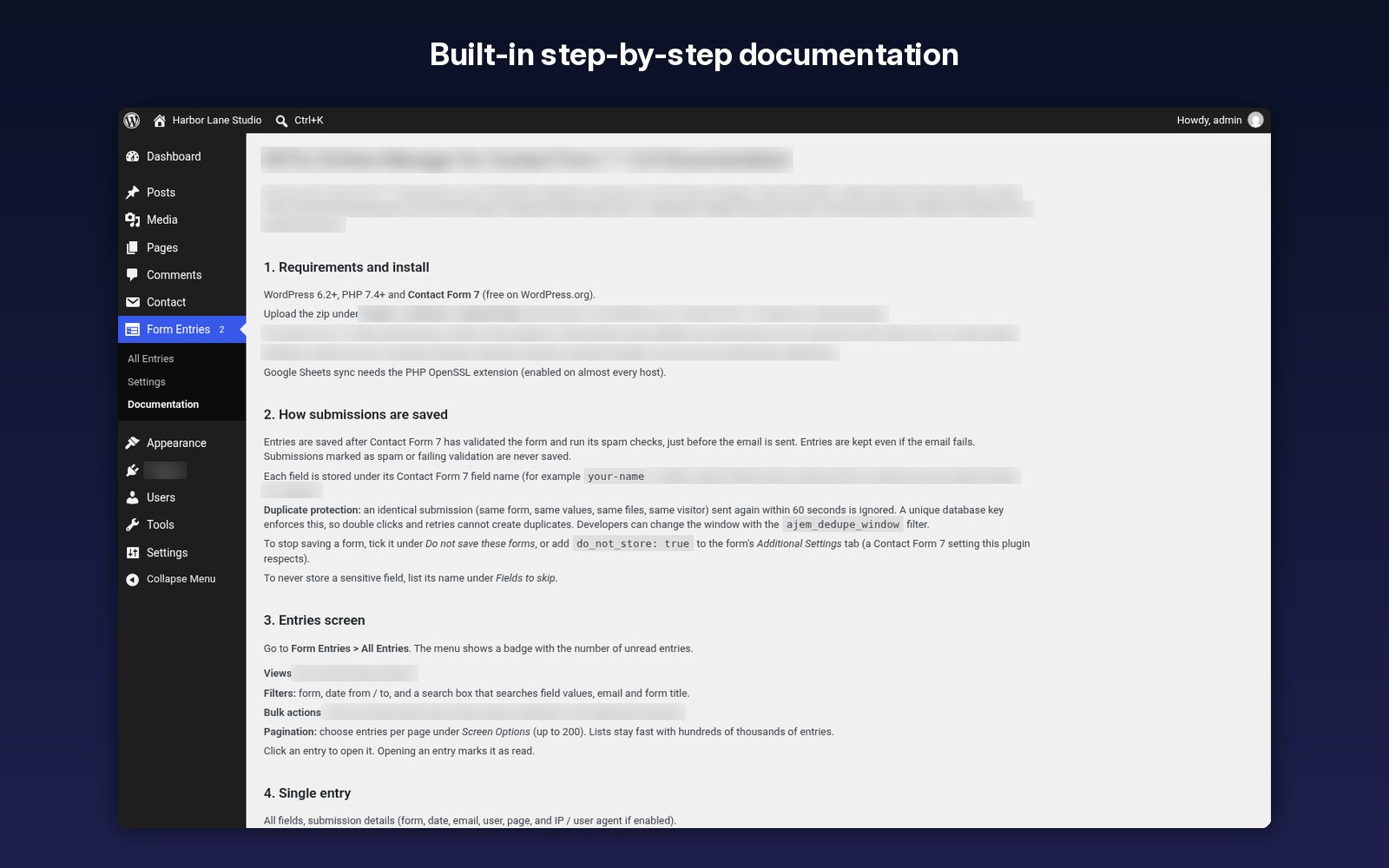
Screenshots from a test site with a fictional photography studio.
FAQ
Only the free Contact Form 7, which you can install from your WordPress dashboard. You need WordPress 6.2 or newer and PHP 7.4 or newer. Google Sheets sync uses your own free Google service account and the OpenSSL PHP extension, which almost every host already has.
Fully licensed version — use on your own sites.
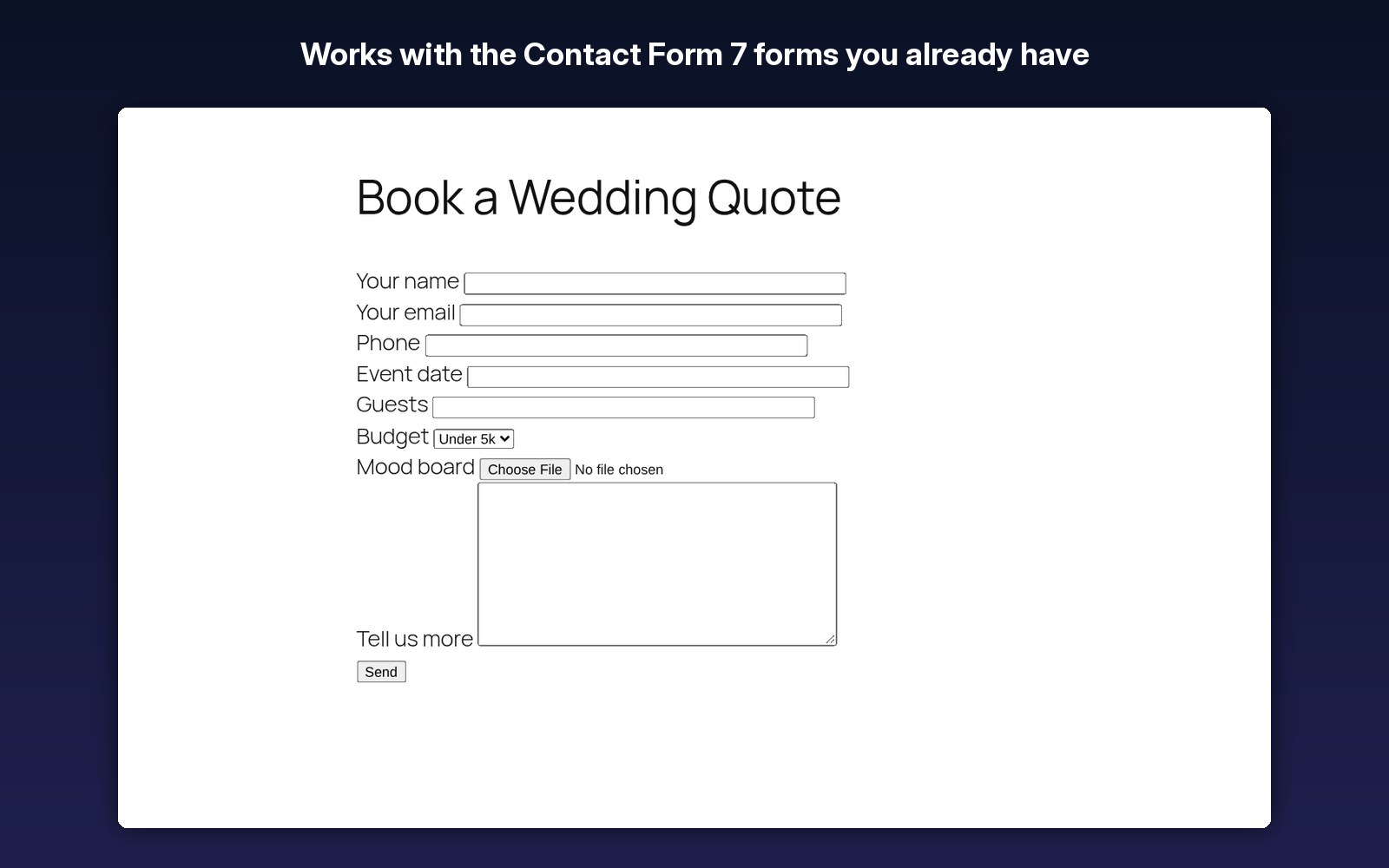
Yes. It works with your existing Contact Form 7 forms straight away, with no changes to the forms.
The entry is still saved, so you can see and reply to every enquiry from your dashboard.
Yes. Files are kept private, outside the public web folder where your host allows it, and only logged-in users with access can download them.
Yes. Storing IP addresses and browser details is optional, personal data export and erase work with the WordPress privacy tools, and entries can be deleted automatically after the number of days you choose.
Yes. You get exclusive online support at 007aj.com and lifetime access to all future updates.
Who Entries Manager is for
Contact Form 7 is free, flexible and already running on millions of sites, but it only sends an email. It doesn’t keep a copy of what people send you. If the notification lands in spam, bounces or never leaves the server, that enquiry is gone and you never know it existed. Entries Manager is for anyone who can’t afford that:
- Service businesses (trades, studios, clinics, consultants, tutors) whose quote and booking requests come in through Contact Form 7.
- Agencies and freelancers who look after client sites built with Contact Form 7 and want to add lead tracking without rebuilding forms in another builder.
- Recruiters and HR teams collecting job applications with CV uploads, where files need to be stored privately and not in a public folder.
- Sites outgrowing Flamingo that need uploads kept, team notes, flags, PDF and Google Sheets in one place. Our comparison of Flamingo alternatives explains the differences.
- Organisations with privacy duties that need retention periods and personal data export and erase for GDPR-style requests.
If you get two messages a month and never need to look back at them, the free Flamingo plugin may be enough. If your forms bring in paying work, Entries Manager makes sure none of it slips through.
Key features in detail
- Saved after validation: entries are stored only after Contact Form 7’s validation and spam checks pass, and they’re saved even if the email fails. Double submissions are detected and not stored twice.
- Entries screen: search across entries, filter by form and date, switch between Unread, Read and Starred views, and run bulk actions (mark read, star, delete).
- Single entry view: every field, the form name, the submission date, attachments and private team notes, so everyone knows who replied and what happens next.
- Private file uploads: files are saved with random names in a private folder outside the web root when the server allows it, otherwise in a protected folder with deny rules. Downloads check the user’s permissions. A Site Health test requests a test file from your own site to confirm the folder isn’t publicly reachable, and shows the Nginx rule to add if needed.
- CSV export: export everything, the current filtered view or selected entries. Large exports are streamed in batches, and values that start with spreadsheet formula characters are neutralised.
- PDF of any entry: generated by built-in code on your server, with no third-party PDF service.
- Google Sheets sync (optional, off by default): uses your own free Google service account. Entries are queued and sent in the background with automatic retries, and each entry shows its sync status.
- Privacy tools: storing IP address and browser details is optional. The plugin connects to WordPress’s personal data export and erase tools, and can delete entries automatically after the number of days you choose.
- Access and admin: a dashboard widget with new entries, capability-based access for roles, multisite support and step-by-step documentation inside your dashboard.
- Clean uninstall: your data is kept when you delete the plugin unless you tick “Delete all entries, files and settings when the plugin is deleted”.
Requirements and version
- Current version: 1.0.0
- The free Contact Form 7 plugin, installed and active (required)
- WordPress 6.2 or later, PHP 7.4 or later
- For Google Sheets sync only: a Google service account (free) and the OpenSSL PHP extension, which almost every host has
- Works with your existing Contact Form 7 forms. No form changes needed
More questions
No. Only submissions that pass Contact Form 7’s validation and spam checks (including any reCAPTCHA or Akismet integration you use) are stored.
No. Contact Form 7 never stored those, so there is nothing to import. Every submission from the moment you activate the plugin is saved. If you used Flamingo before, export its messages to CSV for your archive.
Yes. They don’t conflict, so you can run both while you check everything, then deactivate Flamingo.
Yes for the entries screen, CSV and Google Sheets. The built-in PDF uses the standard Helvetica font, which covers Western European characters.
No, unless you turn on Google Sheets sync, which then sends only the forms you choose to your own spreadsheet. There is no tracking and no connection to 007AJ.
It makes sure you never lose the enquiry, but email delivery is a separate problem. Use an SMTP plugin such as MailBolt SMTP and see our guide to the best WordPress SMTP plugins in 2026.
Changelog
1.0.0
- Initial release: saved entries, entries screen with search, filters and Unread / Read / Starred views, team notes, private file uploads with Site Health check, CSV and PDF export, Google Sheets sync, duplicate protection, privacy tools, dashboard widget, role access, multisite support and built-in documentation.
Stop losing leads that were ready to pay
Save every enquiry, reply faster, flag the hot leads and send them straight to Google Sheets, with no yearly add-on fees. Install it in one click and your next Contact Form 7 submission is already saved.
Special limited-time price · Exclusive online support at 007aj.com · Lifetime access to all future updates