$25.00

Photo and Video Reviews, Q&A and Review Requests Plugin for WooCommerce
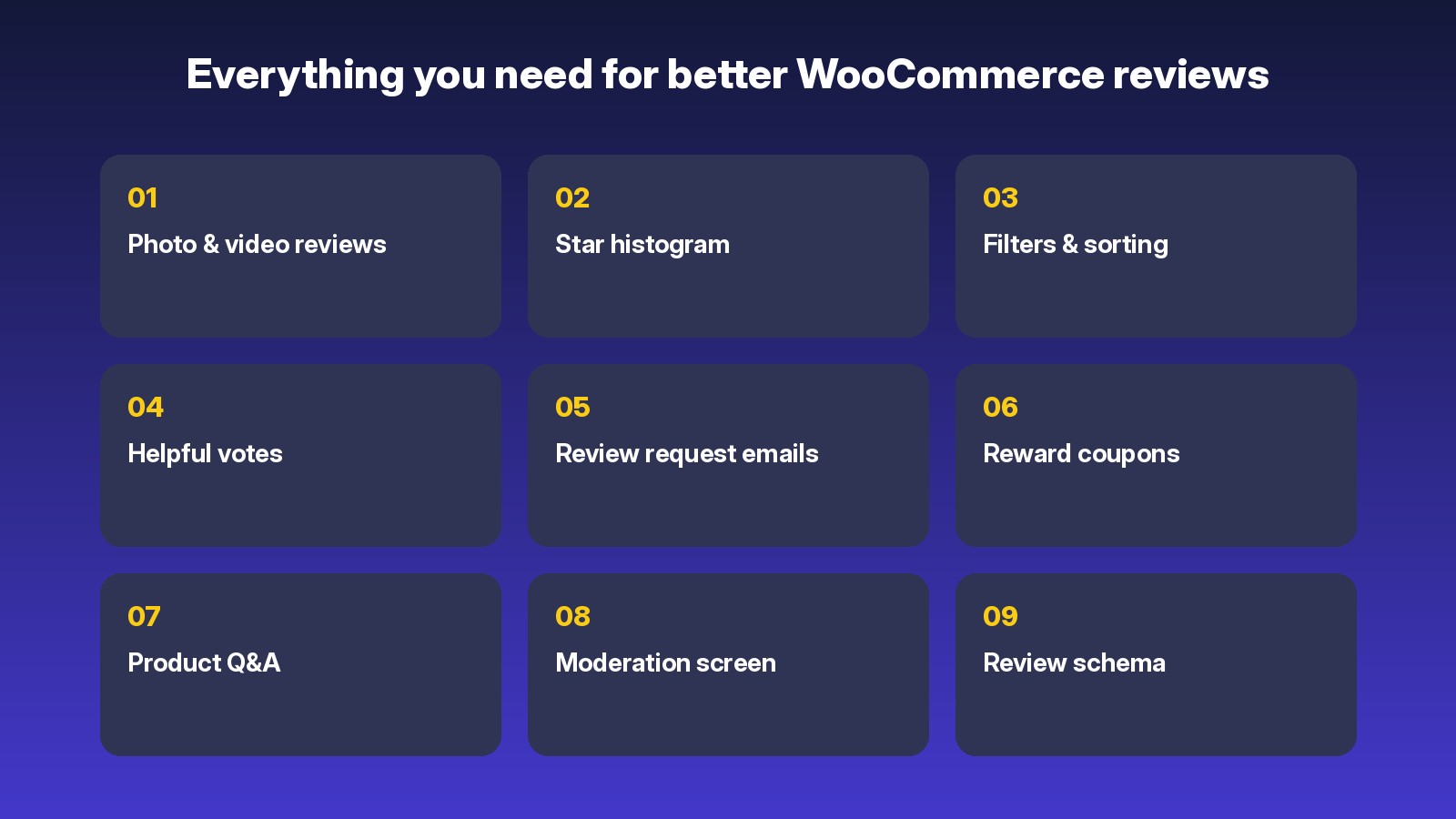
Photo and video reviews, a star summary with histogram, review request emails with optional reward coupons, and product Q&A.
ReviewLens improves the reviews your store already has. Reviews stay native WooCommerce reviews, so there is nothing to import and nothing is locked in.
Fully licensed · Native WooCommerce reviews · Spam protection built in
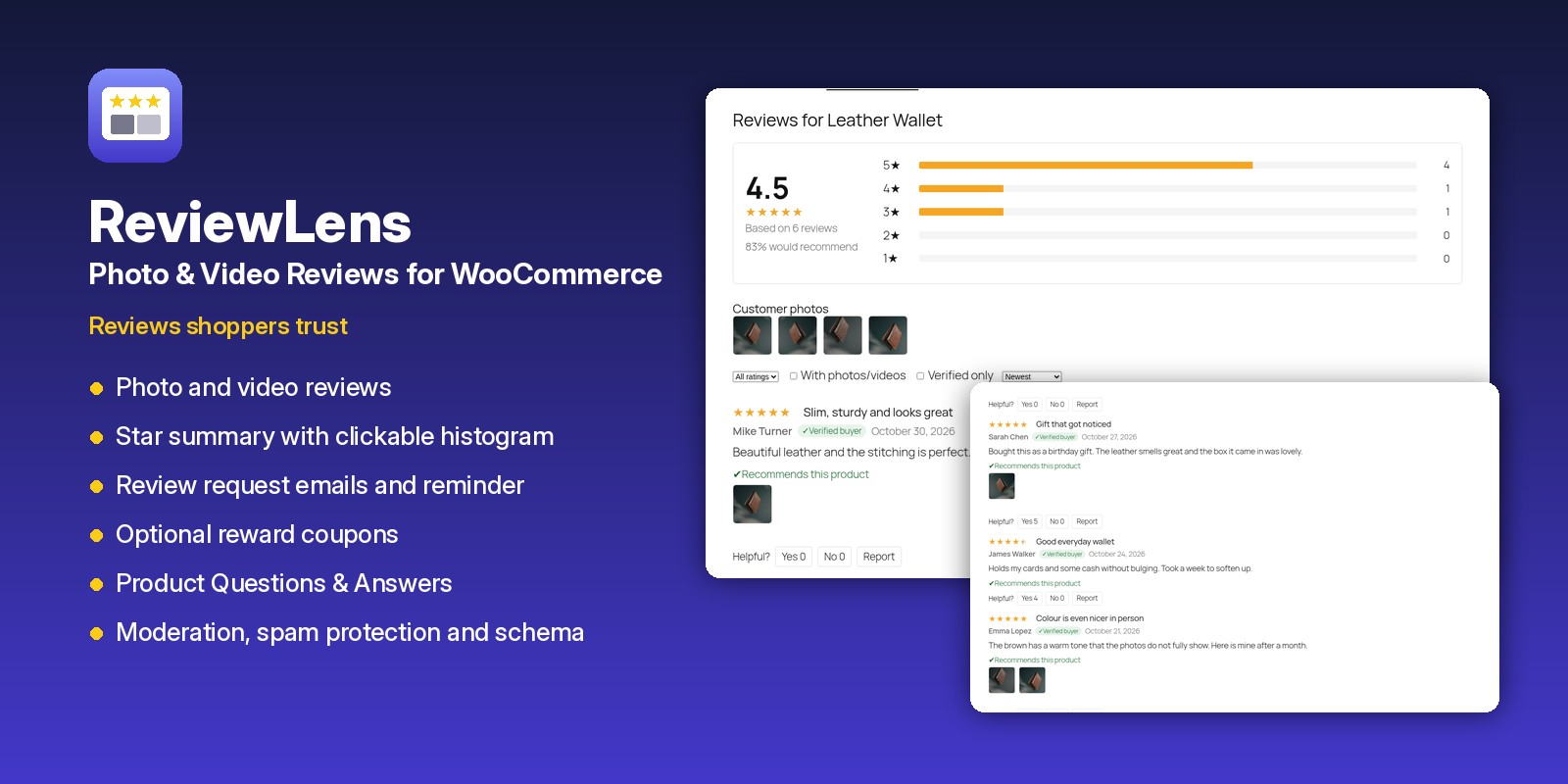
Everything you need for better WooCommerce reviews
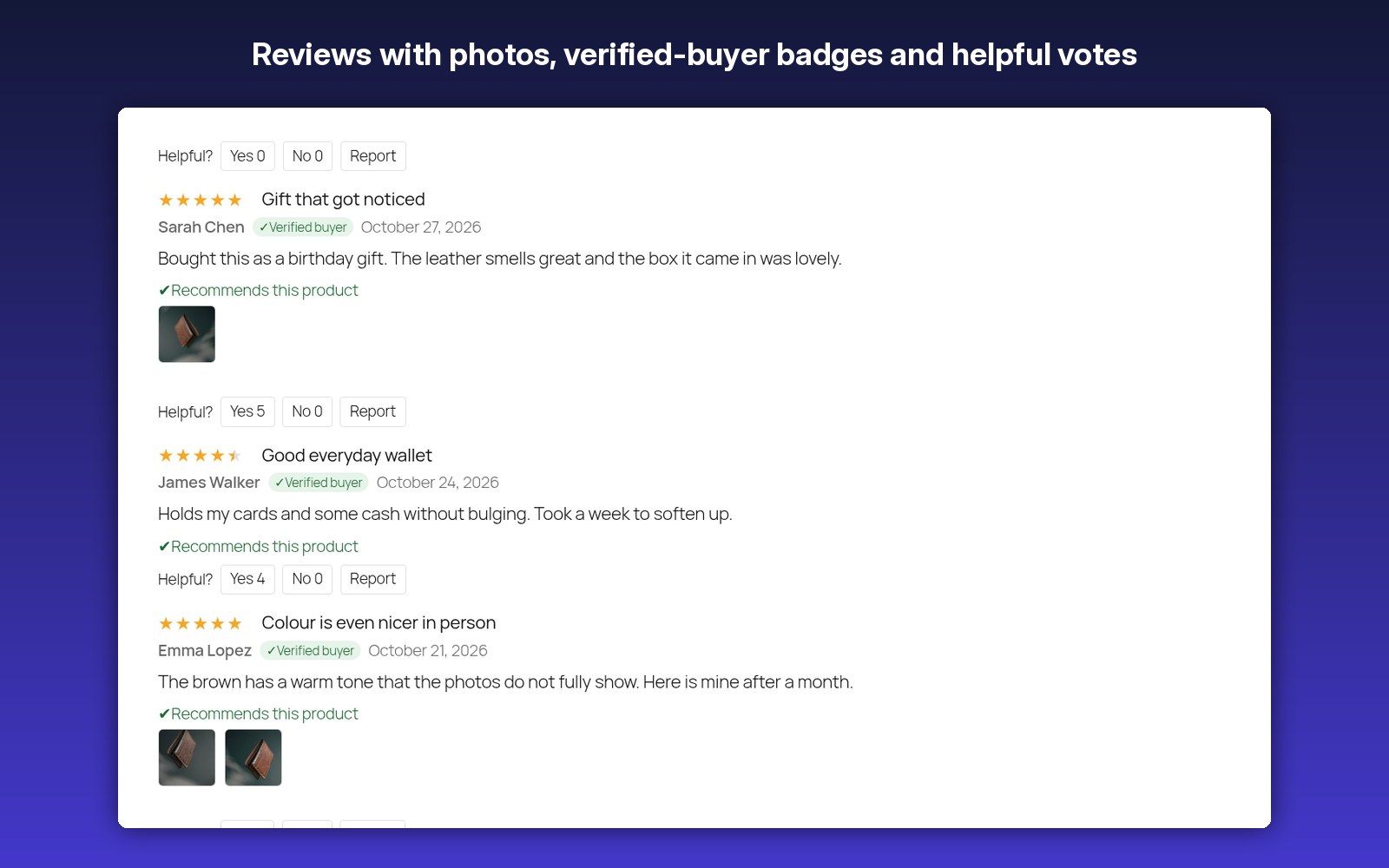
✔ Photo and video reviews
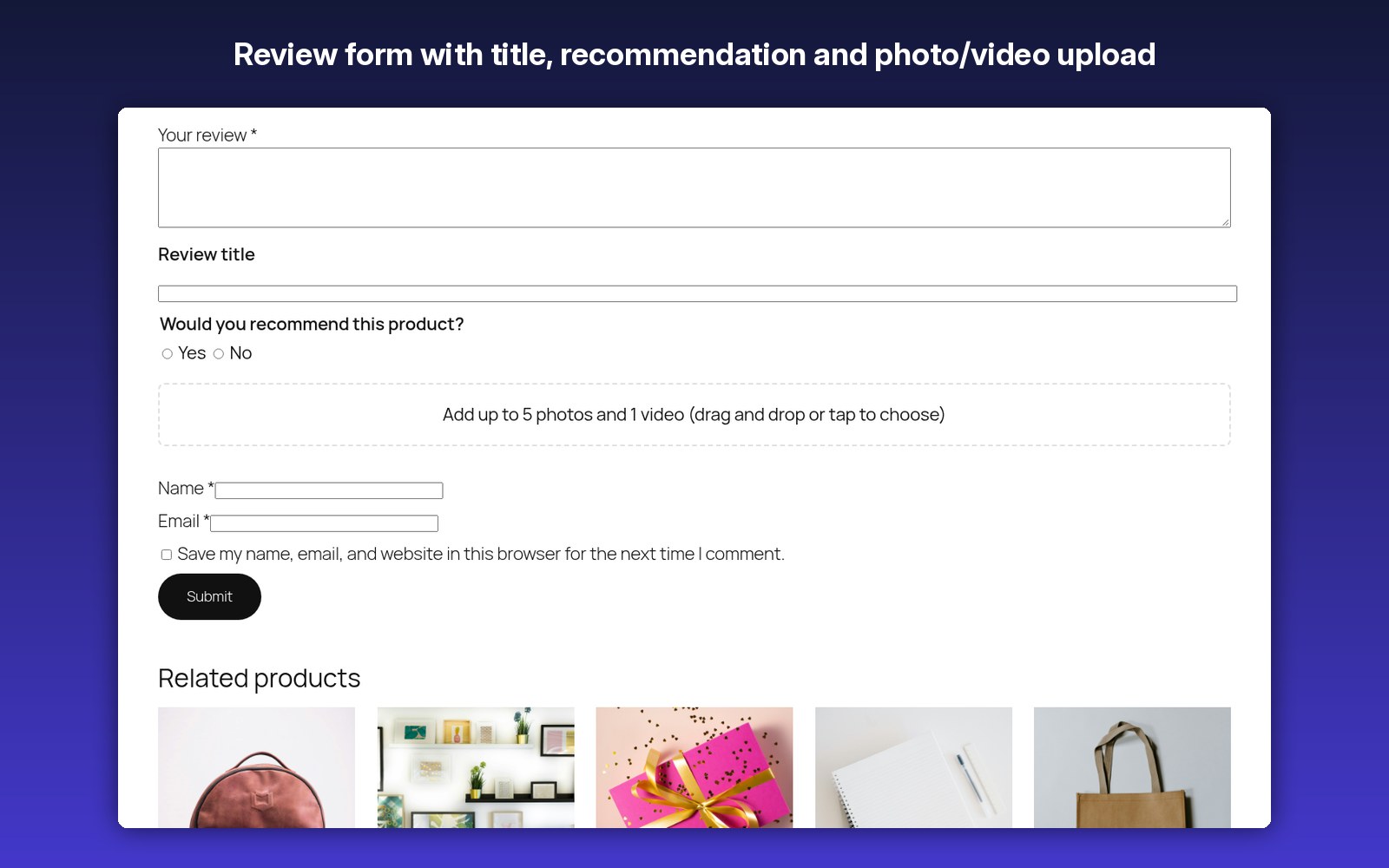
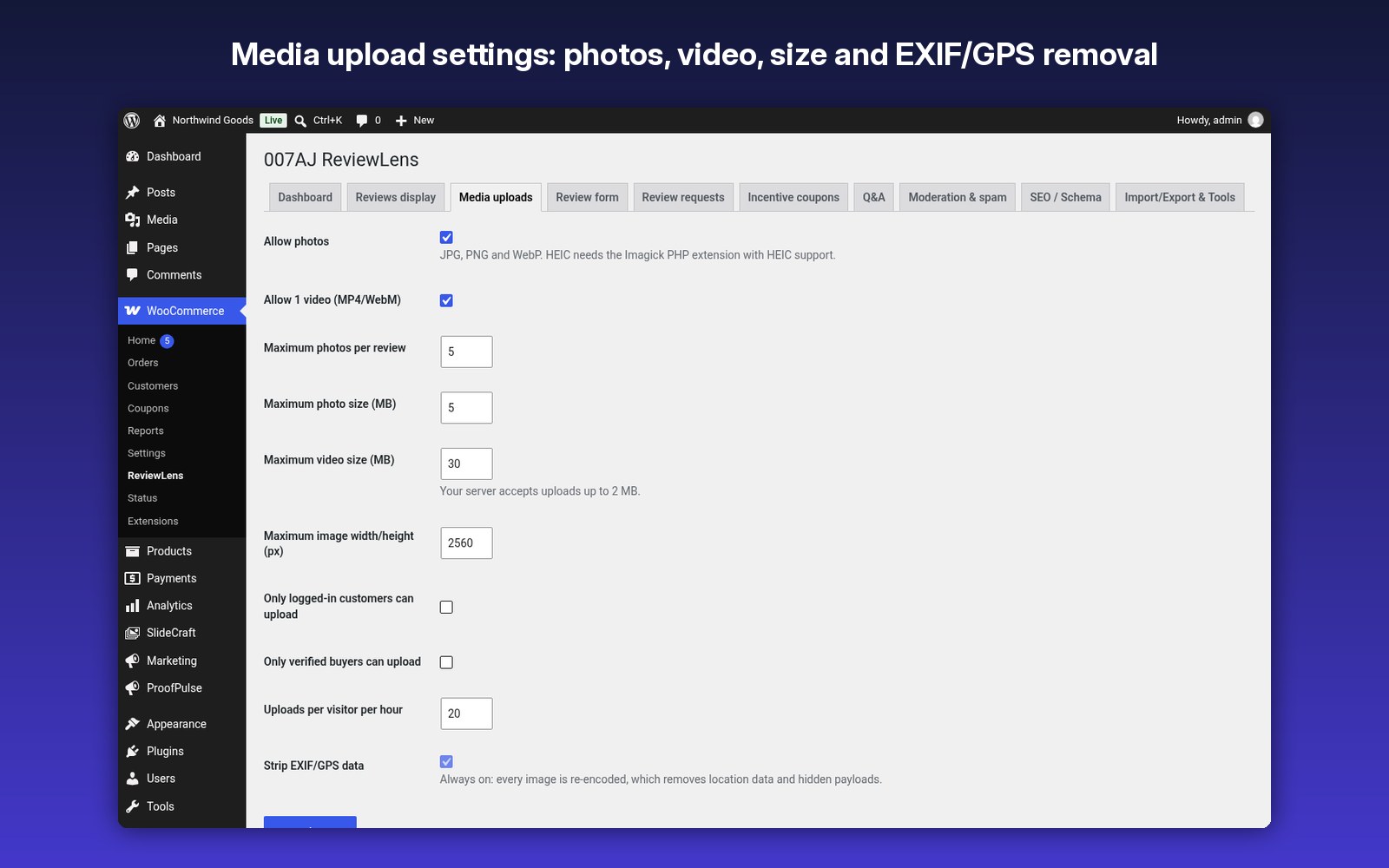
Uploads on the product page review form and on an emailed one-click review page.
Uploads on the product page review form and on an emailed one-click review page.
✔ Safe images
Every image is re-encoded on your server, which removes EXIF/GPS data and hidden payloads.
Every image is re-encoded on your server, which removes EXIF/GPS data and hidden payloads.
✔ Star summary
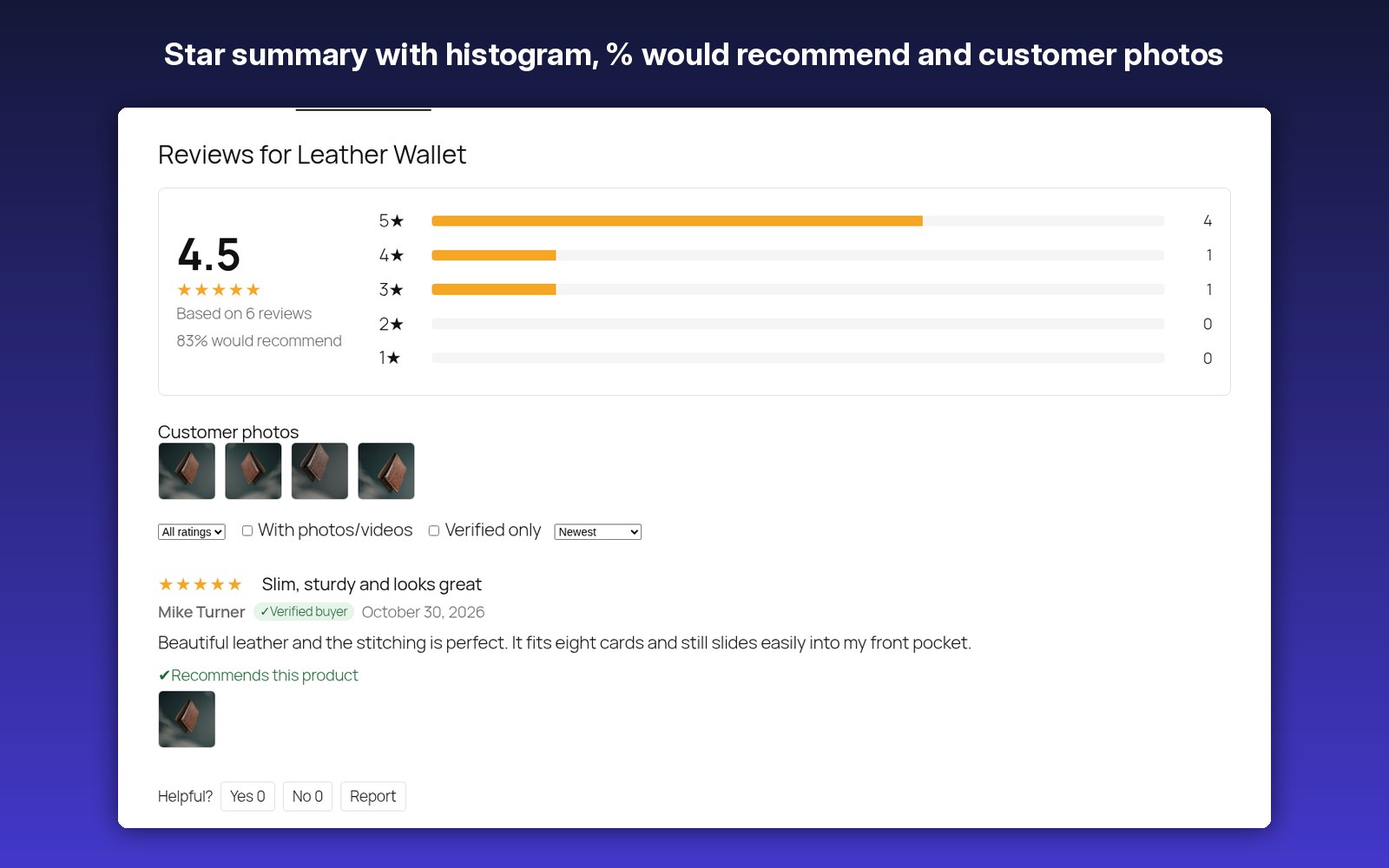
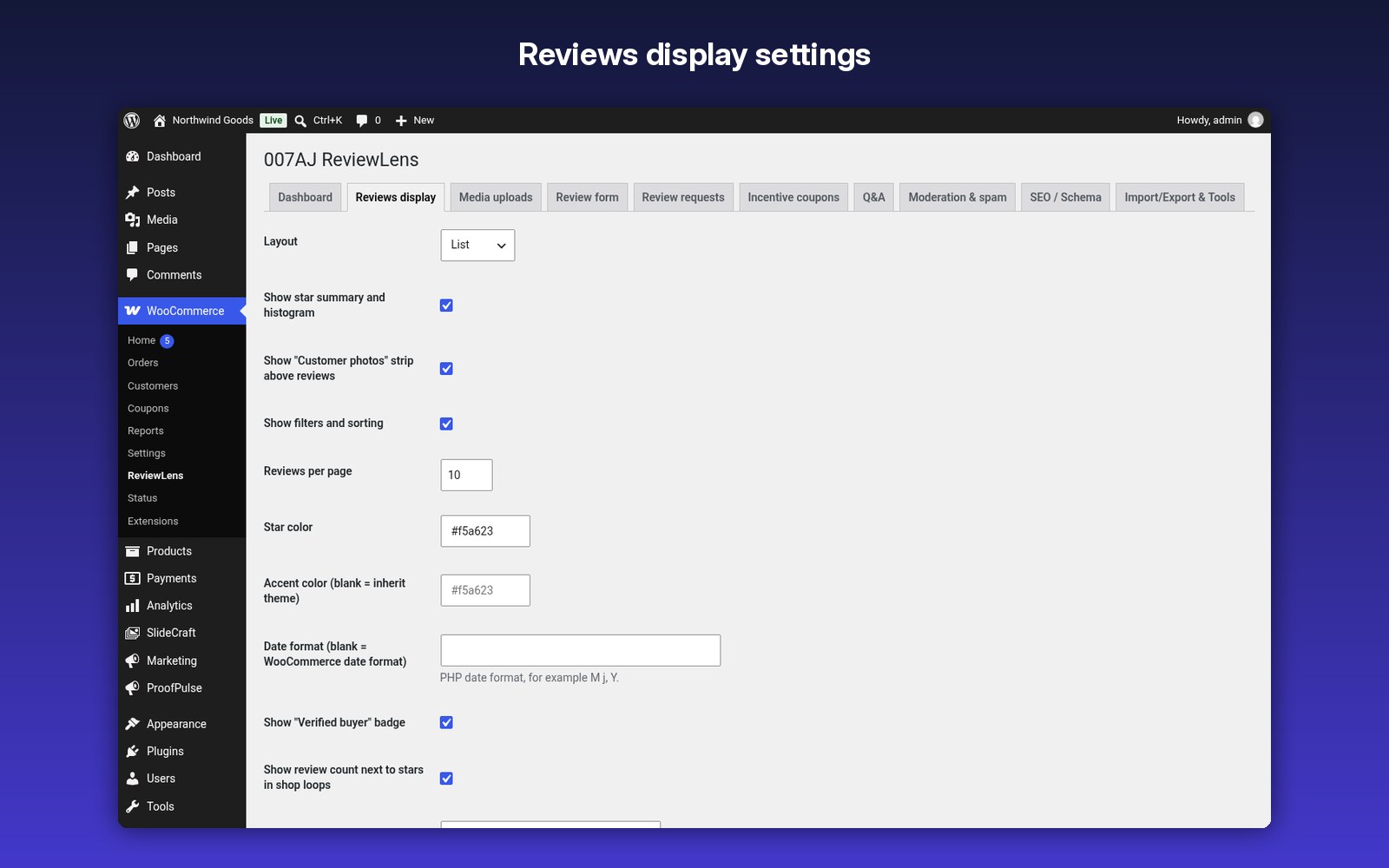
A clickable 5 to 1 histogram, “% would recommend”, a customer photo strip and a lightbox.
A clickable 5 to 1 histogram, “% would recommend”, a customer photo strip and a lightbox.
✔ Filters and sorting
By stars, with photos/videos, verified, most helpful, highest and lowest.
By stars, with photos/videos, verified, most helpful, highest and lowest.
✔ Trust signals
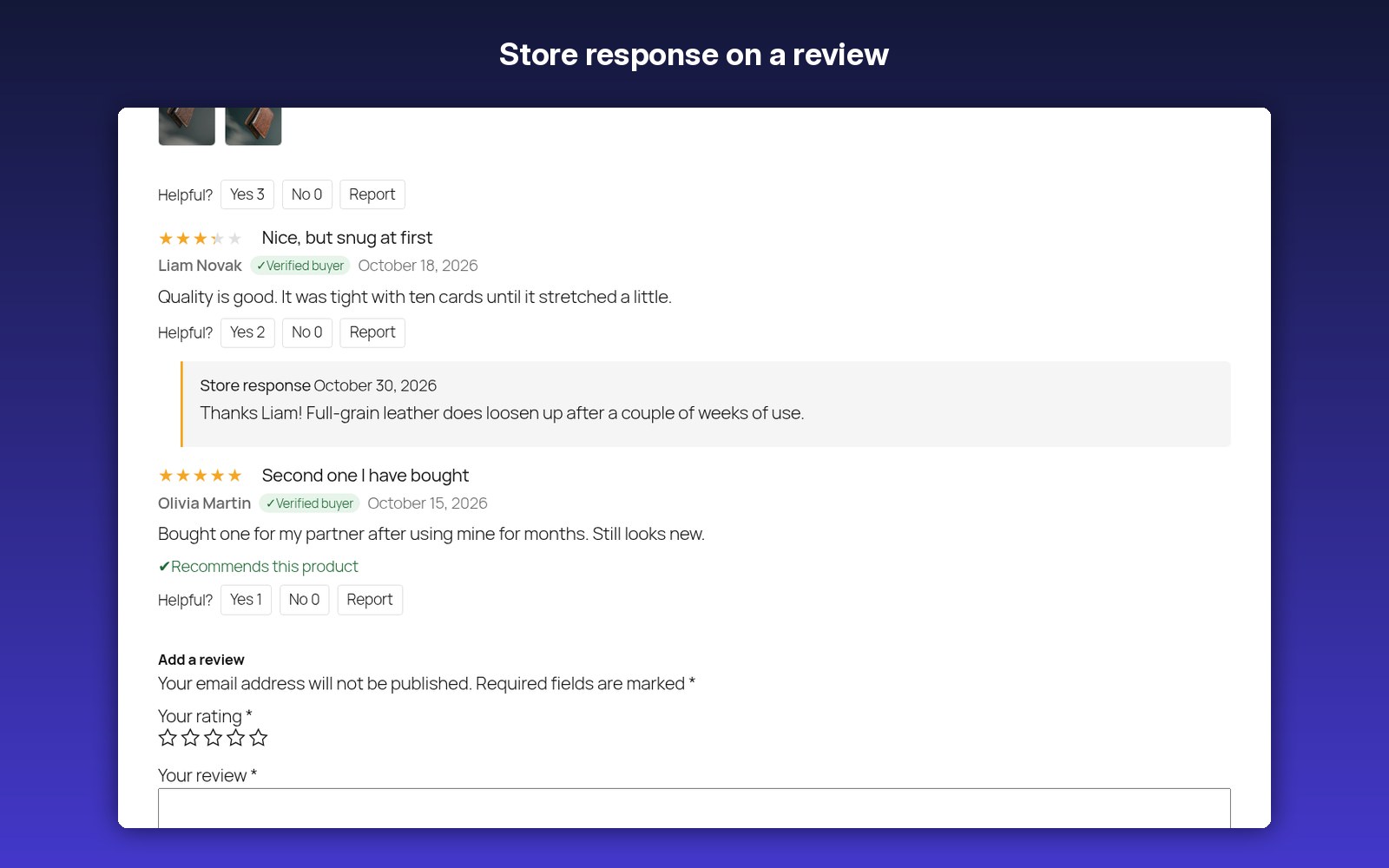
Helpful votes, verified-buyer badges, store responses and a report link.
Helpful votes, verified-buyer badges, store responses and a report link.
✔ Richer reviews
Optional review title, pros/cons, recommendation question and per-category criteria.
Optional review title, pros/cons, recommendation question and per-category criteria.
✔ Review request emails
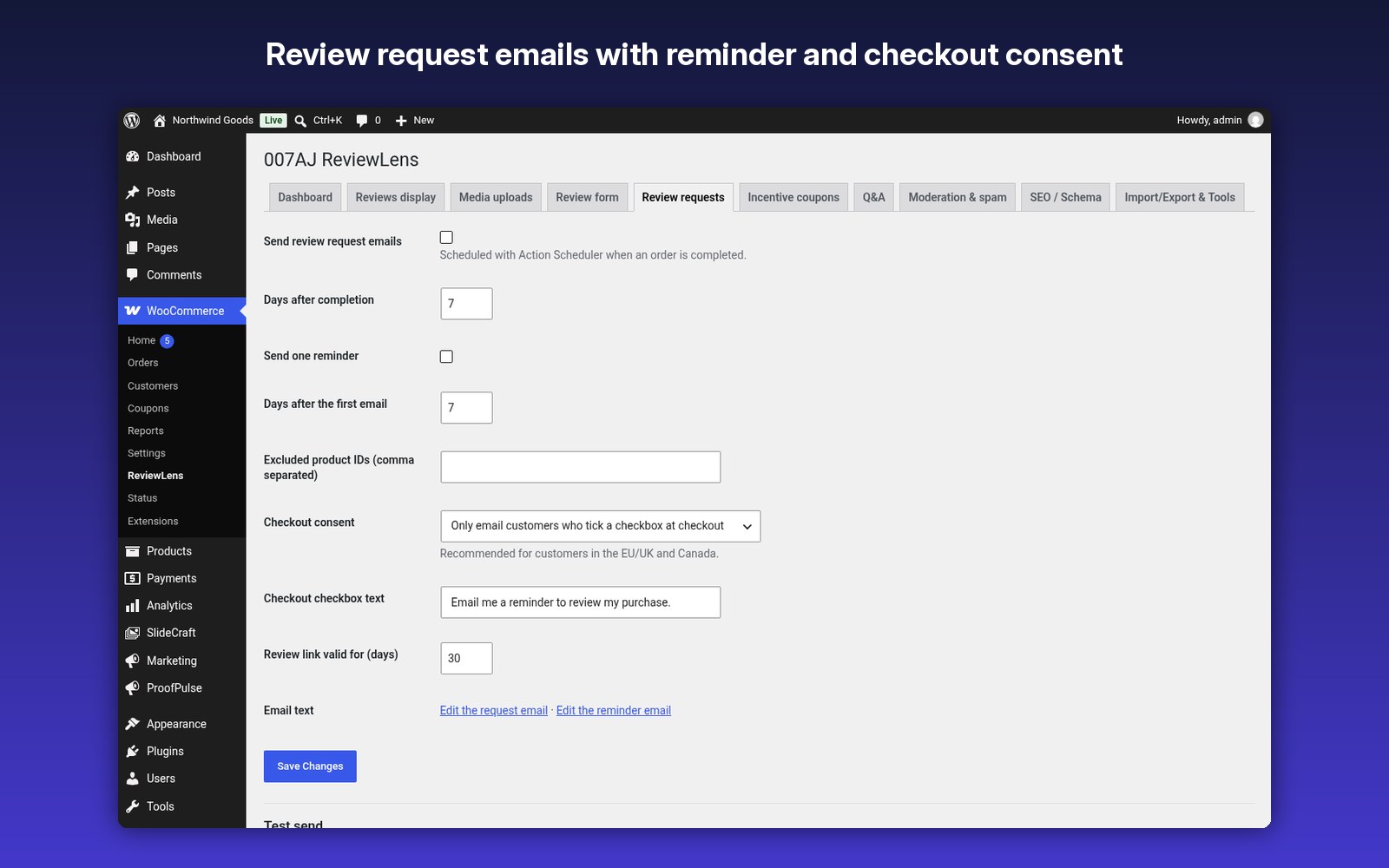
Scheduled after the order is completed, with one optional reminder, an unsubscribe link and a checkout consent checkbox.
Scheduled after the order is completed, with one optional reminder, an unsubscribe link and a checkout consent checkbox.
✔ Reward coupons
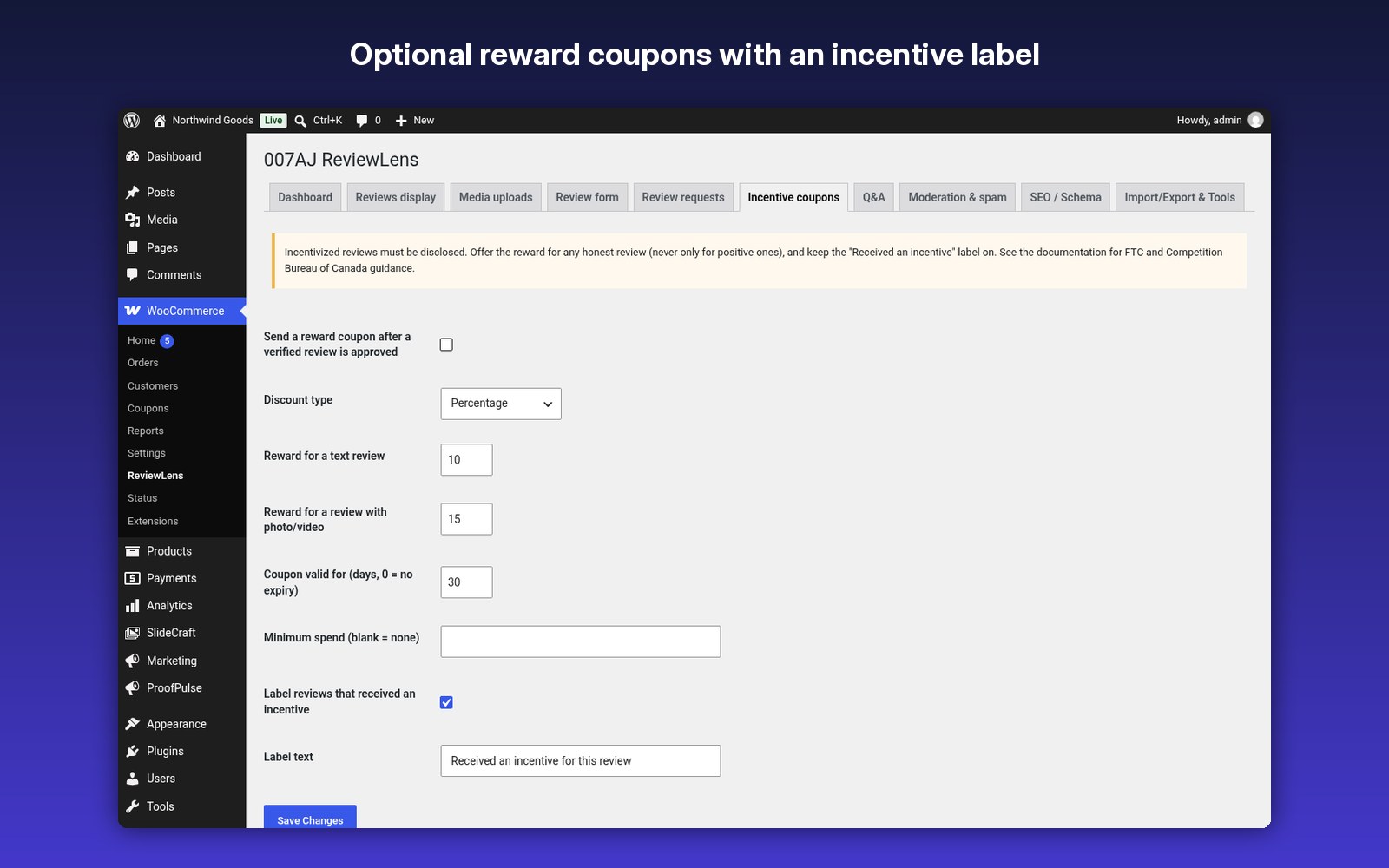
Optional, with a bigger reward for photo/video reviews and an “incentive received” label.
Optional, with a bigger reward for photo/video reviews and an “incentive received” label.
✔ Product Q&A
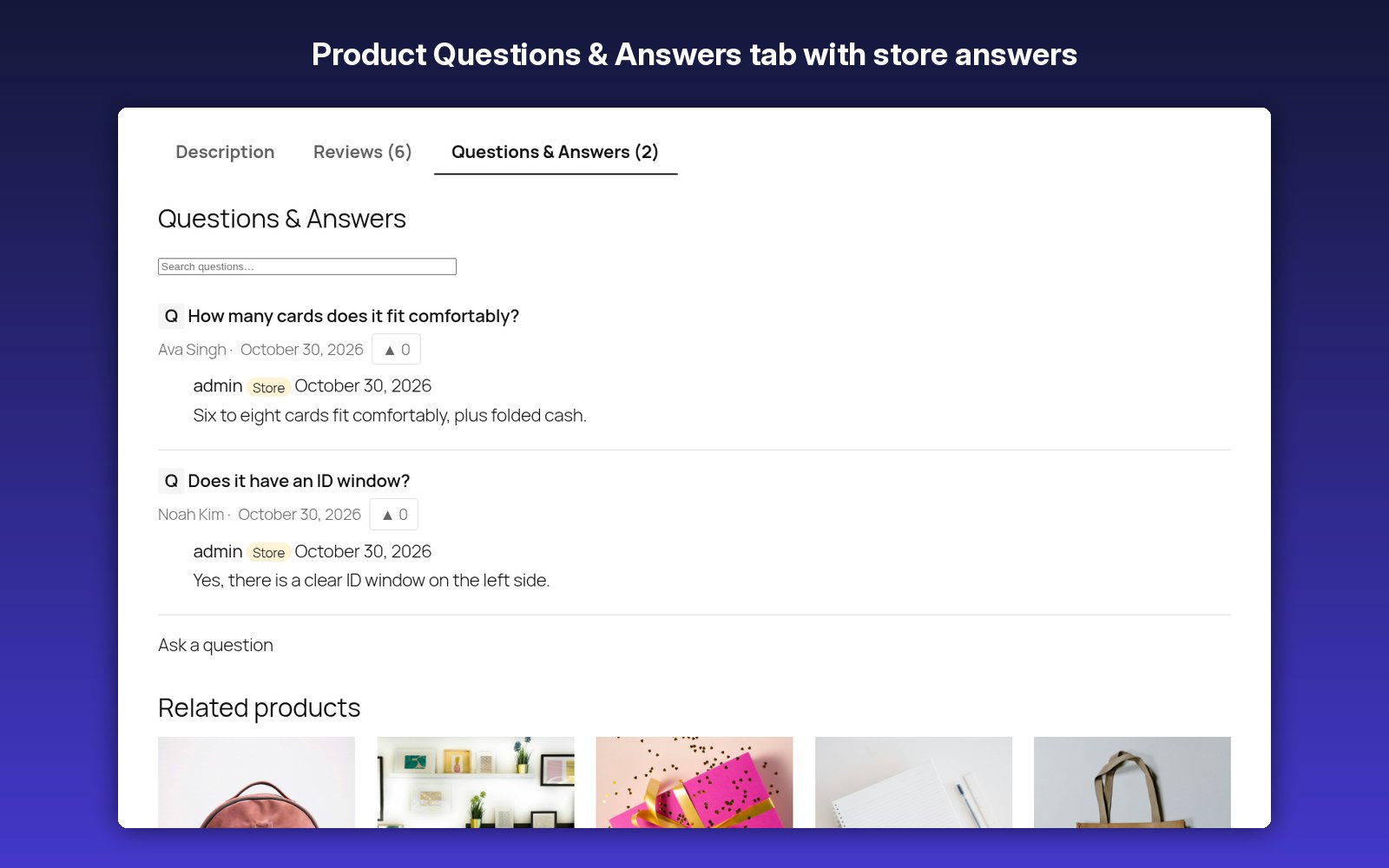
Store answers, verified-owner answers, upvotes and “notify me when answered” emails.
Store answers, verified-owner answers, upvotes and “notify me when answered” emails.
✔ Blocks and shortcodes
Summary, review list, carousel, grid, media wall, star badge and Q&A.
Summary, review list, carousel, grid, media wall, star badge and Q&A.
✔ Moderation and spam protection
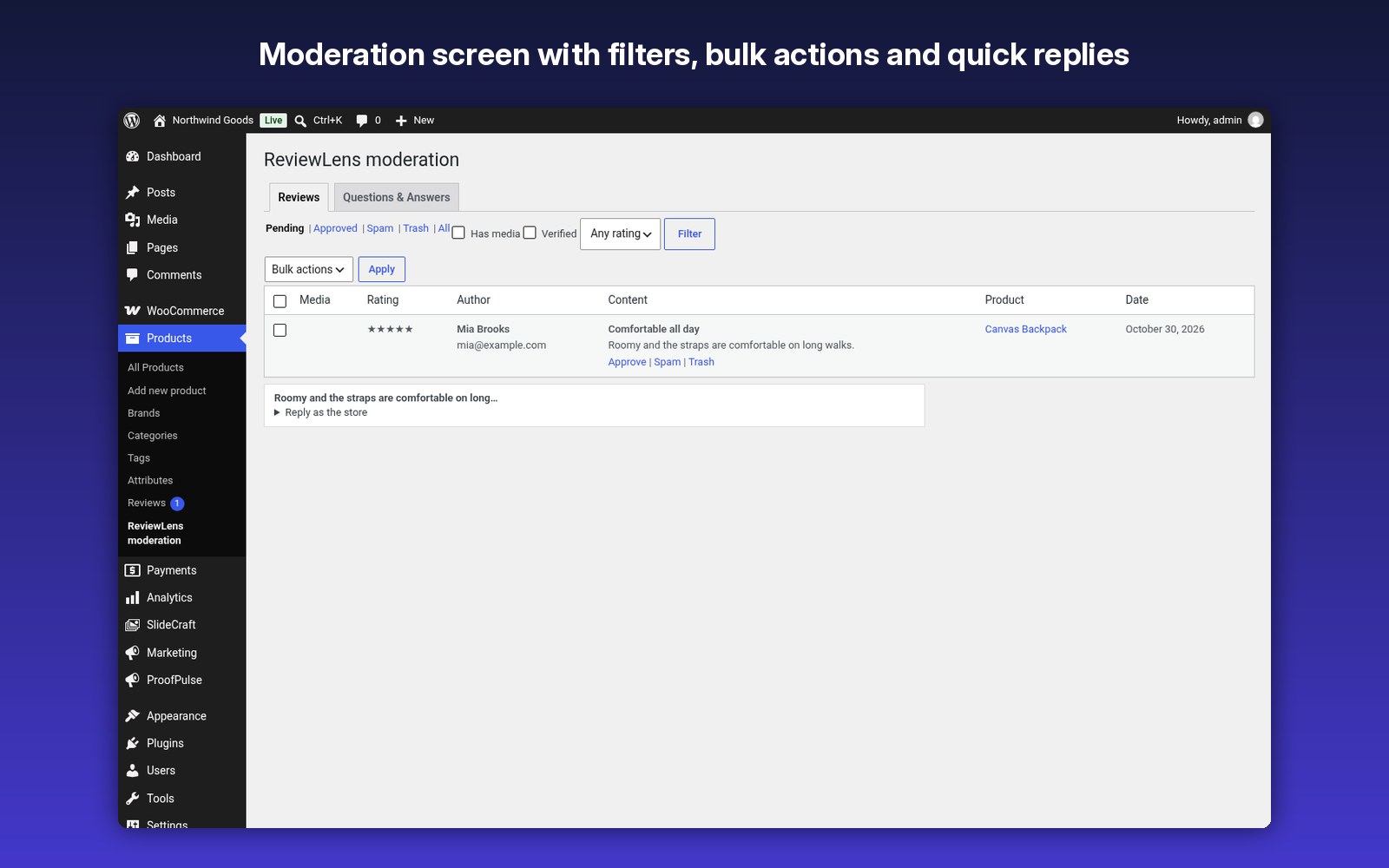
Media thumbnails, bulk actions and quick replies, with honeypot, time trap, rate limits, keyword holds, Akismet and optional Cloudflare Turnstile.
Media thumbnails, bulk actions and quick replies, with honeypot, time trap, rate limits, keyword holds, Akismet and optional Cloudflare Turnstile.
✔ Search-friendly
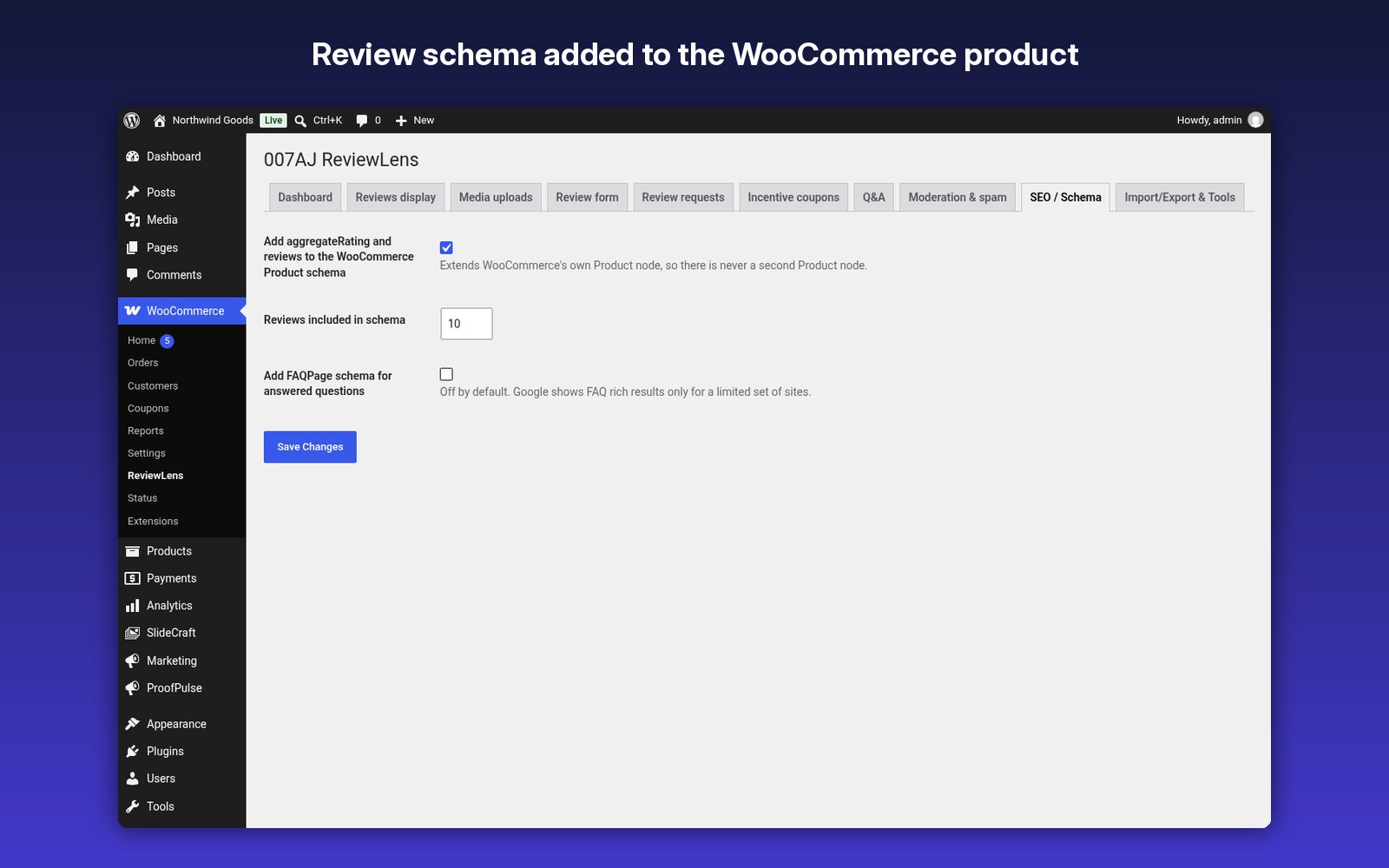
Adds review data to the WooCommerce product schema. CSV export and import, HPOS compatible.
Adds review data to the WooCommerce product schema. CSV export and import, HPOS compatible.
How it works
- Upload and turn it on in WordPress (WooCommerce must be active).
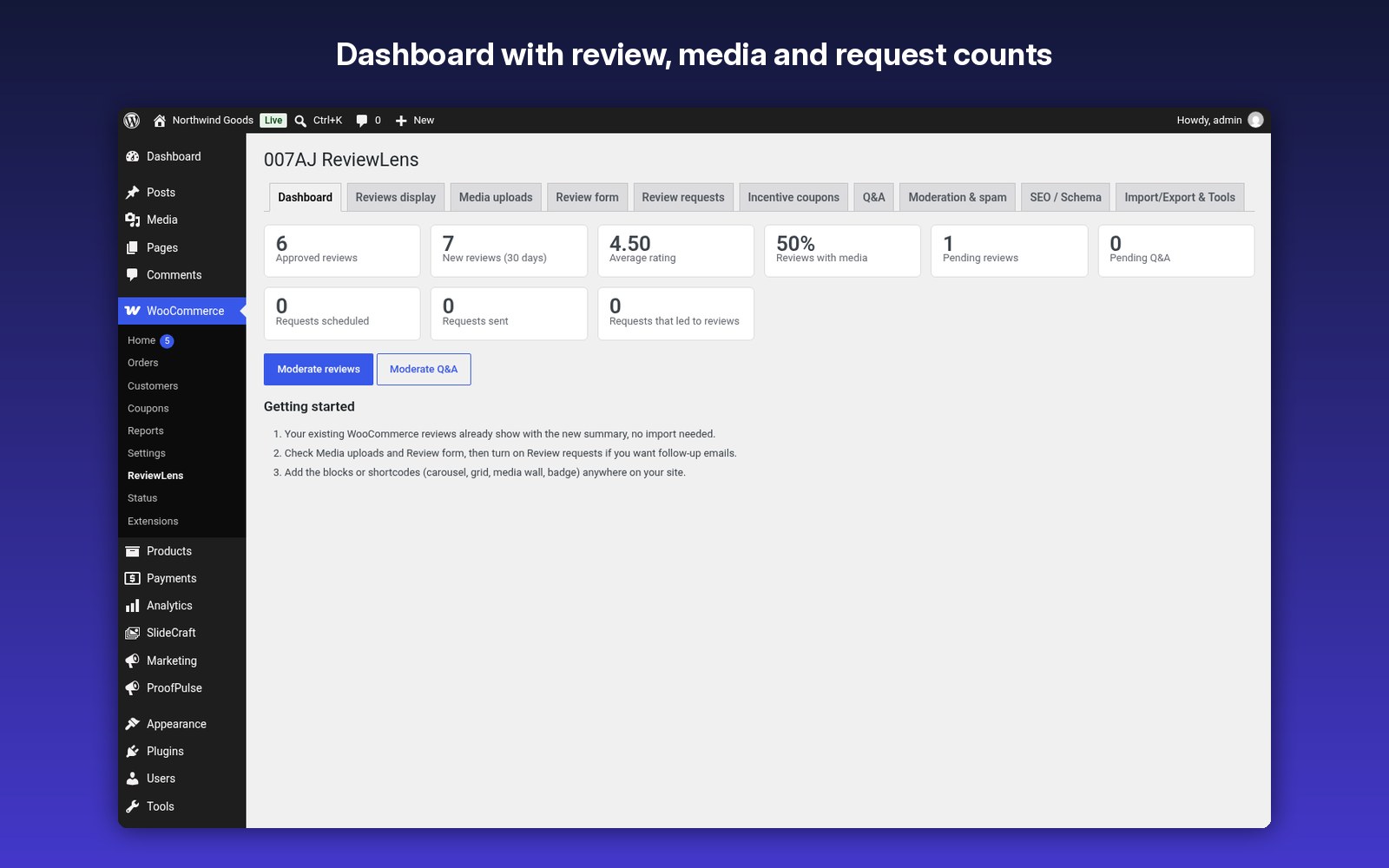
- Go to WooCommerce > ReviewLens and review each tab.
- Your existing reviews show straight away with the new summary.
- Turn on review request emails and, if you like, reward coupons.
- Moderate reviews and answer questions from one screen.
Screenshots
FAQ
What licence do I get?
Fully licensed version — use on your own sites.
Fully licensed version — use on your own sites.
Is there anything else I need to install or buy?
No. You only need WooCommerce. Everything else is included in the one download.
No. You only need WooCommerce. Everything else is included in the one download.
Will my existing reviews still work?
Yes. ReviewLens reads and writes normal WooCommerce reviews.
Yes. ReviewLens reads and writes normal WooCommerce reviews.
Are uploaded photos public right away?
No. Media for reviews waiting for approval is kept in a protected folder and shown only to moderators. It moves to the public uploads folder when the review is approved.
No. Media for reviews waiting for approval is kept in a protected folder and shown only to moderators. It moves to the public uploads folder when the review is approved.
Do the emails match my store?
Yes. All emails are WooCommerce emails, so they use your WooCommerce email design and can be edited under WooCommerce > Settings > Emails.
Yes. All emails are WooCommerce emails, so they use your WooCommerce email design and can be edited under WooCommerce > Settings > Emails.
Does it contact outside services?
Not by default. Cloudflare Turnstile is optional and only used if you turn it on with your own keys.
Not by default. Cloudflare Turnstile is optional and only used if you turn it on with your own keys.
What happens if I remove it?
Nothing is removed unless you tick “Delete ReviewLens data” under Import/Export & Tools. Your WooCommerce reviews are never deleted.
Nothing is removed unless you tick “Delete ReviewLens data” under Import/Export & Tools. Your WooCommerce reviews are never deleted.
Documentation and support
Read the full ReviewLens documentation. For support email admin@007aj.com with your WordPress and PHP versions and the steps to repeat the problem. Never send passwords or API keys.
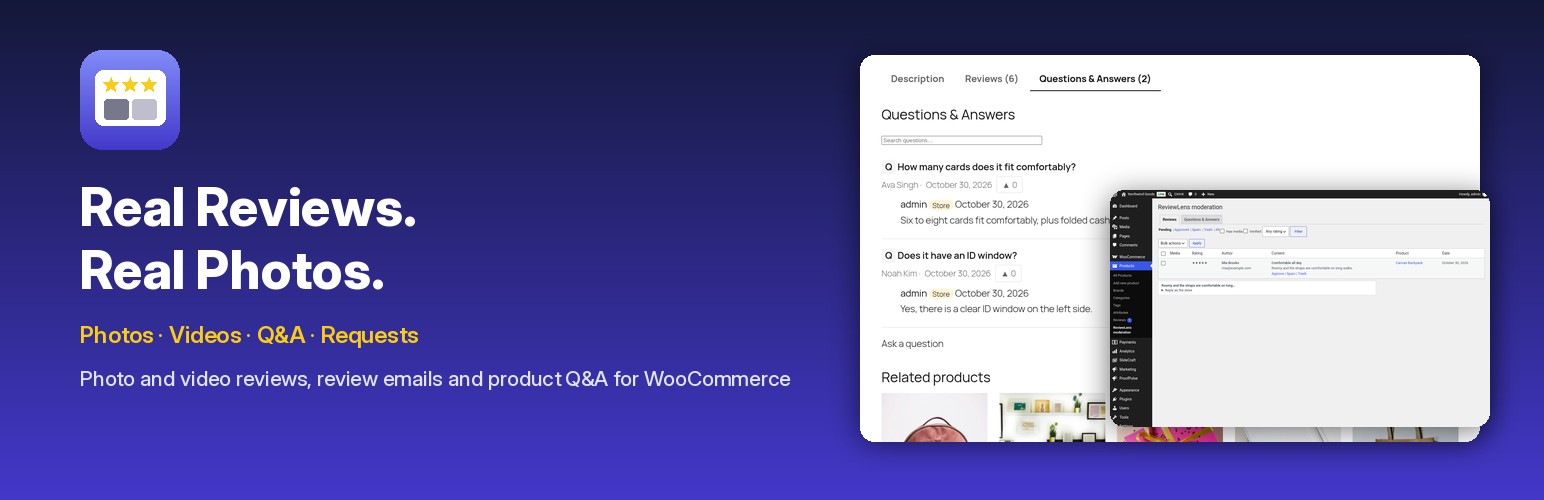
Real reviews. Real photos.
Photo and video reviews, review request emails, reward coupons and product Q&A, built on native WooCommerce reviews. Fully licensed version — use on your own sites.
$25.00