

Social Proof and Sales Popup Plugin for WordPress and WooCommerce
Show real recent sales, reviews, signups and live viewers, with honest low-stock badges and countdowns.
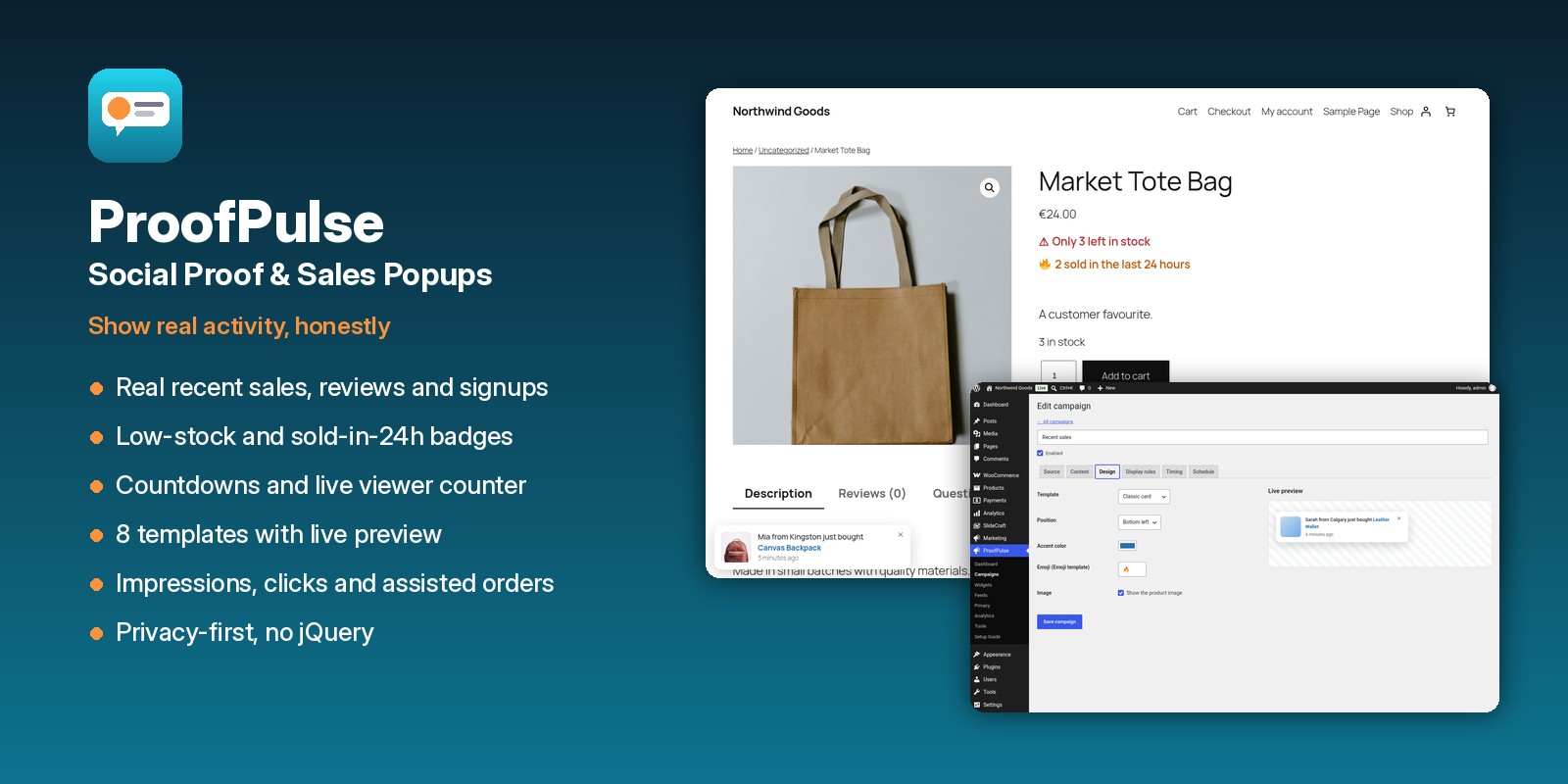
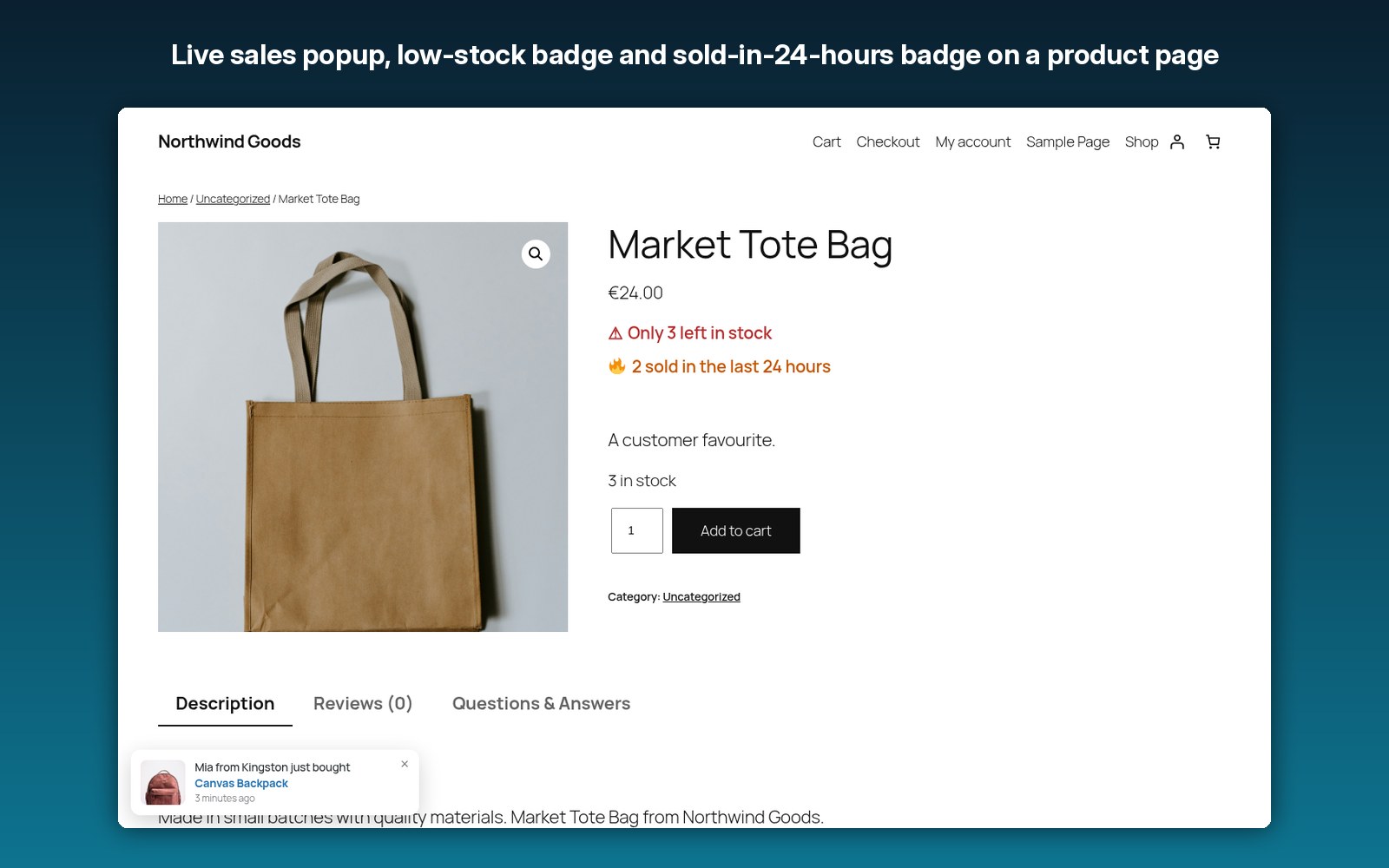
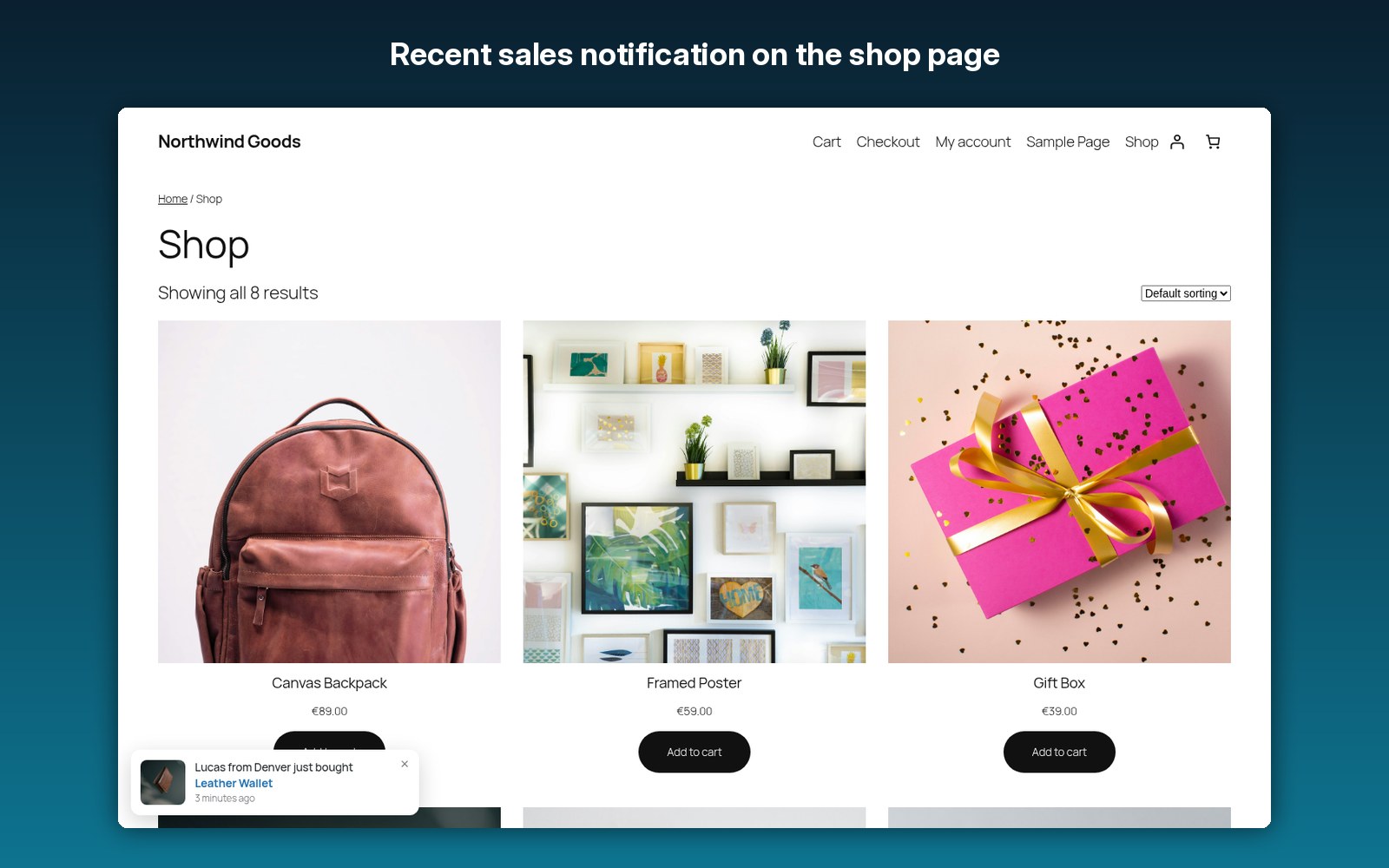
“Mike from Toronto just bought Leather Wallet”, “7 people are viewing this right now”, “Only 3 left in stock” and sale countdowns. ProofPulse shows real activity from your site in one small vanilla script that loads after the page has finished loading.
Real data only · Works with or without WooCommerce · Privacy-first
Everything you need for honest social proof
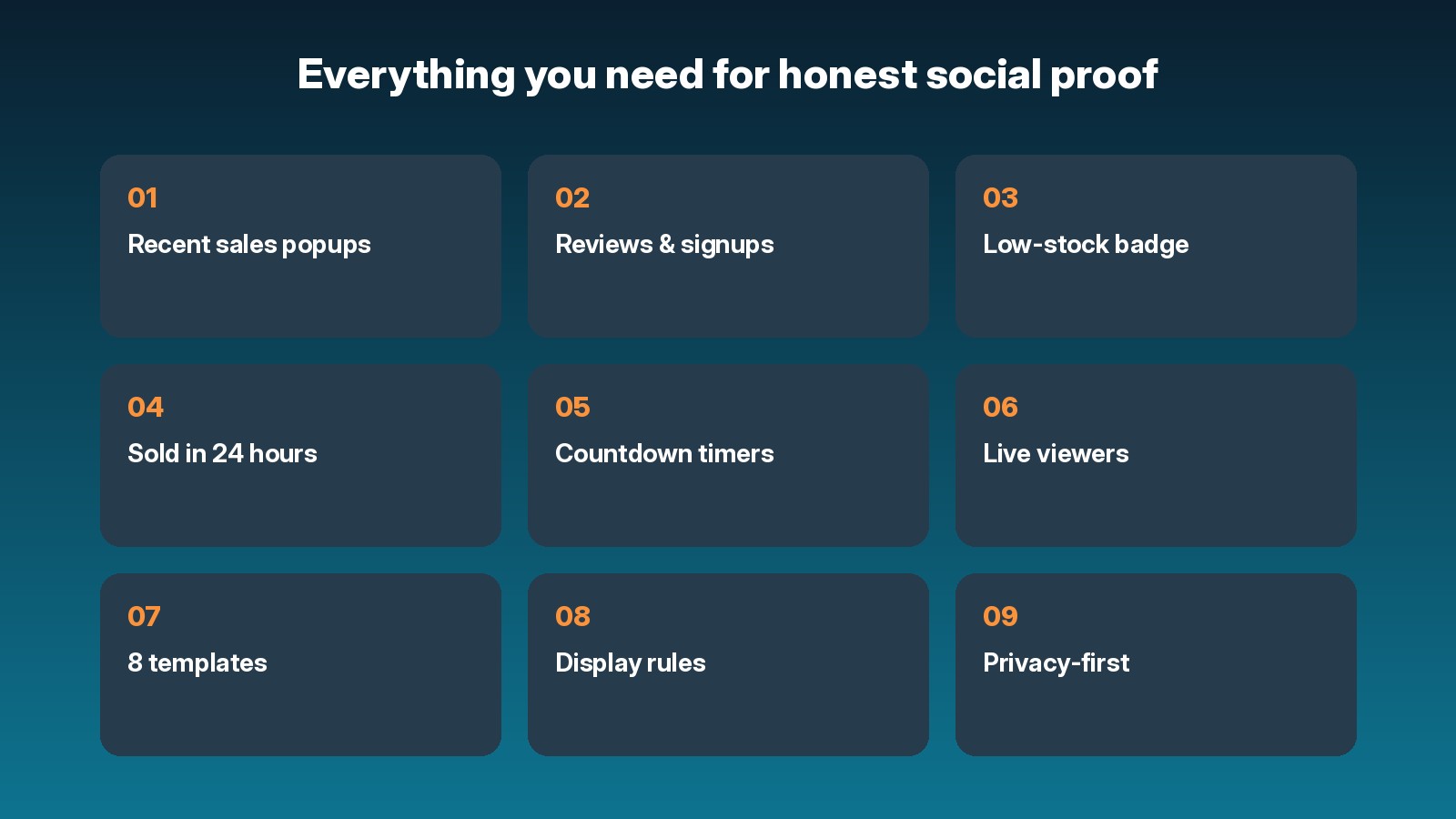
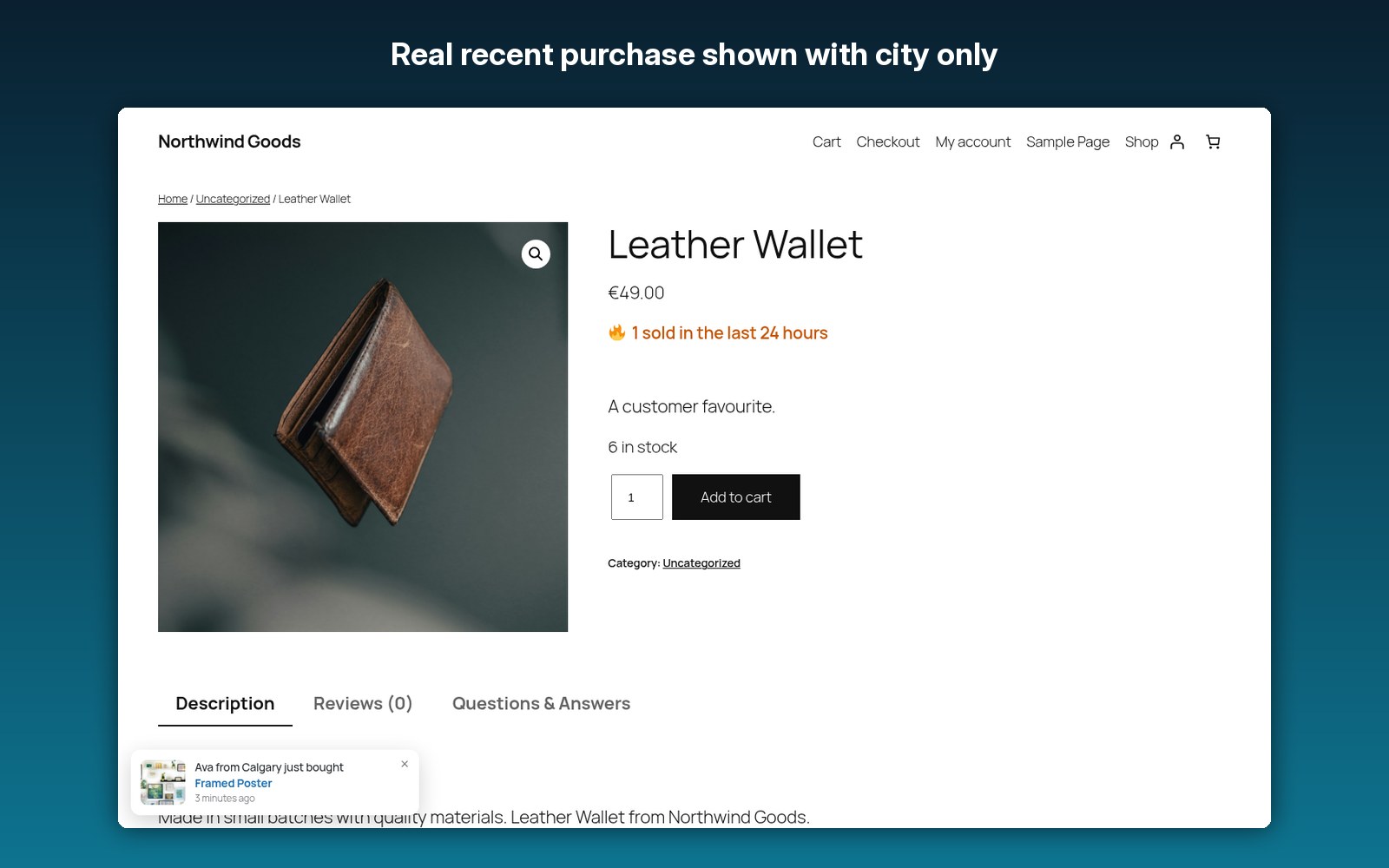
Real WooCommerce orders, shown with an anonymized name and city only.
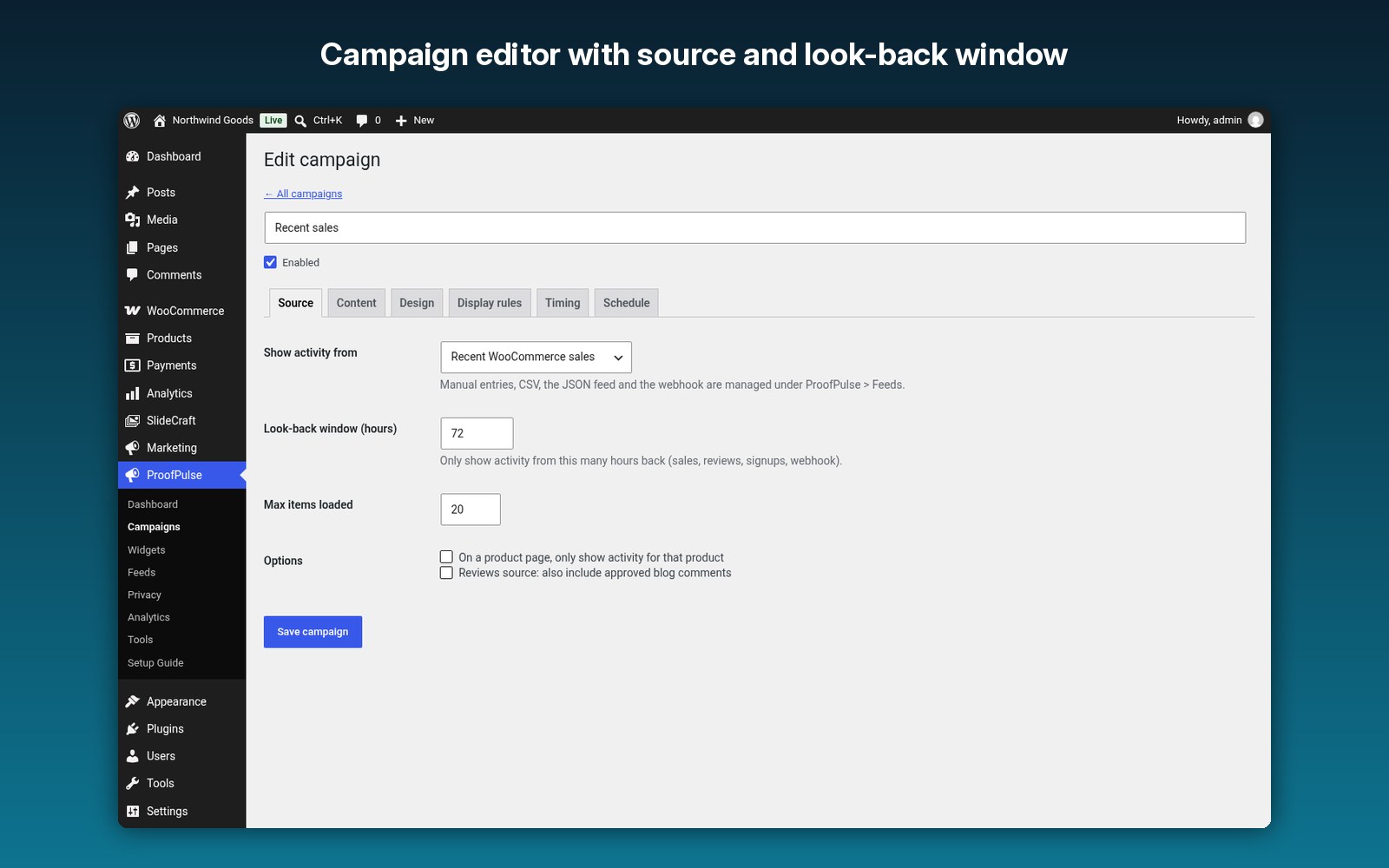
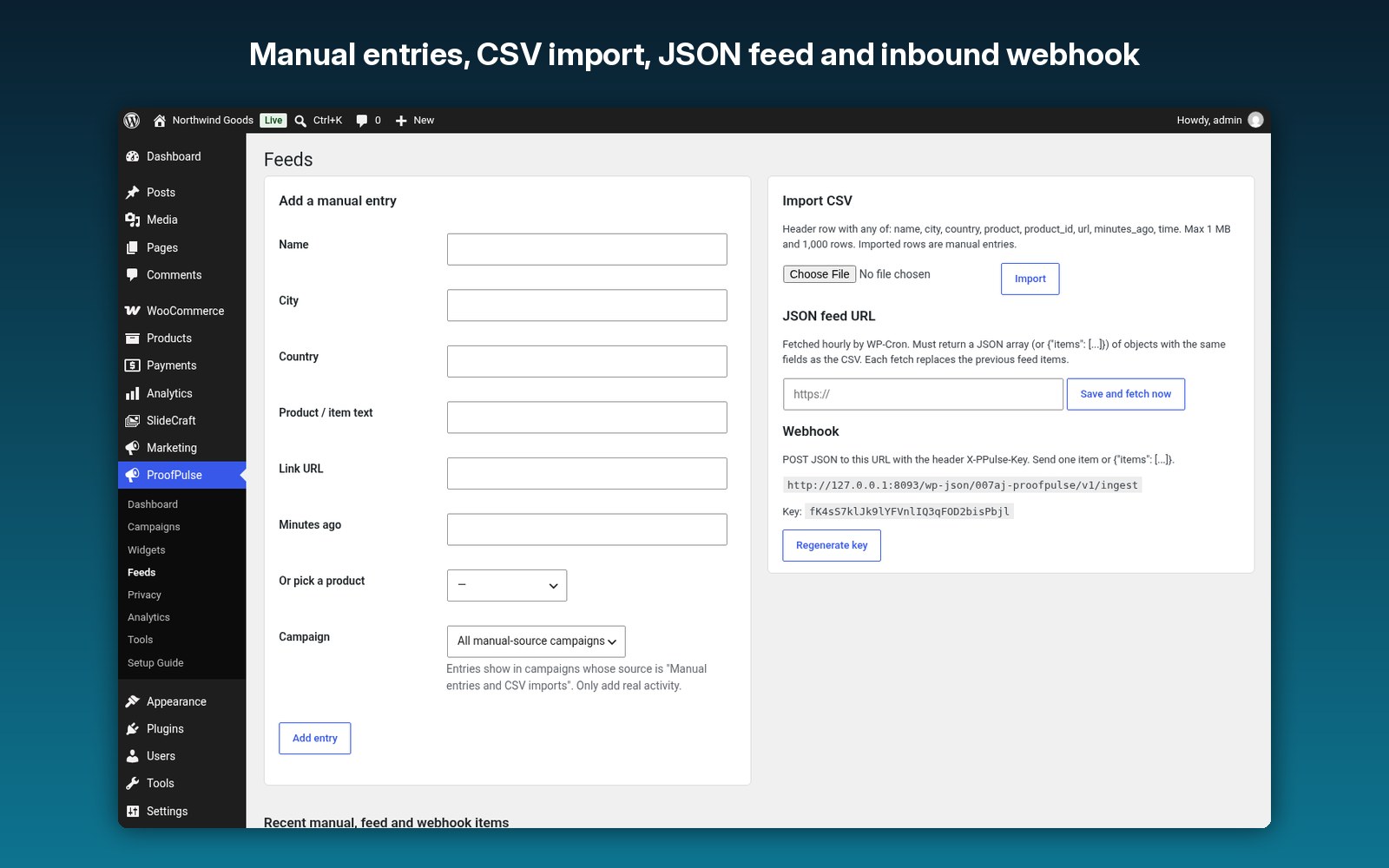
Sales, reviews, signups, manual entries, CSV import, a JSON feed URL and an inbound webhook.
Honest “Only 3 left in stock” badges from your real stock levels.
A badge that counts real recent sales of the product.
Fixed date, product sale end date or a daily cutoff.
“7 people are viewing this right now”, without storing IP addresses.
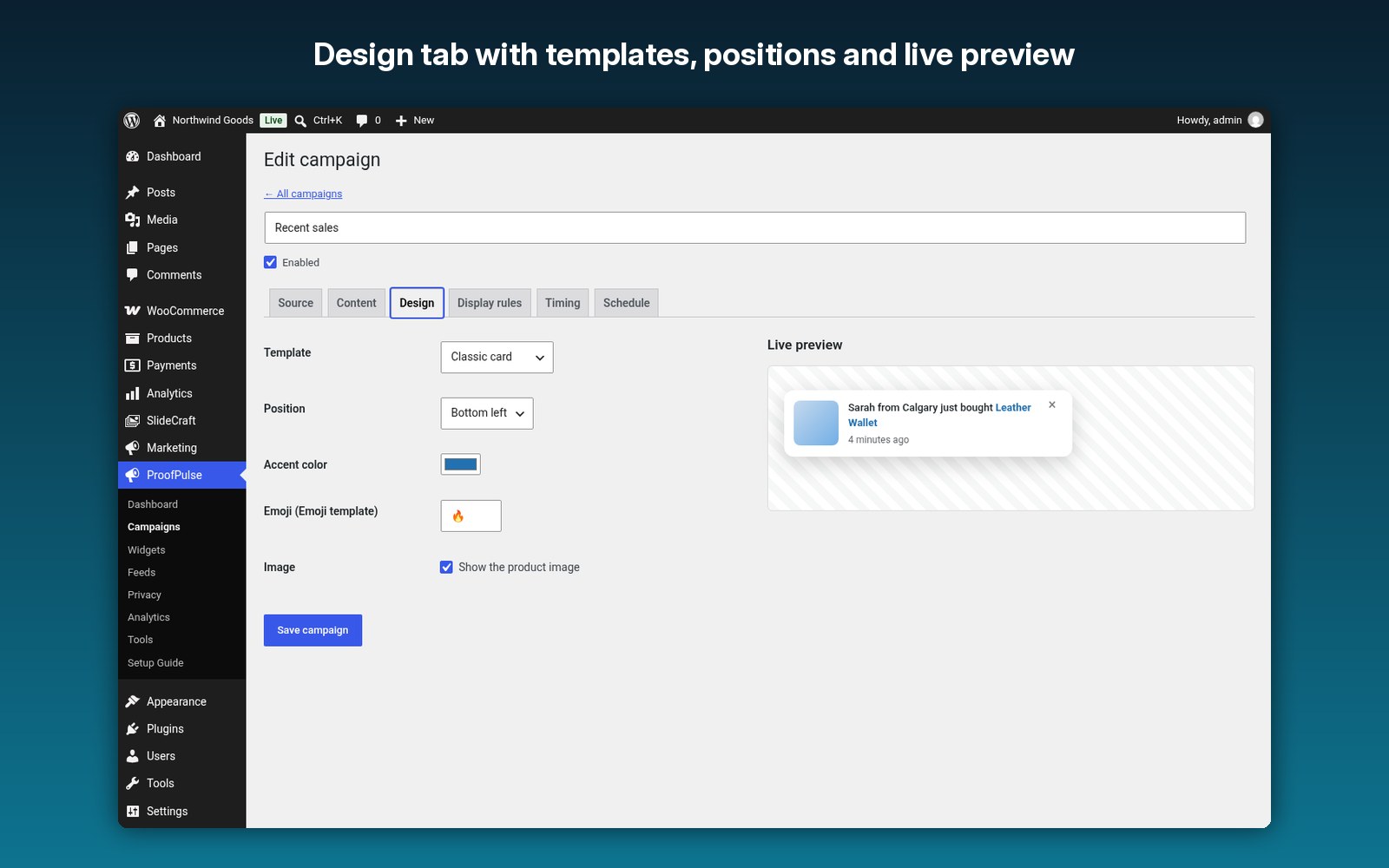
Pick a look and position and see it in the live preview in the campaign editor.
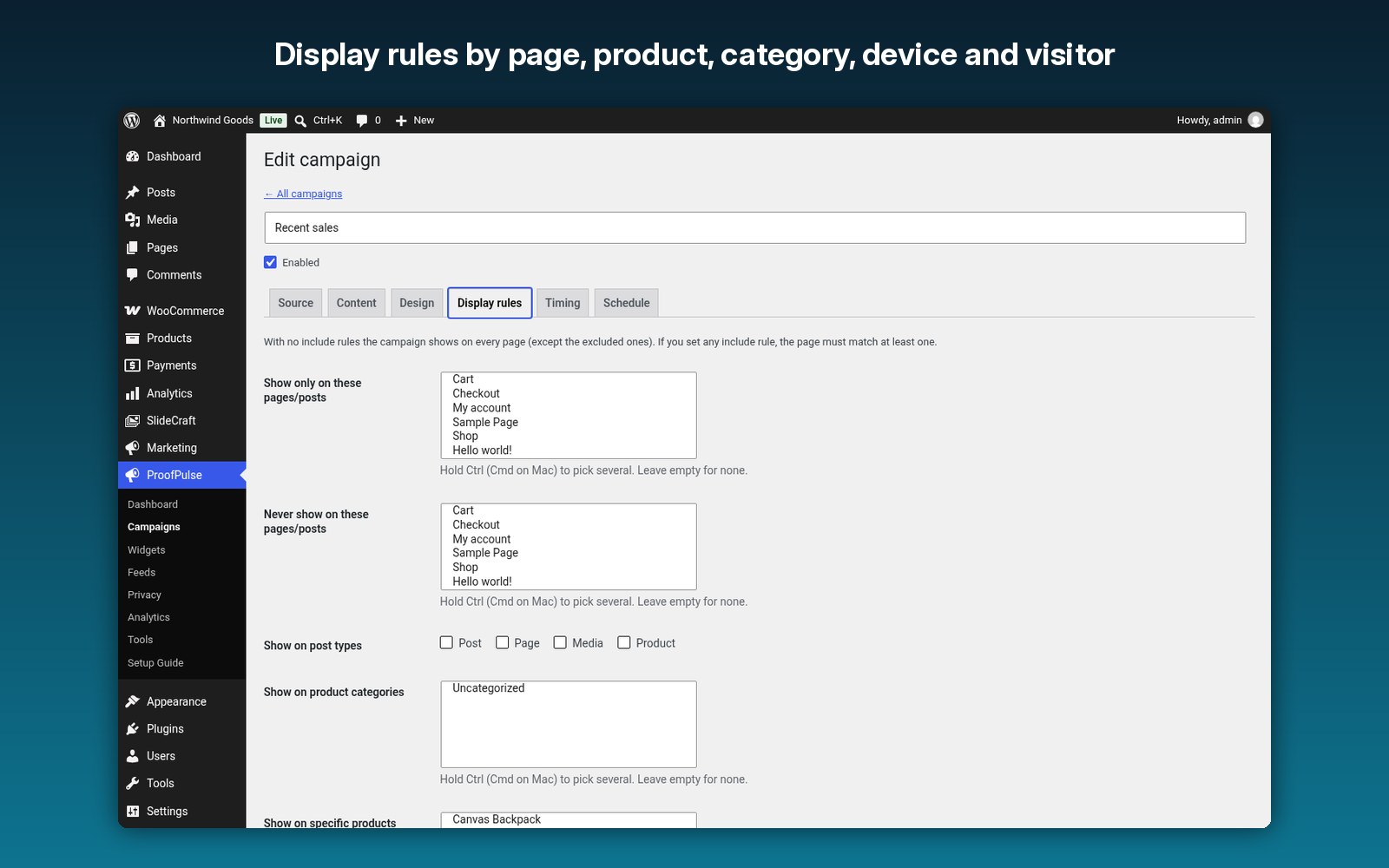
By page, post type, product category, product, WooCommerce page, URL, device, visitor type, role and schedule.
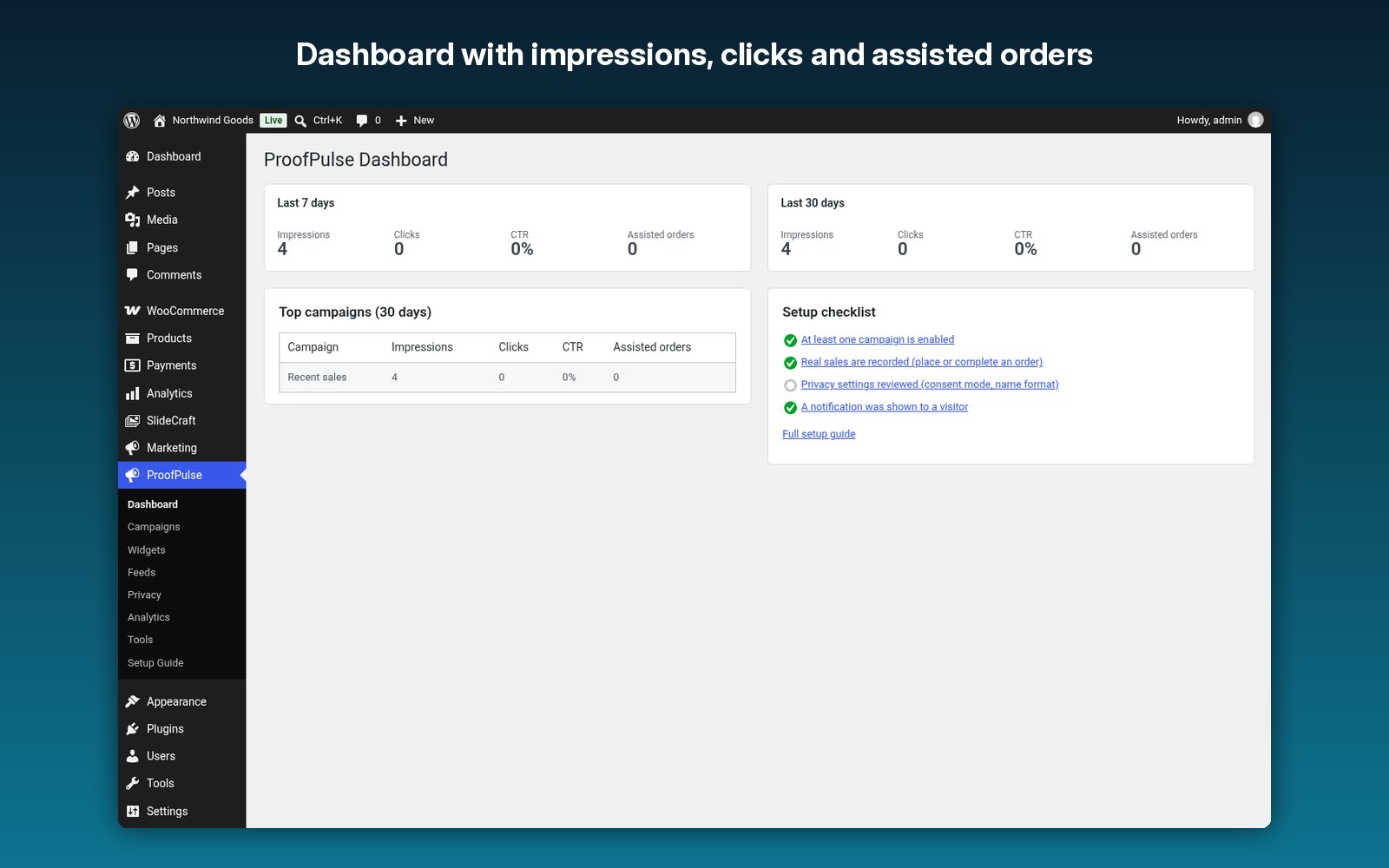
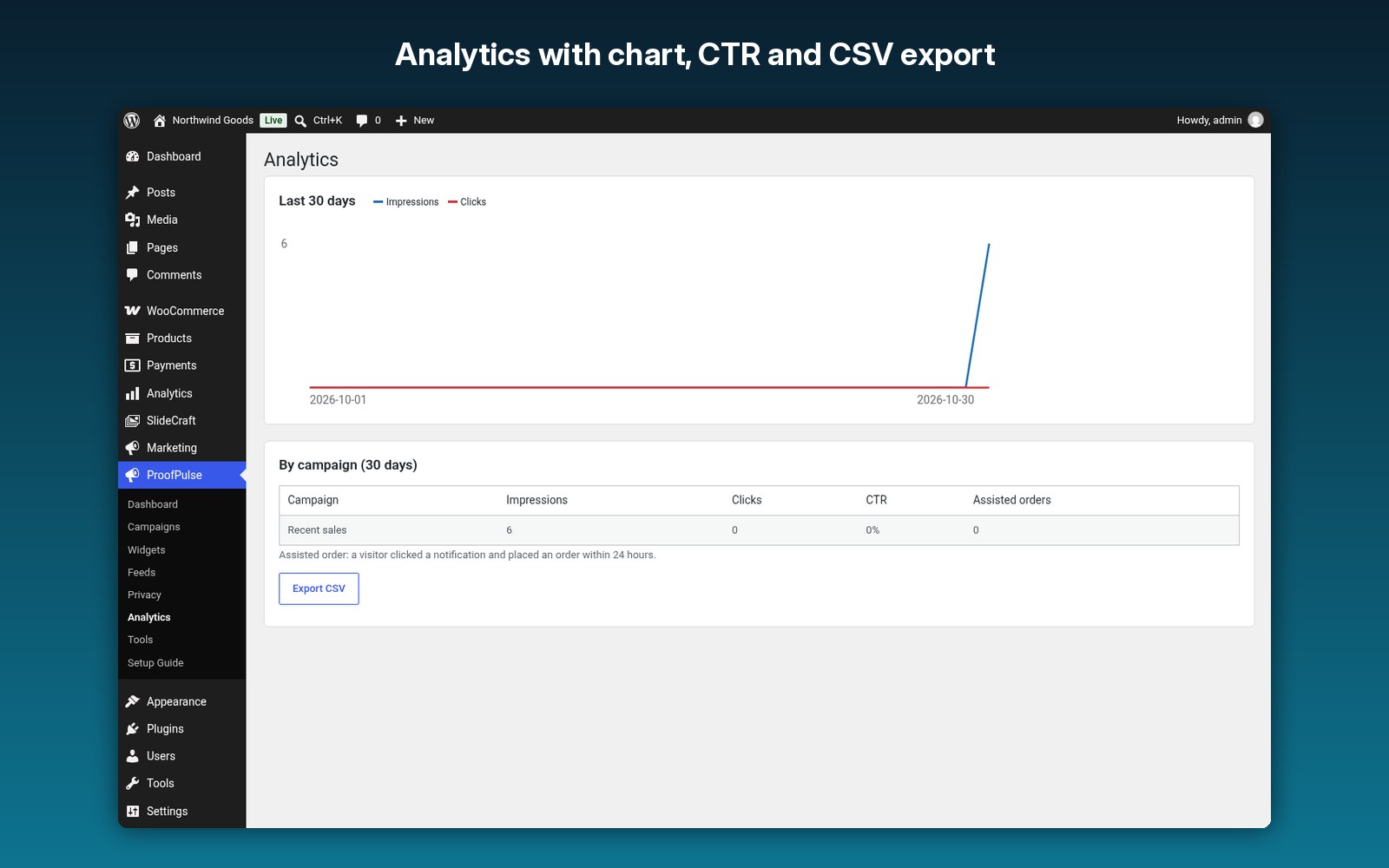
Impressions, clicks, CTR and assisted orders, with a chart and CSV export.
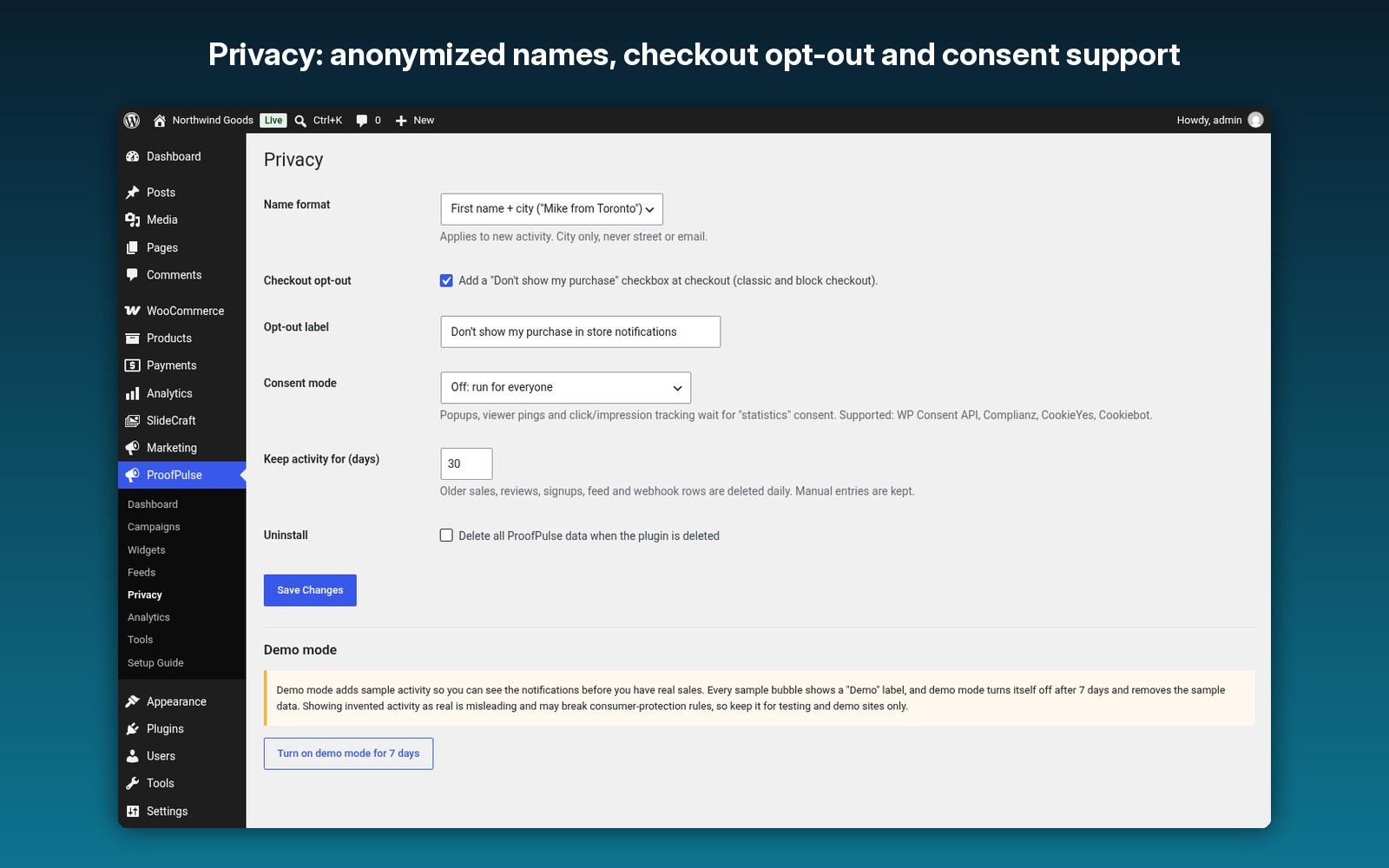
Anonymized names, a checkout opt-out, consent support, automatic data retention, and a privacy exporter and eraser.
No jQuery, no external requests from the visitor’s browser, and a REST feed cacheable for 60 seconds.
5 blocks and 5 shortcodes. Translation-ready and RTL. HPOS compatible.
How it works
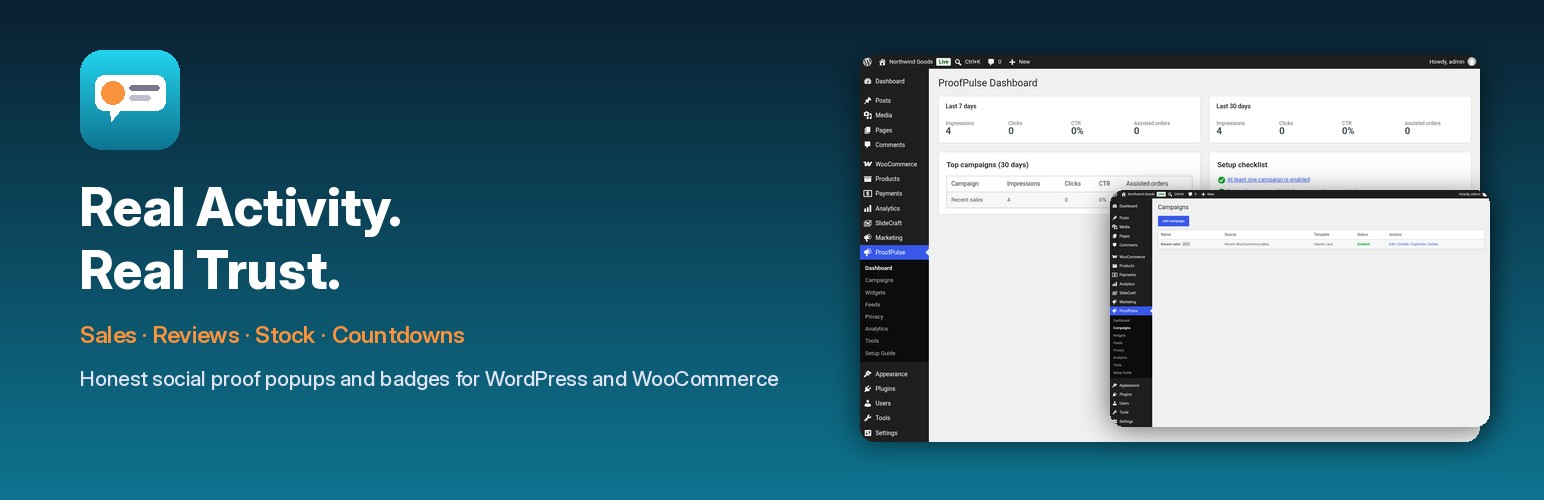
- Upload and turn it on in WordPress.
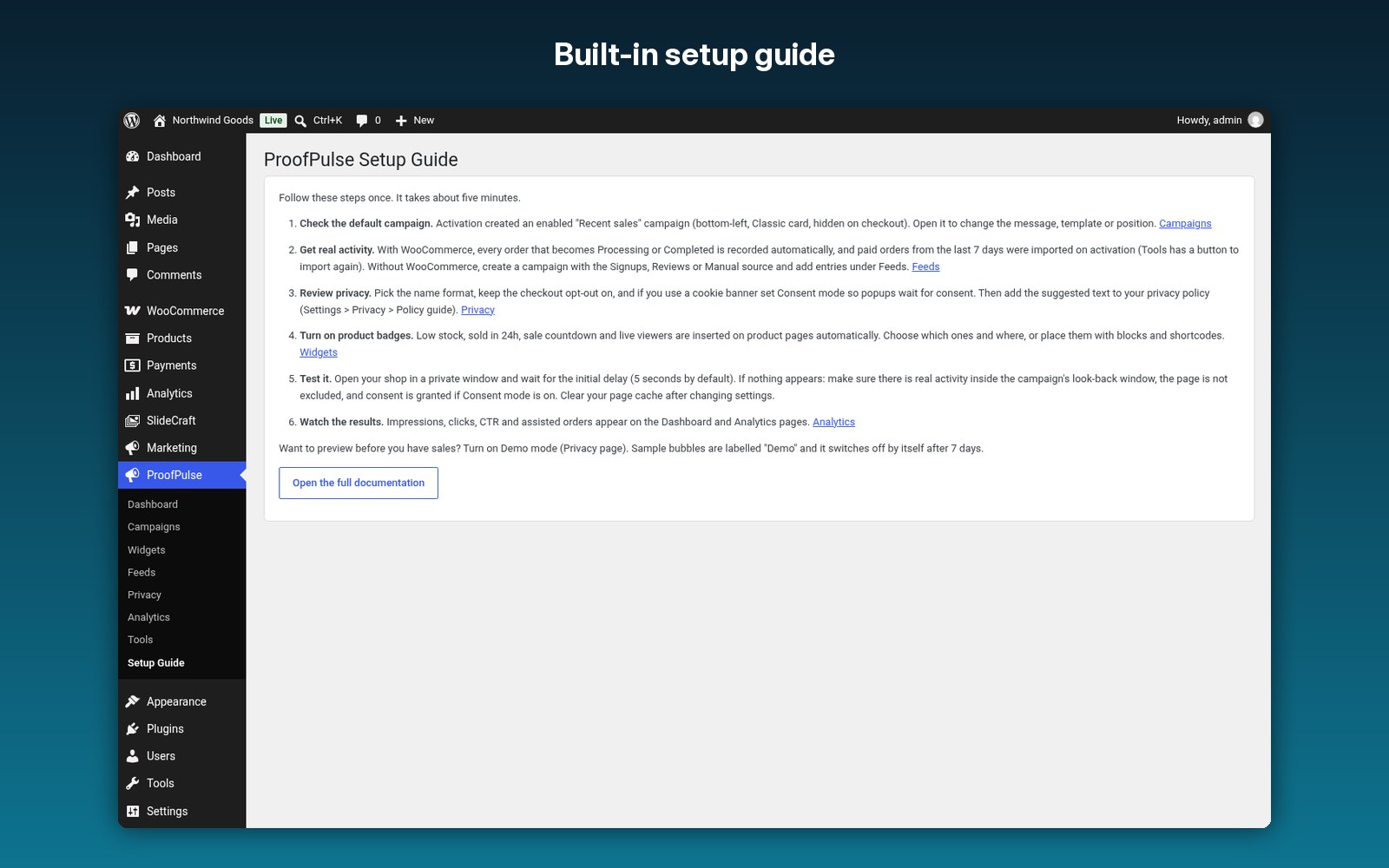
- Open ProofPulse > Setup Guide and follow the steps.
- With WooCommerce, the enabled “Recent sales” campaign starts showing real orders straight away.
- Add badges, countdowns or the viewer counter, and set display rules.
- Watch impressions, clicks and assisted orders in Analytics.
Screenshots
FAQ
No. Everything is included in the one download. WooCommerce is optional.
Yes. Notifications only use real activity from your site inside each campaign’s look-back window (72 hours by default).
Yes. Use the Signups, Reviews (blog comments), Manual/CSV, JSON feed or Webhook sources.
Yes. The page only contains a small config object. Notifications come from a REST request that is cacheable for 60 seconds.
Yes. Keep the checkout opt-out on under ProofPulse > Privacy. Ticked orders are never shown.
An anonymized display name, city and country for each activity, and a salted hash of the email so the WordPress privacy exporter and eraser can find it. The viewer counter does not store IP addresses.
Yes. It supports the WP Consent API, Complianz, CookieYes and Cookiebot.
Documentation and support
Read the full ProofPulse documentation. For support email admin@007aj.com with your WordPress and PHP versions and the steps to repeat the problem. Never send passwords or API keys.
ProofPulse in detail
ProofPulse is a social proof and sales popup plugin for WordPress and WooCommerce that only shows what really happened on your site. It records real orders, reviews and signups, shows them in small, polite notifications, and adds honest stock badges, countdowns and a live viewer counter to product pages. Everything runs on your own server in one small vanilla script, with no jQuery, no fonts or libraries from other sites, and no requests from the visitor’s browser to outside servers.
Who it’s for
- WooCommerce shops that want “just bought” popups from real orders without a monthly, visitor-priced subscription.
- Course, membership and service sites without WooCommerce, using signups, reviews or blog comments, manual entries, CSV imports, a JSON feed or a webhook.
- Privacy-conscious stores that need anonymized names, a checkout opt-out and cookie-consent support.
- Agencies and developers who want blocks, shortcodes, hooks, a REST API and WP-CLI tools instead of a closed SaaS dashboard.
Features
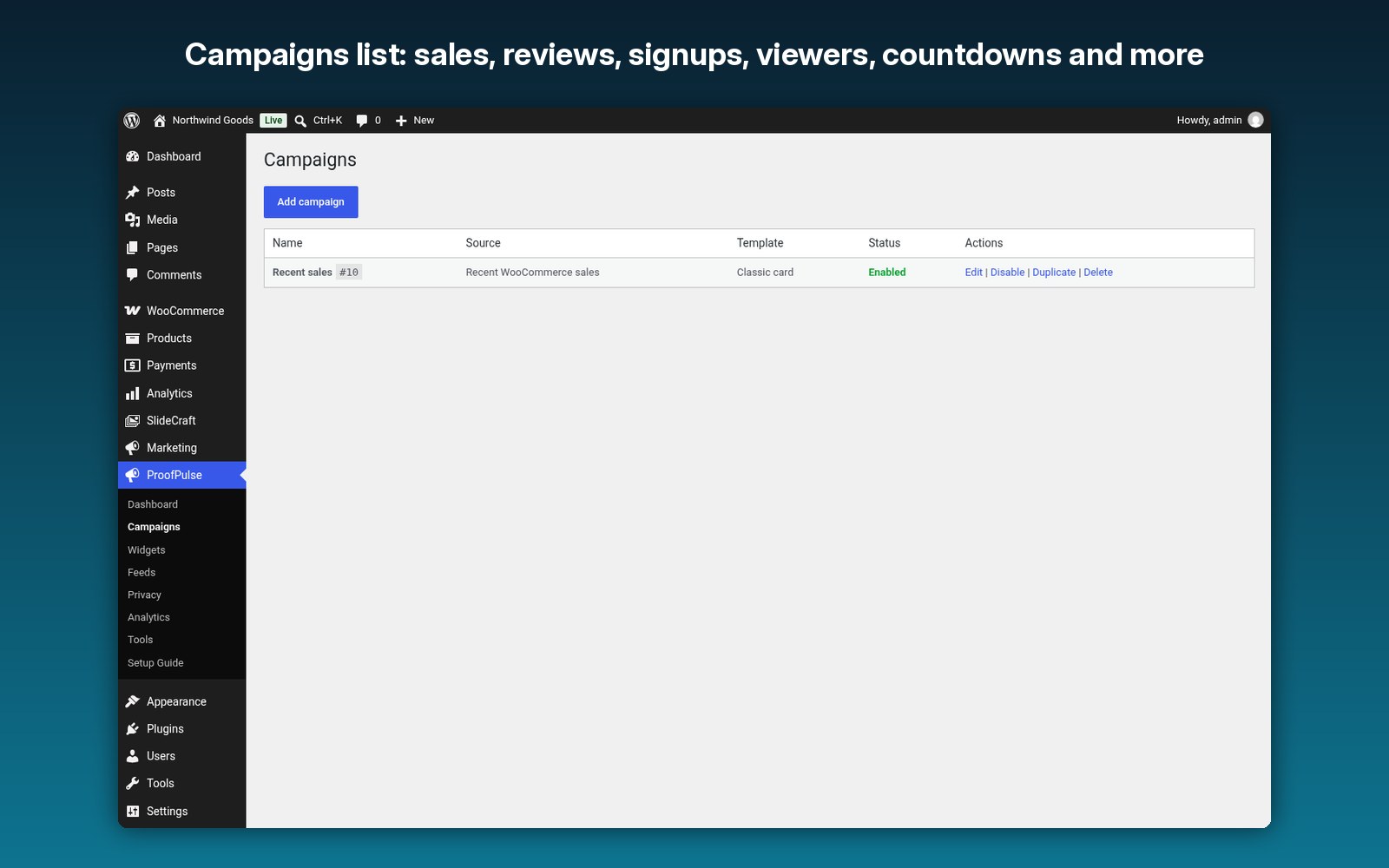
- Campaigns: as many as you like, each with a source, message, design, display rules, timing and schedule (start date, end date and days of the week). Duplicate, enable or disable them in one click.
- Sources: recent WooCommerce sales (recorded when an order becomes Processing or Completed, and removed if it is refunded, cancelled or failed), product reviews and optional blog comments, new user signups, manual entries, CSV import, a JSON feed URL checked hourly and an inbound webhook with a secret key.
- Message tokens: {name}, {city}, {country}, {product}, {product_link} and {time_ago}. If the city is unknown, “from {city}” is removed automatically.
- Design: 8 templates (Classic card, Minimal pill, Dark, Glass, Bar, Compact mobile, Image-left and Emoji), 4 positions, accent colour, product image and a live preview. Popups use your theme’s font, support RTL and respect “reduce motion”.
- Display rules: by page, post type, product category, product, WooCommerce page, URL contains or regex, device, guests or logged-in visitors and user role. Checkout is hidden by default.
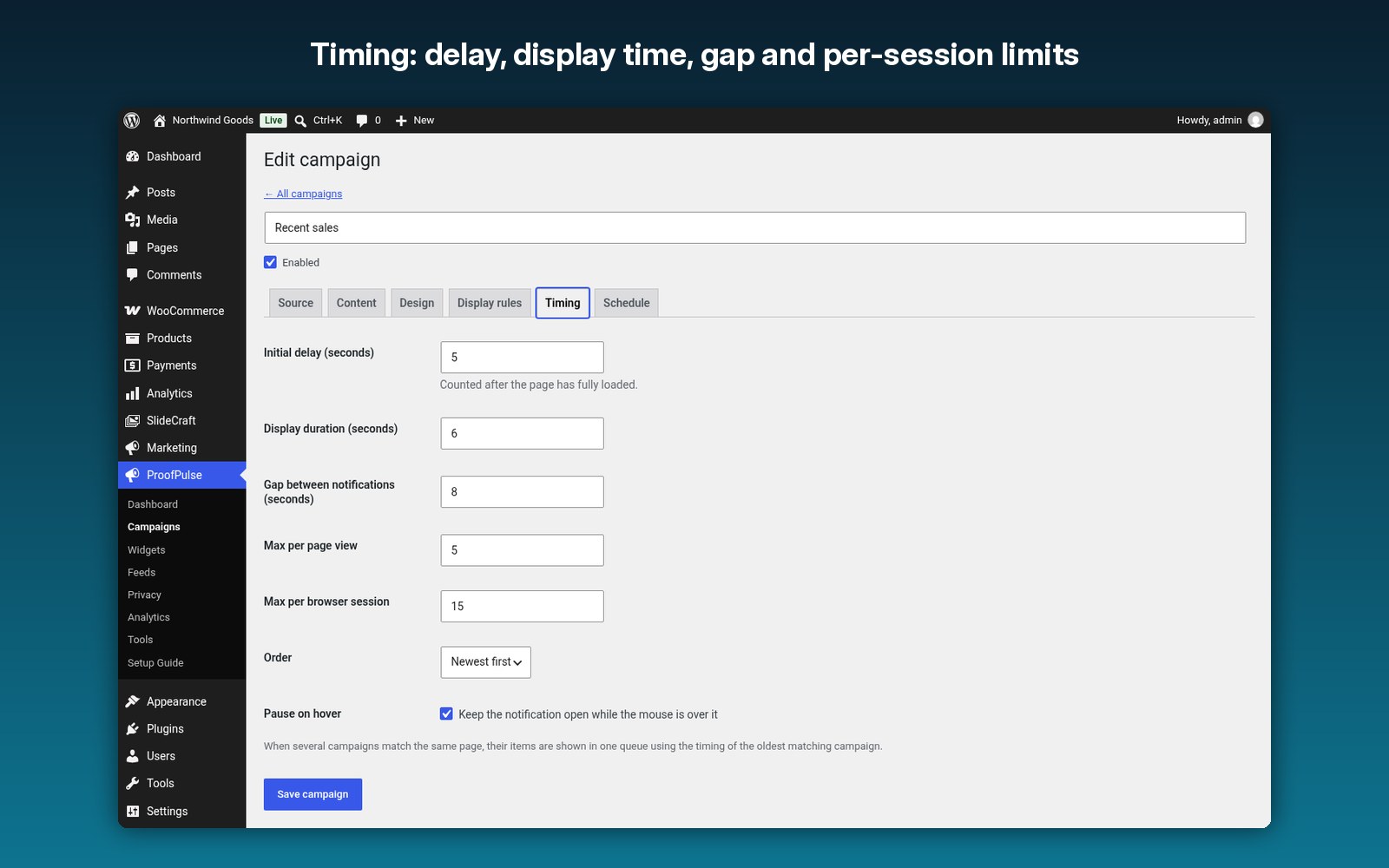
- Timing: initial delay (5 s), display time (6 s), gap (8 s), a maximum per page view (5) and per session (15), newest first or shuffle, and pause on hover. Closing one notification stops them for the rest of the session.
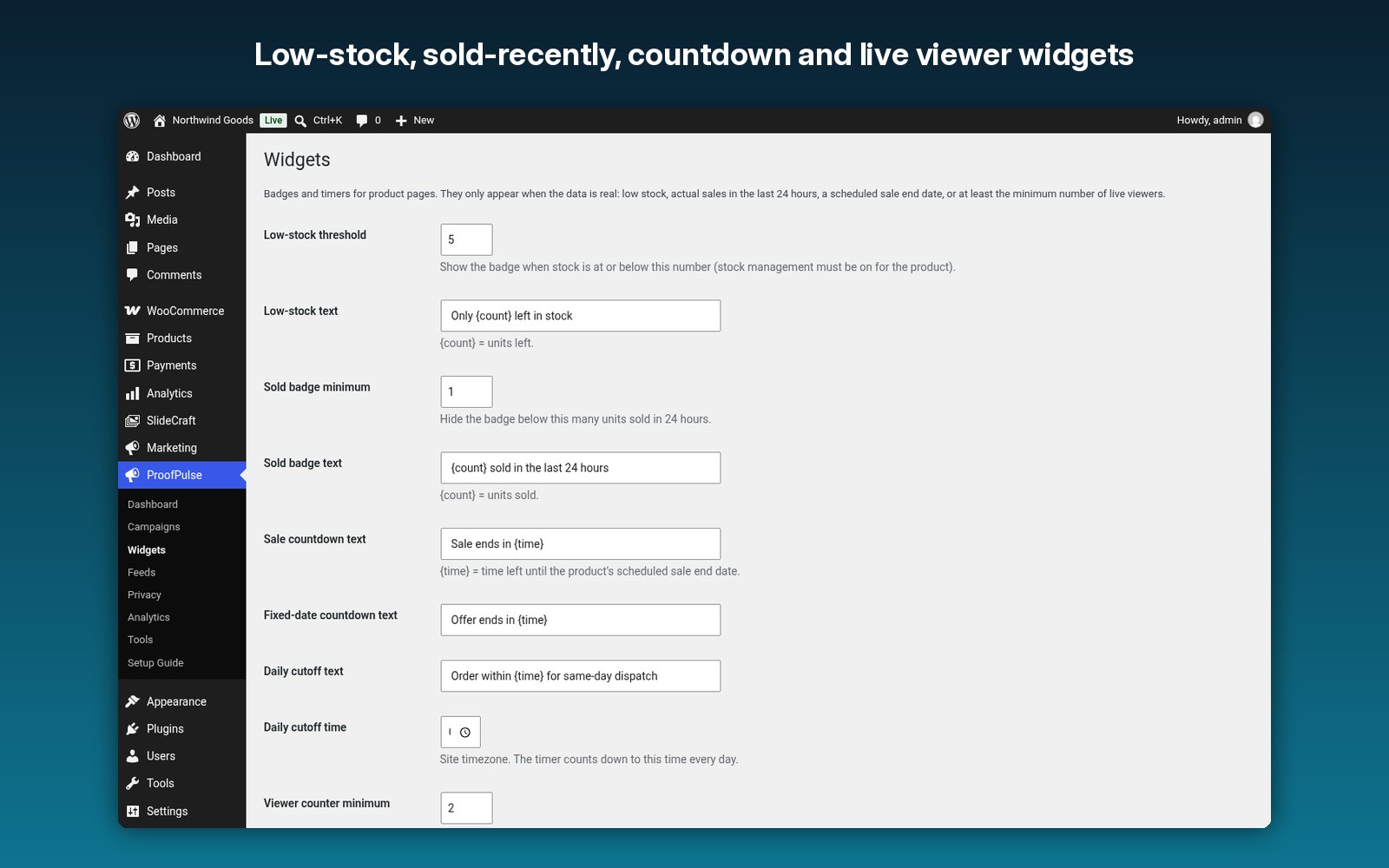
- Product-page widgets: low-stock badge (default threshold 5), “sold in the last 24 hours”, sale-end, fixed-date and daily cutoff countdowns and a live viewer counter (shown from 2 viewers). Each appears only when the data is real, and can be inserted automatically after the price, around the add-to-cart button or at the end of the summary.
- Blocks and shortcodes: 5 blocks and 5 shortcodes (low stock, sold count, countdown, viewers and a recent activity feed), with a shortcode builder.
- Analytics: impressions, clicks, CTR and assisted orders, with a chart and CSV export.
- Demo mode: preview popups with sample data that is labelled “Demo” on every bubble and switches itself off after 7 days.
Setup in 5 steps
- Upload the zip in Plugins → Add New → Upload Plugin and activate it. With WooCommerce, paid orders from the last 7 days are imported straight away.
- Open ProofPulse → Campaigns → Recent sales and adjust the message, template and position.
- Under ProofPulse → Privacy, choose the name format, keep the checkout opt-out on and set consent mode if you use a cookie banner.
- Under ProofPulse → Widgets, choose which badges and countdowns appear on product pages.
- Open your shop in a private window to test, then watch the Dashboard and Analytics.
Step-by-step guide: how to add a WooCommerce sales notification popup. Comparing tools? See the best social proof plugins for WordPress in 2026 and TrustPulse alternatives.
Requirements
- WordPress 6.4 or newer, tested up to 7.1.
- PHP 7.4 or newer.
- WooCommerce 8.0 or newer is optional (tested up to 11.2). Compatible with High-Performance Order Storage (HPOS) and the Cart and Checkout blocks.
- Works with page caching: notifications come from a REST request that is cacheable for 60 seconds.
Privacy
For each activity ProofPulse stores an anonymized display name, city and country, and a salted hash of the email so the WordPress privacy exporter and eraser can find it. The viewer counter uses a random ID in session storage and stores no IP addresses. Clicking a notification sets a first-party cookie for 24 hours to count assisted orders. Old activity is removed automatically by the data retention setting.
More questions
Can I show fake or sample sales?
No, and you should not want to. ProofPulse uses real data only. Demo mode exists to preview the design, labels every bubble “Demo” and turns itself off after 7 days.
Nothing appears on my site. What should I check?
Notifications only use real activity inside the campaign’s look-back window (72 hours by default). Check that the campaign is enabled, the page is not excluded, consent was granted if consent mode is on, and clear your page cache.
Will popups cover my sticky add-to-cart bar?
No. Set a bottom offset under ProofPulse → Widgets to raise bottom popups above it. The QuickCart Export sticky bar is detected automatically.
Is there a monthly fee or visitor limit?
No. It is a one-time purchase that runs on your server, with no visitor limits.
Changelog
1.0.0
- First release.
Real activity. Real trust.
Recent sales, reviews and signups, honest stock badges, countdowns and live viewers, with analytics and privacy built in. One-time purchase, no visitor limits.