$19.00

Slider Builder Plugin for WordPress: Hero, Carousel and Slideshow Sliders
Hero banners, boxed sliders, carousels and fade slideshows with drag-positioned layers, animations and video backgrounds.
Build sliders visually without slowing your site down. The front end is plain JavaScript with no jQuery, and it loads only on pages that show a slider.
Fully licensed · No jQuery · Accessible
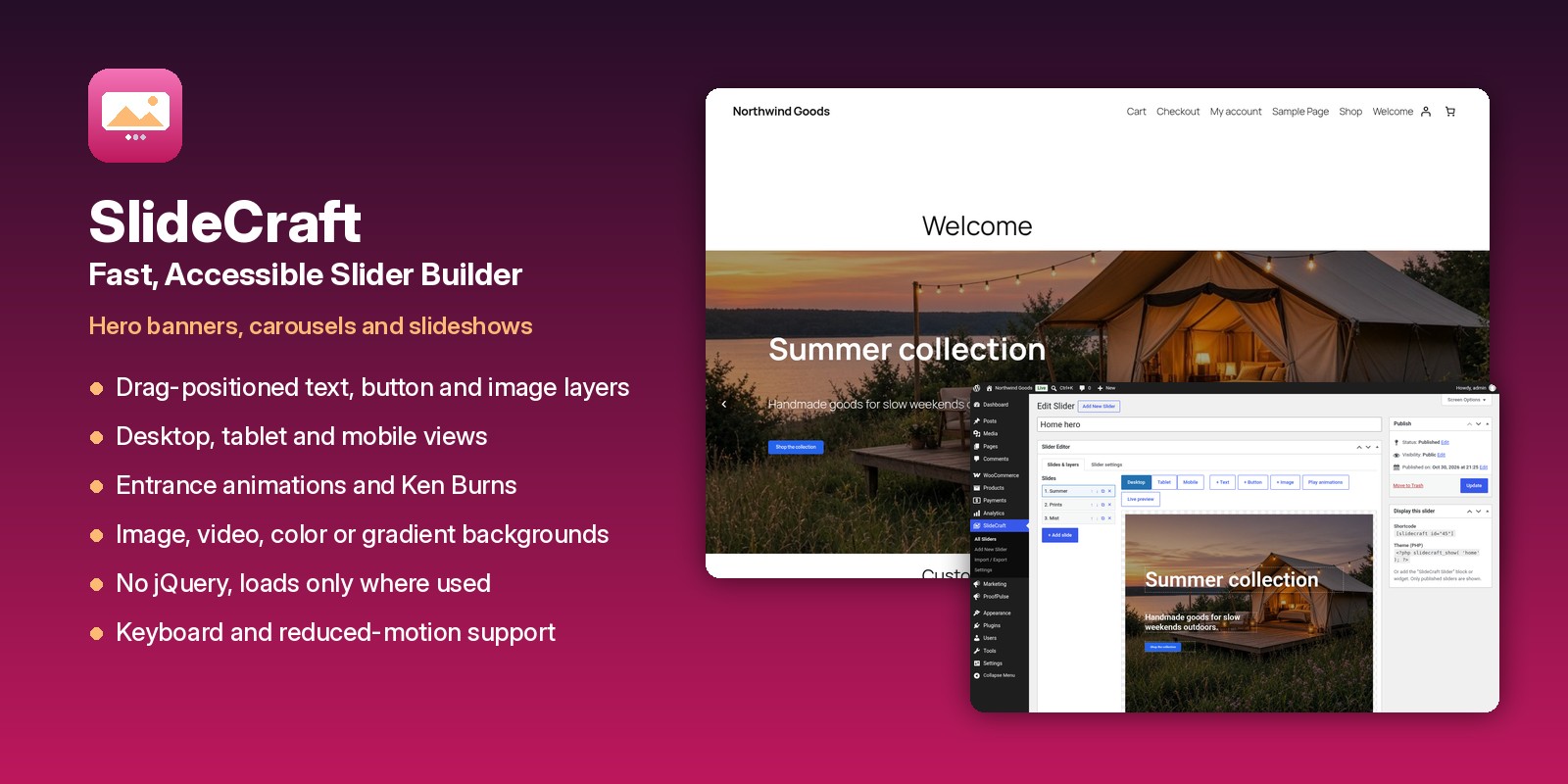
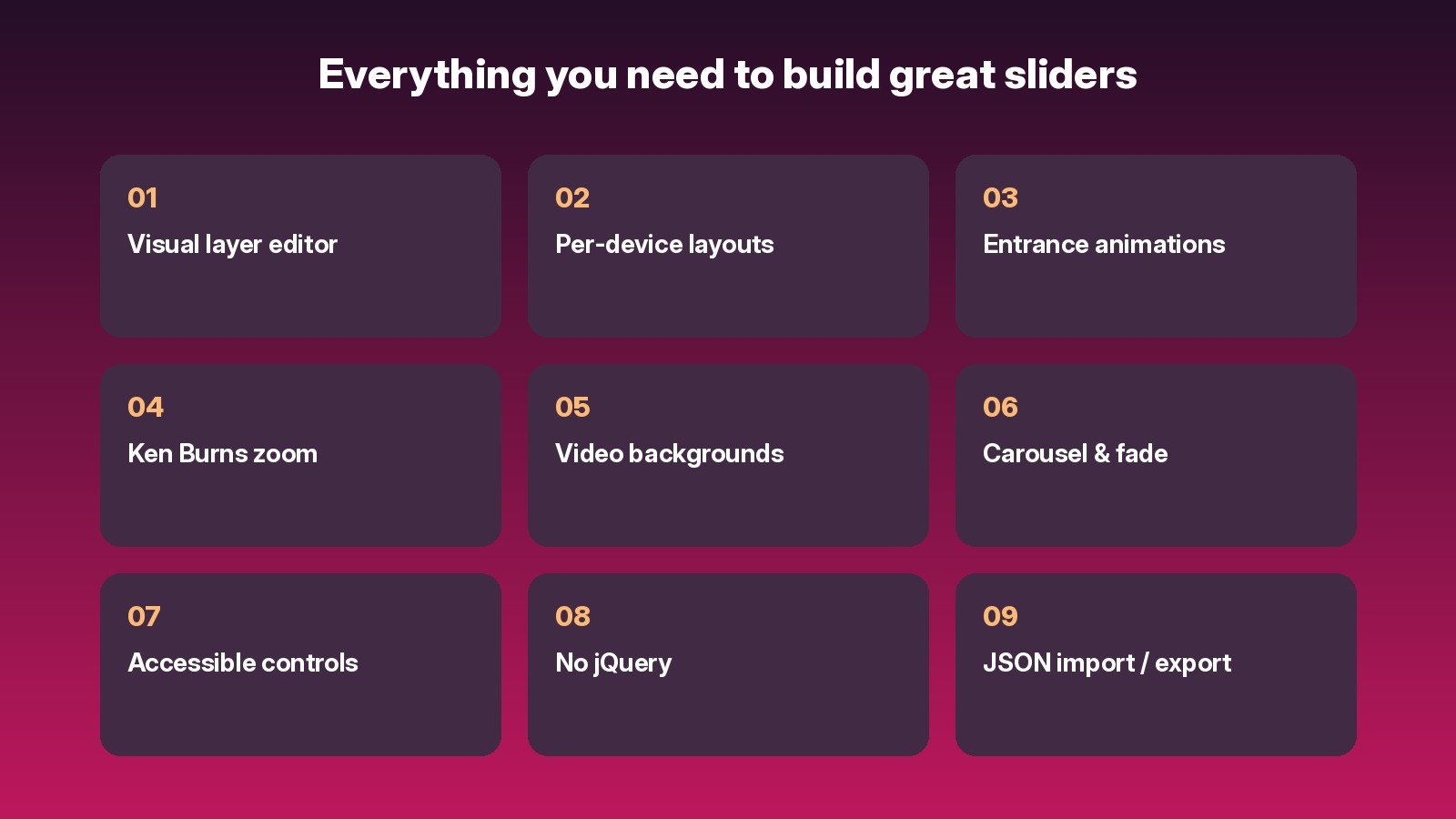
Everything you need to build great sliders
✔ Visual layer editor
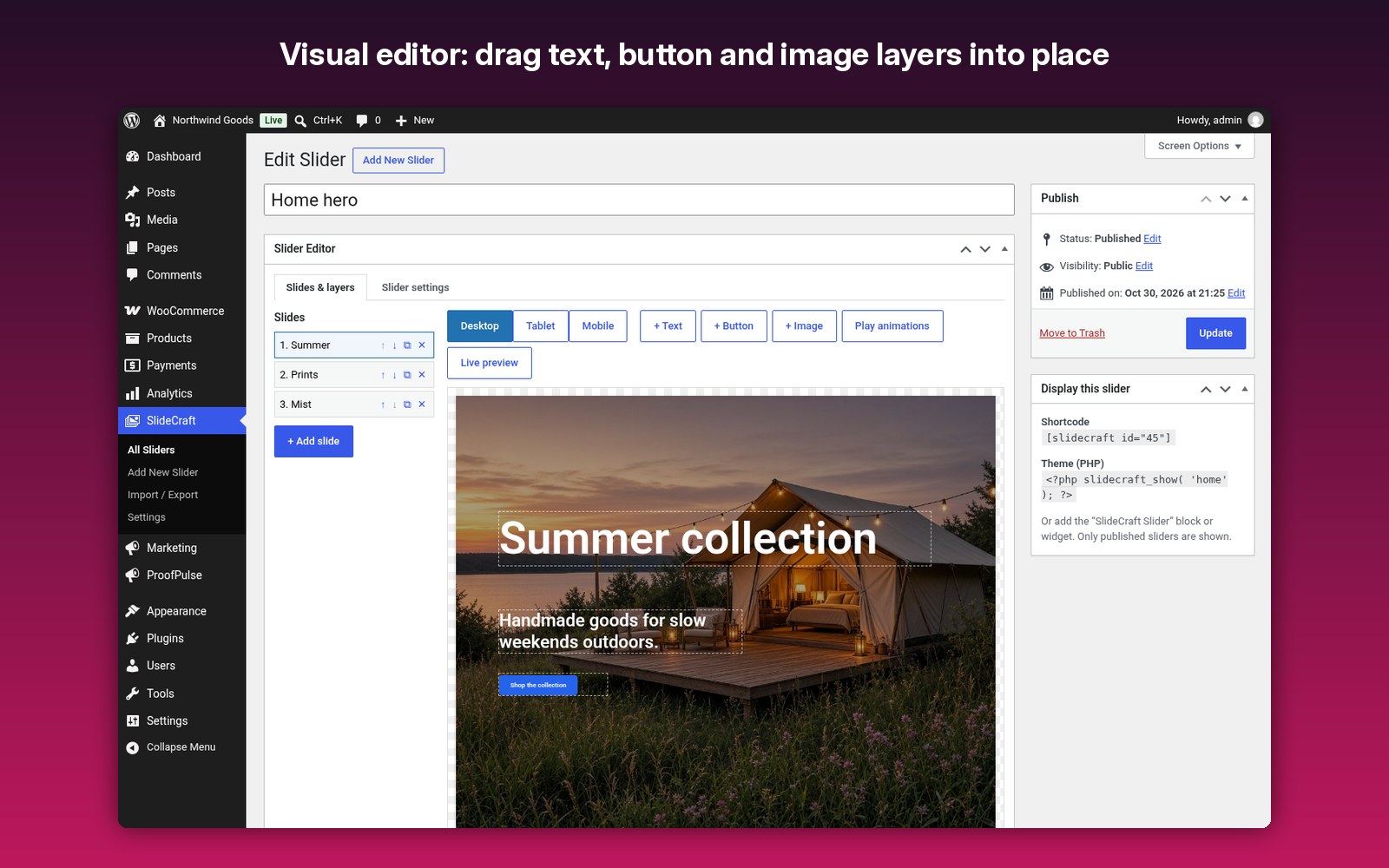
Drag text, button and image layers into place. Positions are percentages, so layouts scale with the slider.
Drag text, button and image layers into place. Positions are percentages, so layouts scale with the slider.
✔ Desktop, tablet and mobile
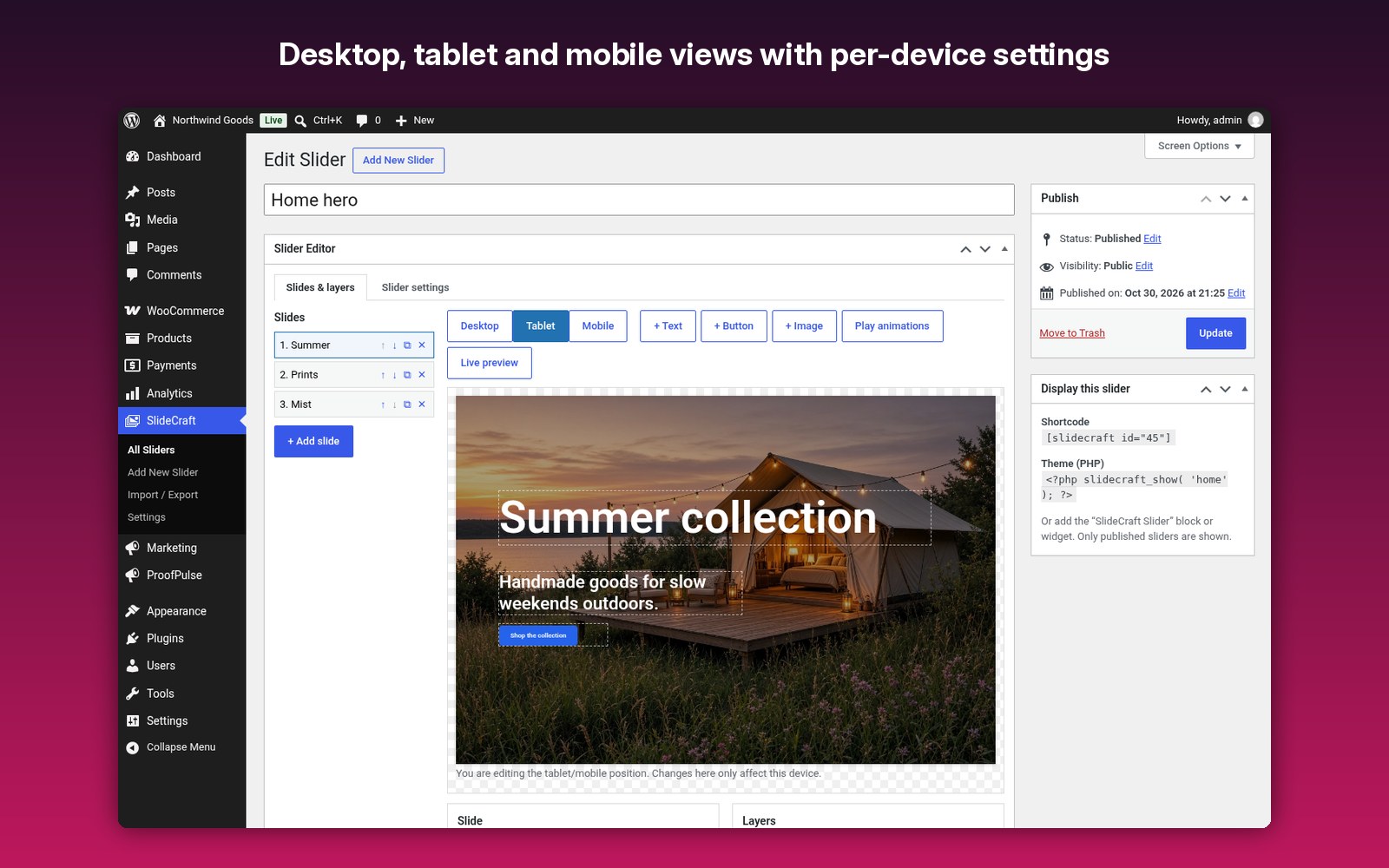
Per-device position, width, font size and “hide on this device”.
Per-device position, width, font size and “hide on this device”.
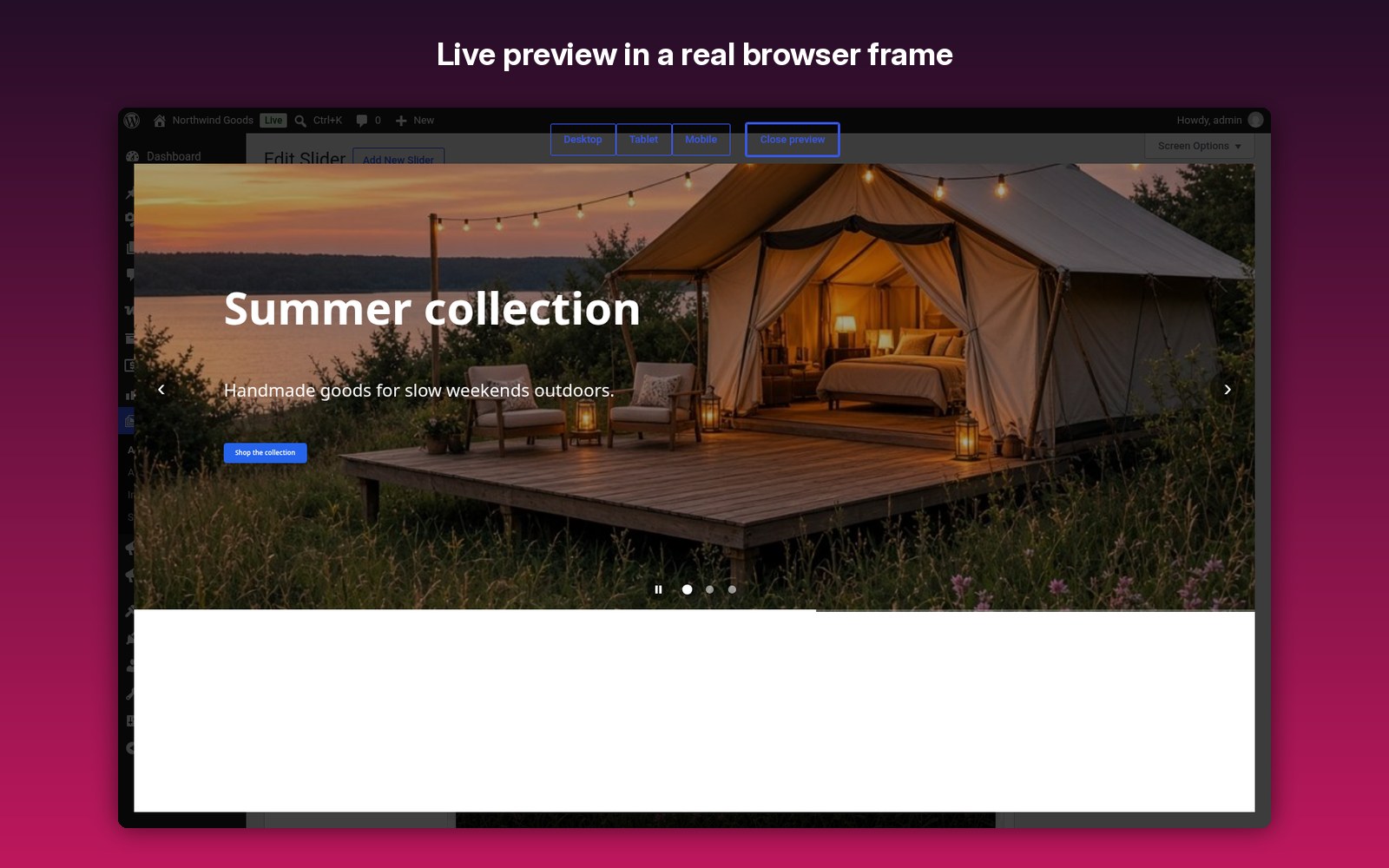
✔ Live preview
Preview in a real browser frame at each device width.
Preview in a real browser frame at each device width.
✔ Entrance animations
Fade, slide up/down/left/right and zoom, each with its own delay, duration and easing.
Fade, slide up/down/left/right and zoom, each with its own delay, duration and easing.
✔ Backgrounds
Image with focal point and optional Ken Burns zoom, video (YouTube, Vimeo or MP4), solid color or gradient, and an overlay color.
Image with focal point and optional Ken Burns zoom, video (YouTube, Vimeo or MP4), solid color or gradient, and an overlay color.
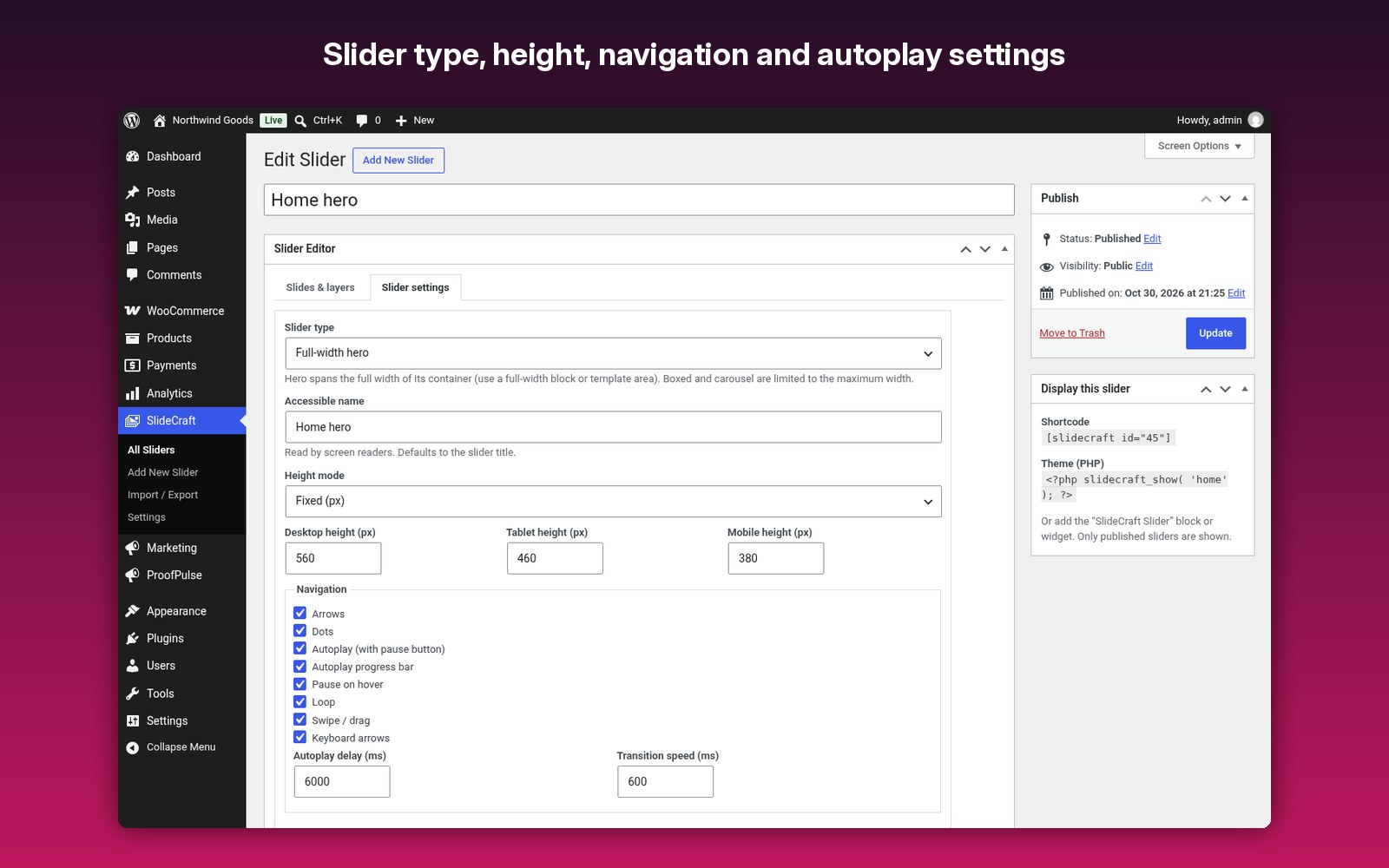
✔ Four slider types
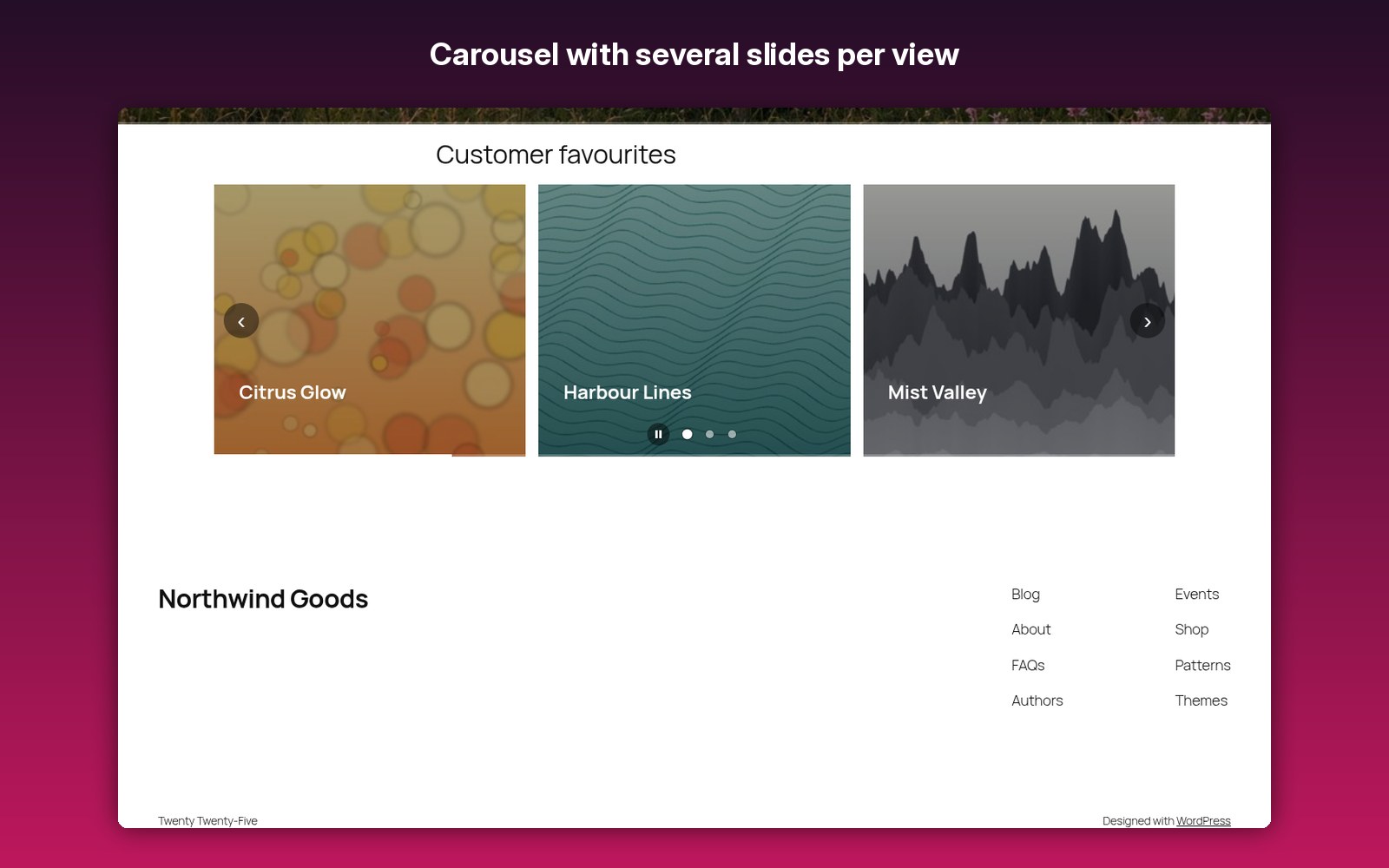
Full-width hero, boxed slider, carousel with slides per view per device, and fade slideshow.
Full-width hero, boxed slider, carousel with slides per view per device, and fade slideshow.
✔ Navigation
Arrows, dots, autoplay with progress bar, pause on hover and focus, loop, swipe/drag and keyboard.
Arrows, dots, autoplay with progress bar, pause on hover and focus, loop, swipe/drag and keyboard.
✔ Accessible
Labelled controls, a visible pause/play button, a live region, full keyboard support and reduced-motion support.
Labelled controls, a visible pause/play button, a live region, full keyboard support and reduced-motion support.
✔ Fast
First slide loads eagerly with width/height (no layout shift); the rest lazy-load with responsive srcset. Videos embed only when visible.
First slide loads eagerly with width/height (no layout shift); the rest lazy-load with responsive srcset. Videos embed only when visible.
✔ Show it anywhere
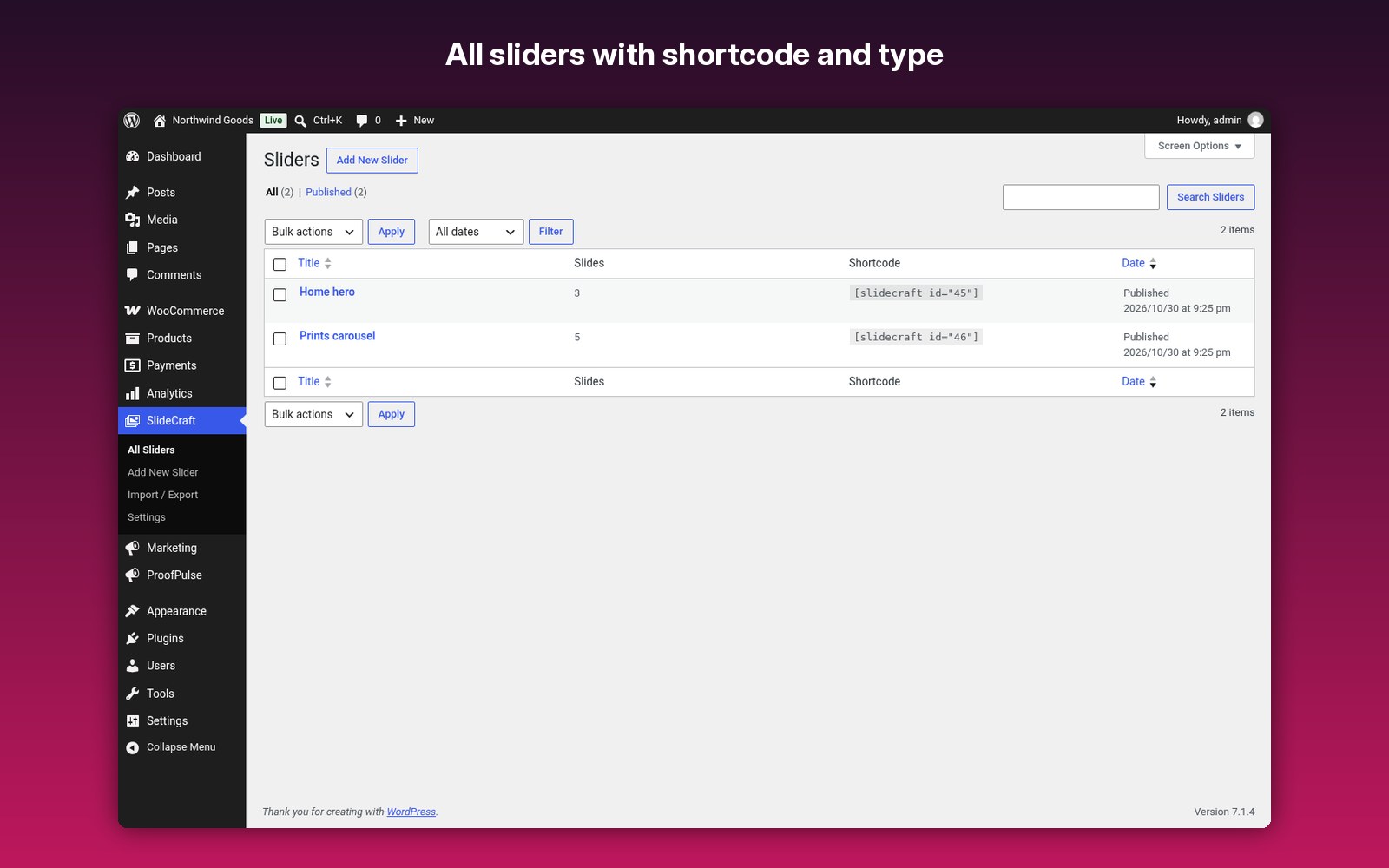
Shortcode, block, widget, or the theme API slidecraft_show().
Shortcode, block, widget, or the theme API slidecraft_show().
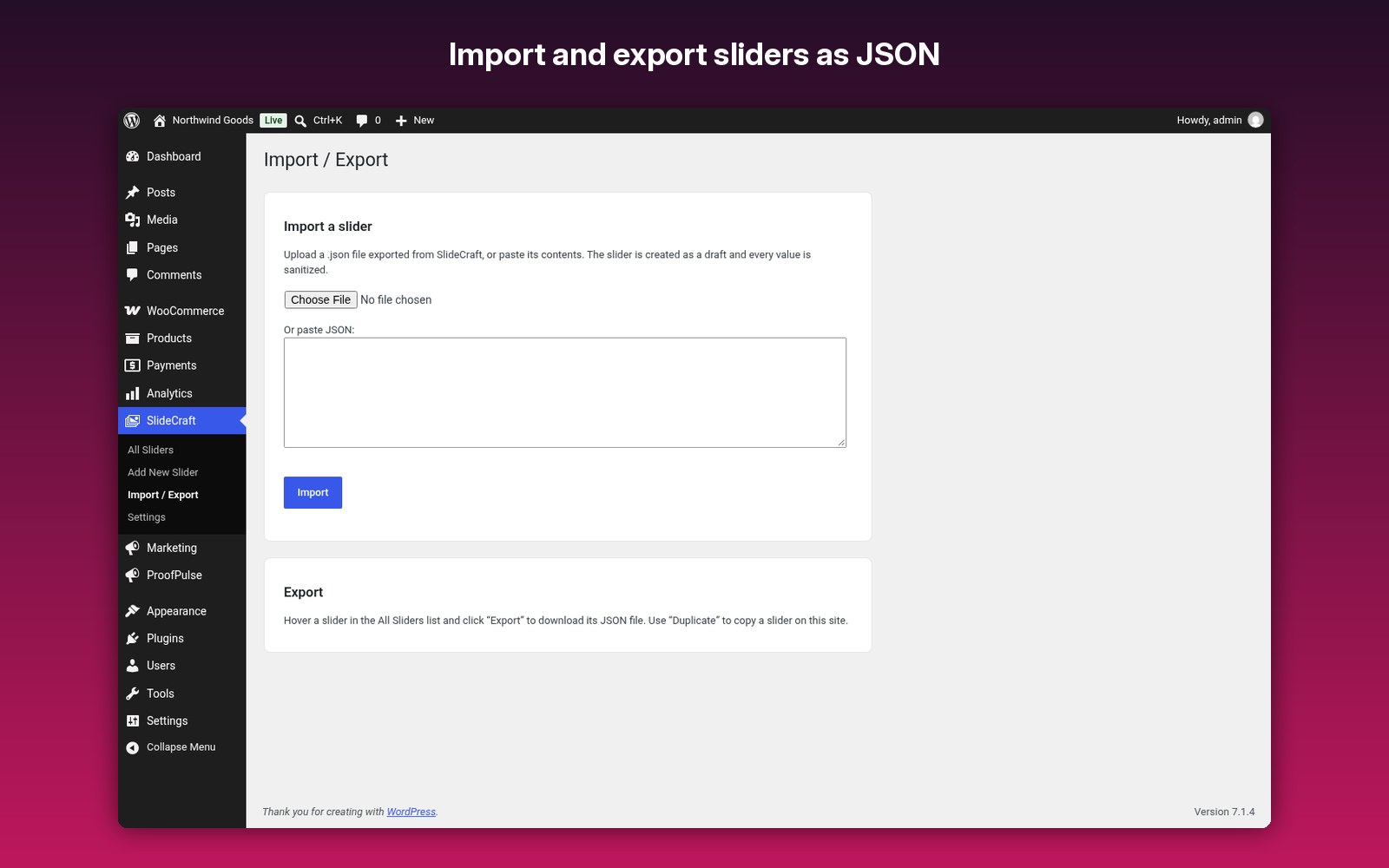
✔ Import / export
Move sliders as JSON (sanitized on import) and duplicate sliders in one click.
Move sliders as JSON (sanitized on import) and duplicate sliders in one click.
✔ Slide list
Add, duplicate, reorder by drag or arrows, and delete slides.
Add, duplicate, reorder by drag or arrows, and delete slides.
How it works
- Upload and turn it on in WordPress.
- Go to SlideCraft > Add New Slider.
- Add slides, choose backgrounds and drag layers into place.
- Adjust tablet and mobile views and check the live preview.
- Publish and show it with the block, shortcode, widget or theme API.
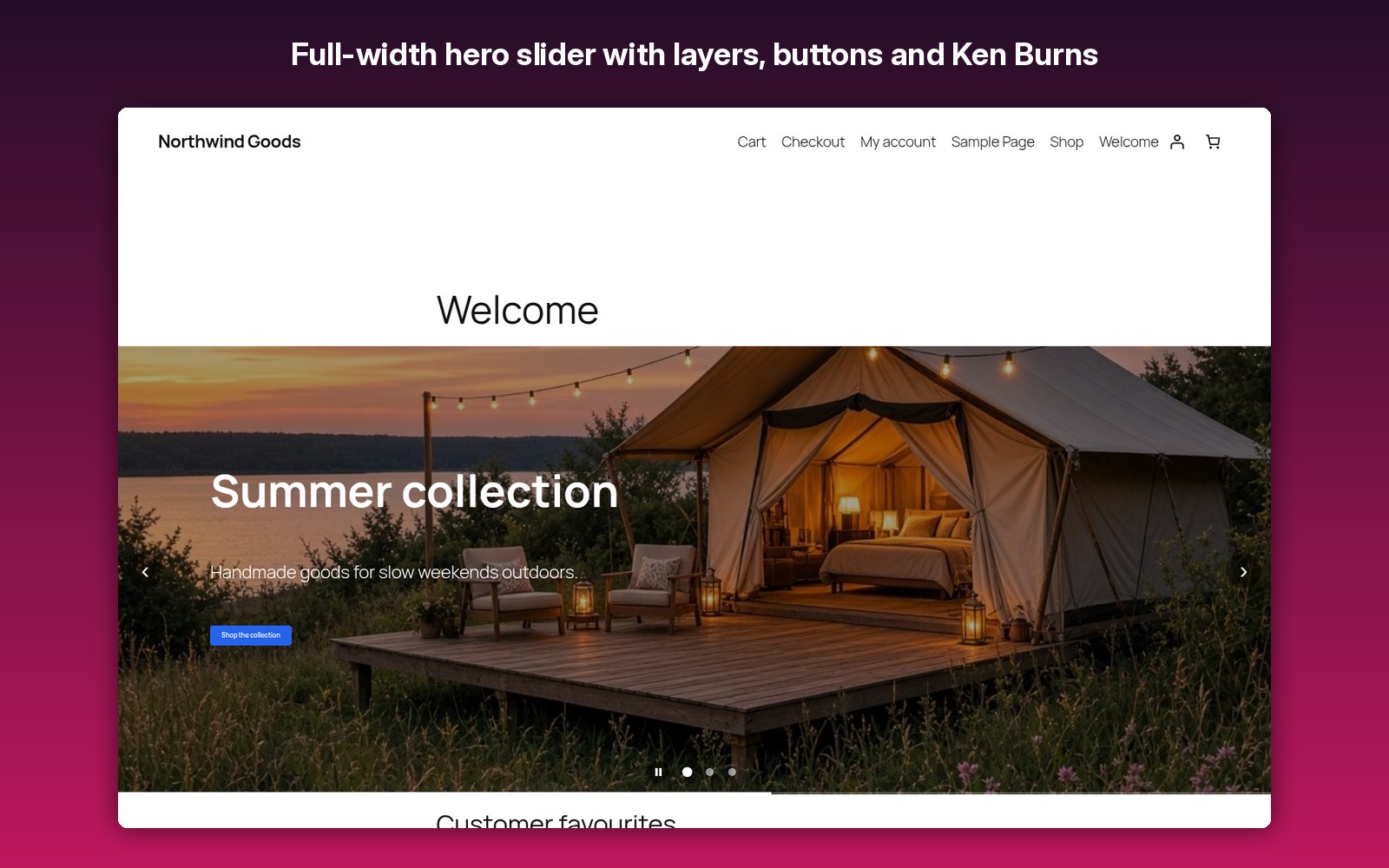
Screenshots
FAQ
What licence do I get?
Fully licensed version — use on your own sites.
Fully licensed version — use on your own sites.
Is there anything else I need to install or buy?
No. Everything is included in the one download.
No. Everything is included in the one download.
Does it need jQuery?
No. The front-end script is dependency-free vanilla JavaScript.
No. The front-end script is dependency-free vanilla JavaScript.
Why is my hero slider not full width?
The slider fills its container. Set the block to “Full width” or call slidecraft_show() outside your theme’s content wrapper.
The slider fills its container. Set the block to “Full width” or call slidecraft_show() outside your theme’s content wrapper.
Can authors add scripts to layers?
No. Layer text only allows safe inline tags such as strong, em, br, span and links.
No. Layer text only allows safe inline tags such as strong, em, br, span and links.
Does it use cookies or store visitor data?
No. Optional YouTube and Vimeo backgrounds load only when you choose them and only when that slide is visible.
No. Optional YouTube and Vimeo backgrounds load only when you choose them and only when that slide is visible.
What happens to my sliders if I remove it?
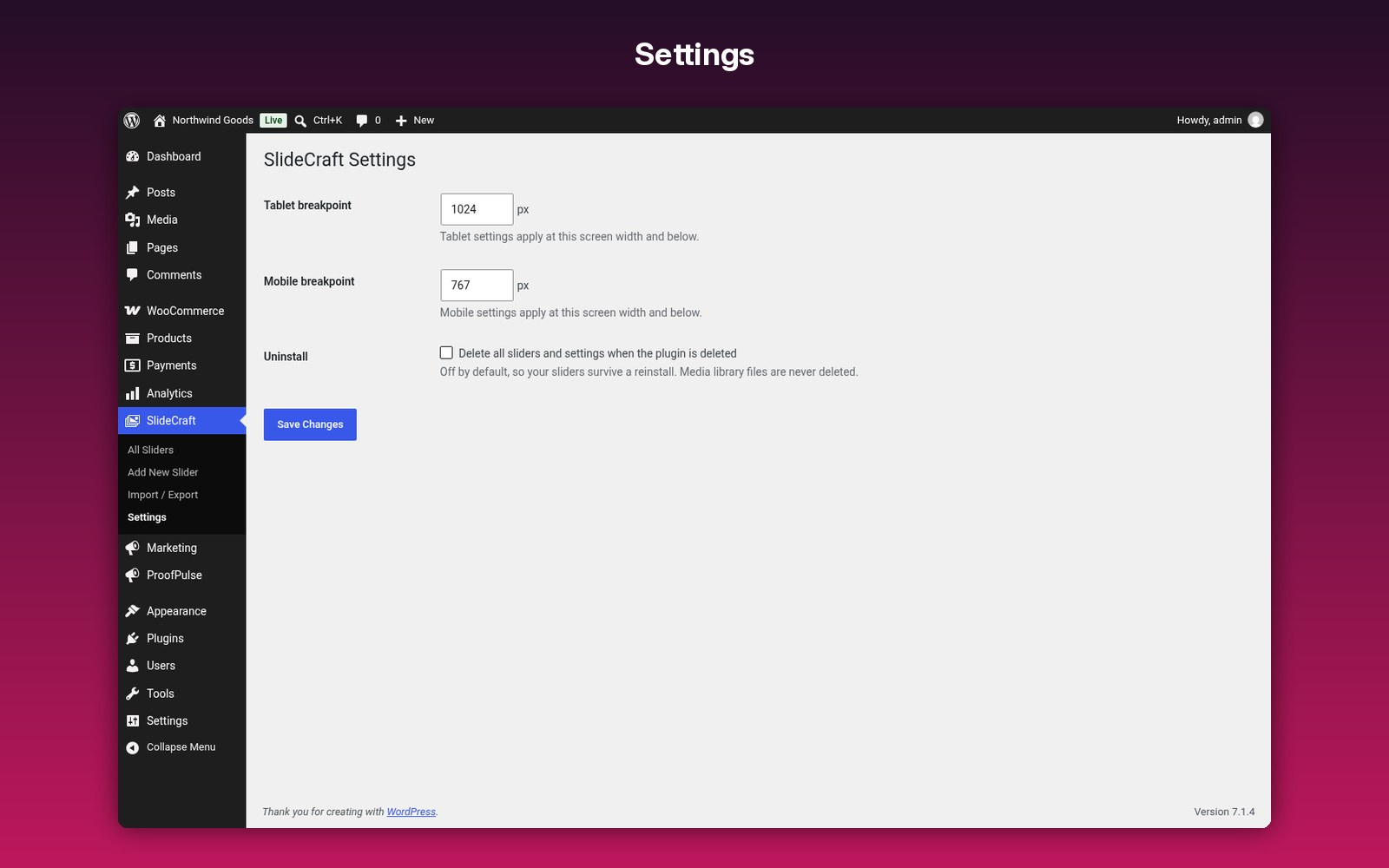
Nothing, unless you tick the “Delete all sliders and settings” option under SlideCraft > Settings.
Nothing, unless you tick the “Delete all sliders and settings” option under SlideCraft > Settings.
Documentation and support
Read the full SlideCraft documentation. For support email admin@007aj.com with your WordPress and PHP versions and the steps to repeat the problem. Never send passwords or API keys.
Beautiful sliders. Fast pages.
A visual editor with layers, animations, video backgrounds and per-device layouts, built to stay fast and accessible. Fully licensed version — use on your own sites.
$19.00